
CaptionsCaptions, made offline.
Voice to words on your own computer, free, no account, no upload. Fix any word, translate if you need to, then pick Animated templates with every effect, or Fast captions that Premiere draws itself and renders about as quickly as plain titles.
- Offline
- 54 languages
- Translate into 49
- 40 Simple styles
- 42 Customizable looks
- 12 Fast looks
- Word highlights
- Emoji
- Save as my template
- SRT in
- Editable on the timeline
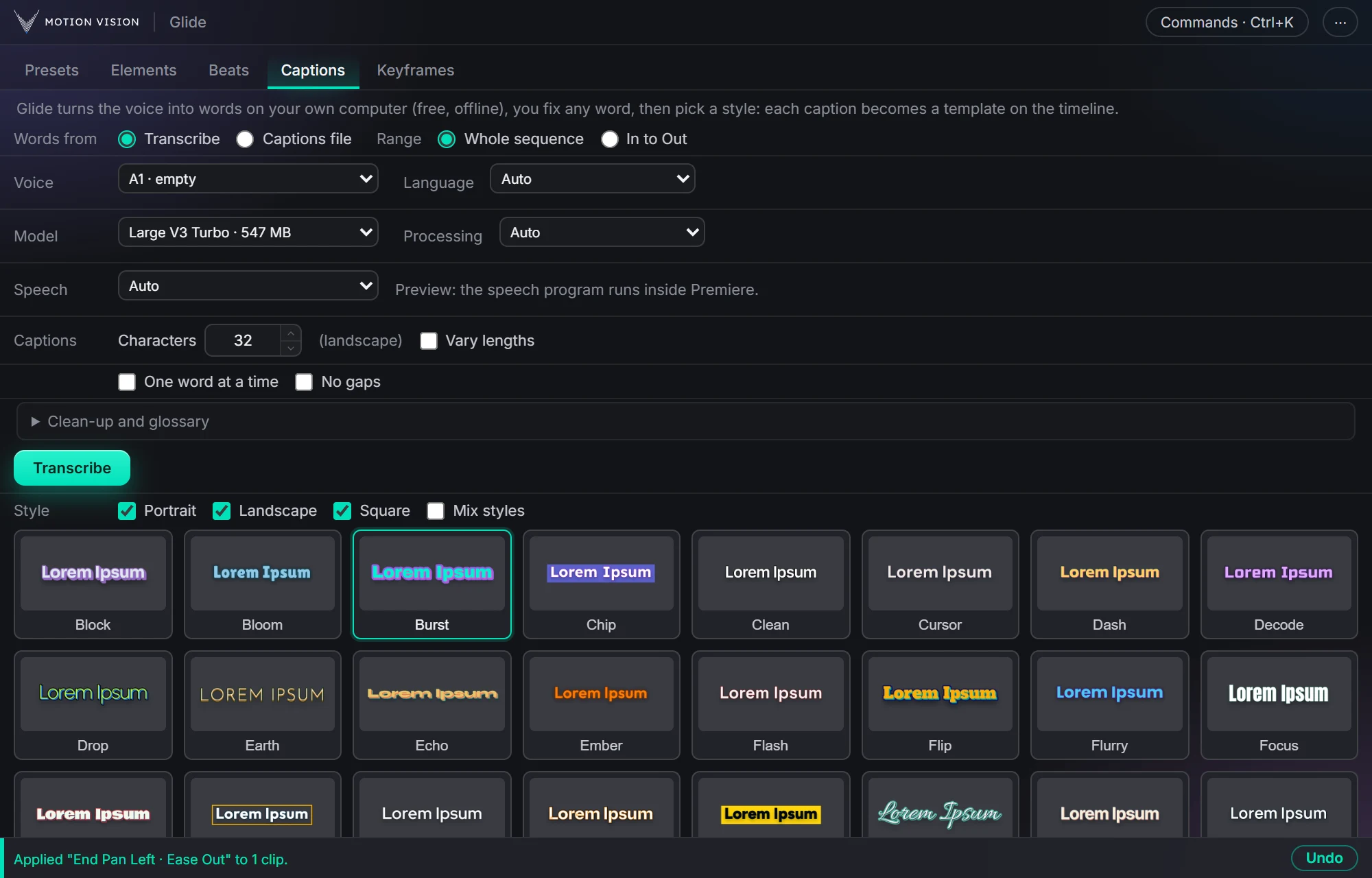
Captions writes down what is said on your PC, in 54 languages, and shows the words as a list before anything touches the timeline. Fix a word there, keep names right with a glossary, or translate the lot into one of 49 languages, still offline. Then choose Animated, Glide's own templates with 40 Simple styles and 42 Customizable looks, or Fast, 12 looks drawn by Premiere itself that render about as fast as plain titles. Either way the captions go on a track of their own, each one its own clip timed to its words, so they stay editable.
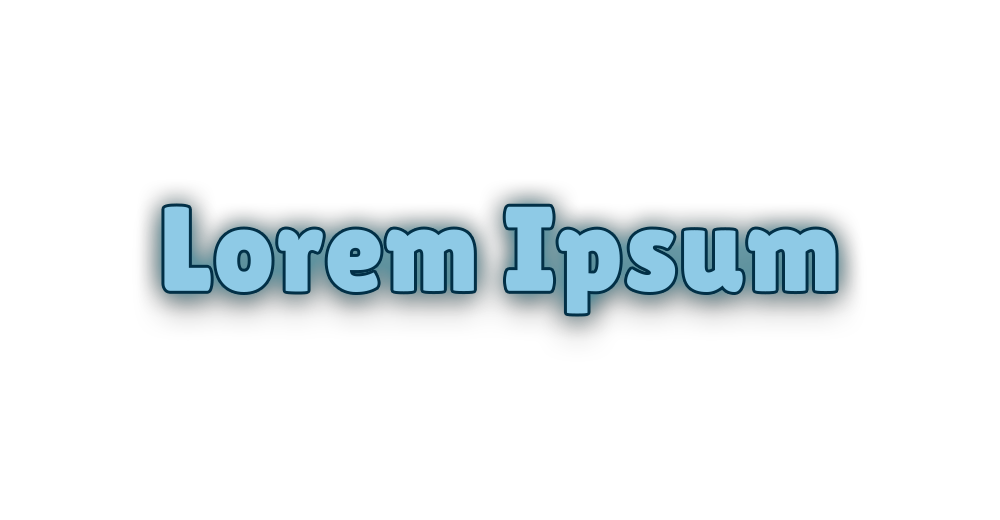
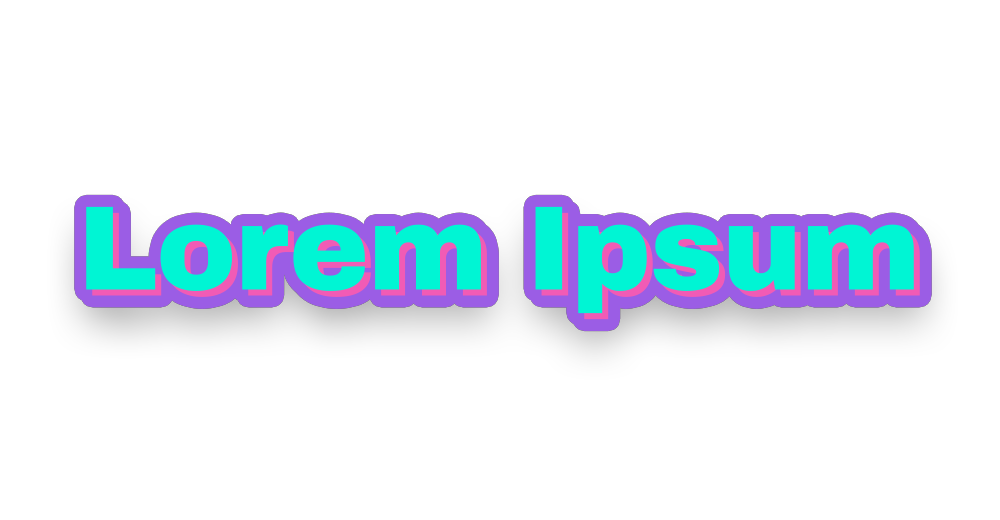
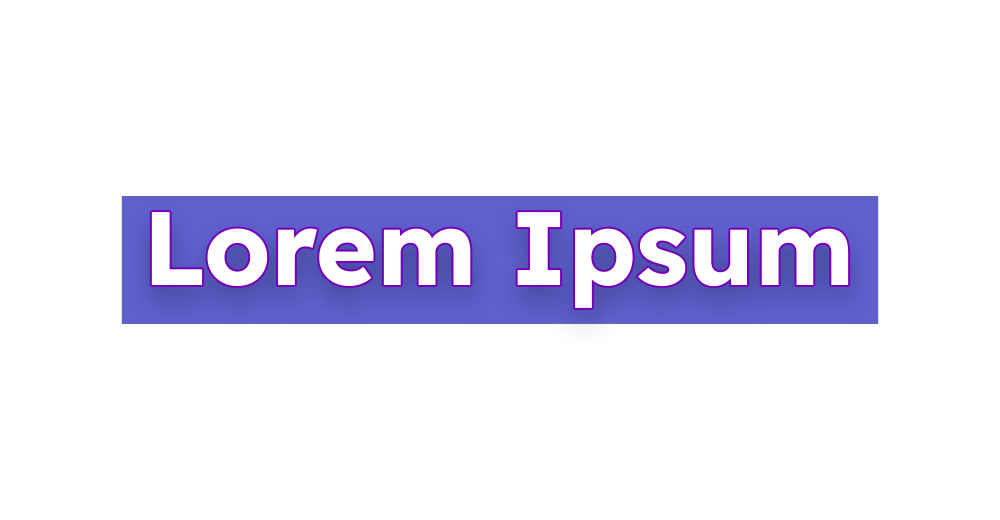
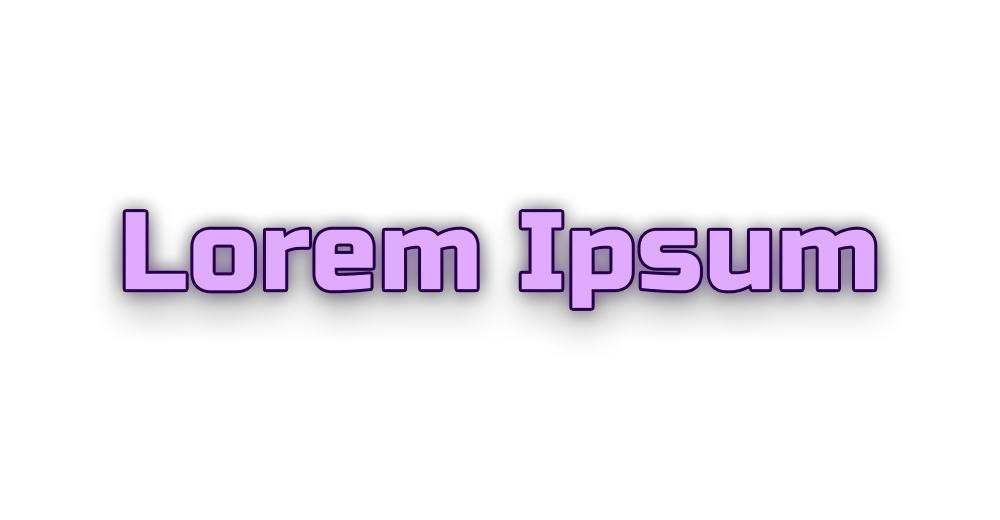
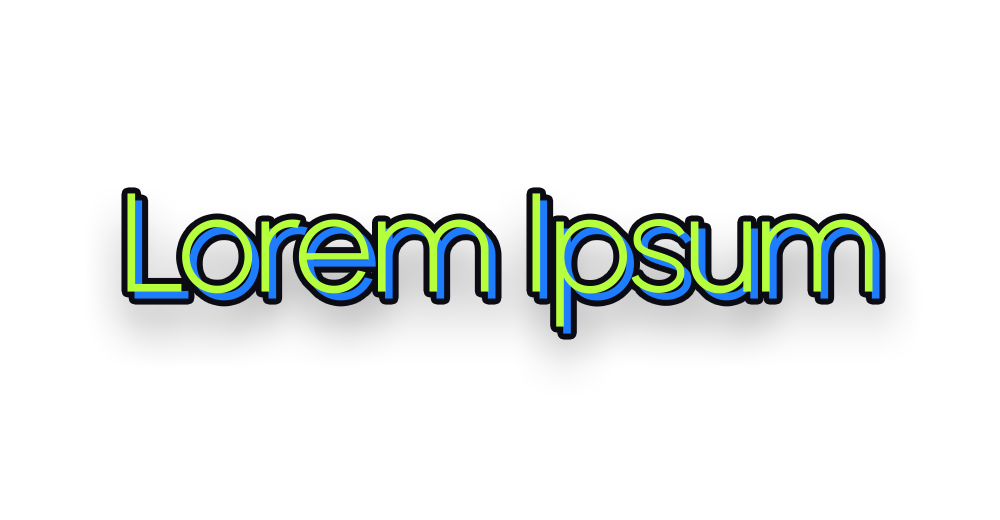
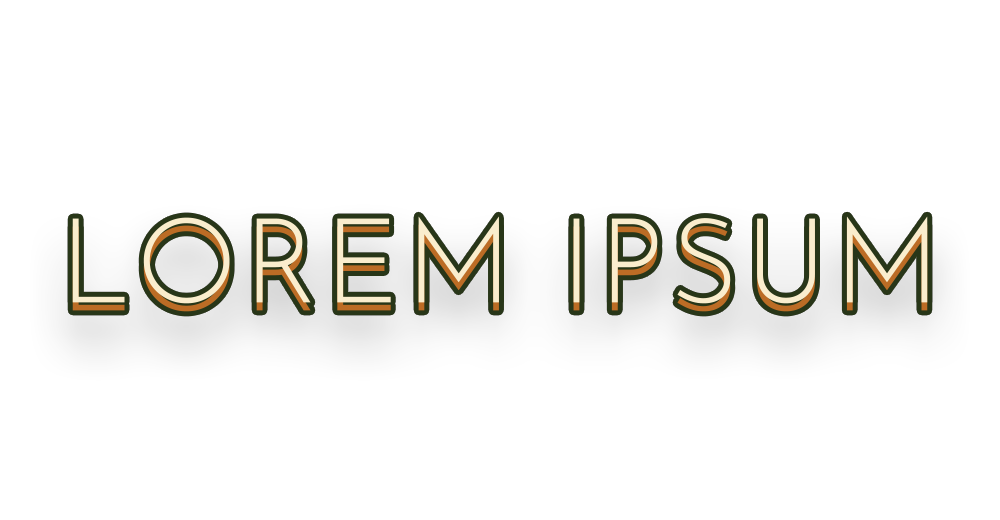
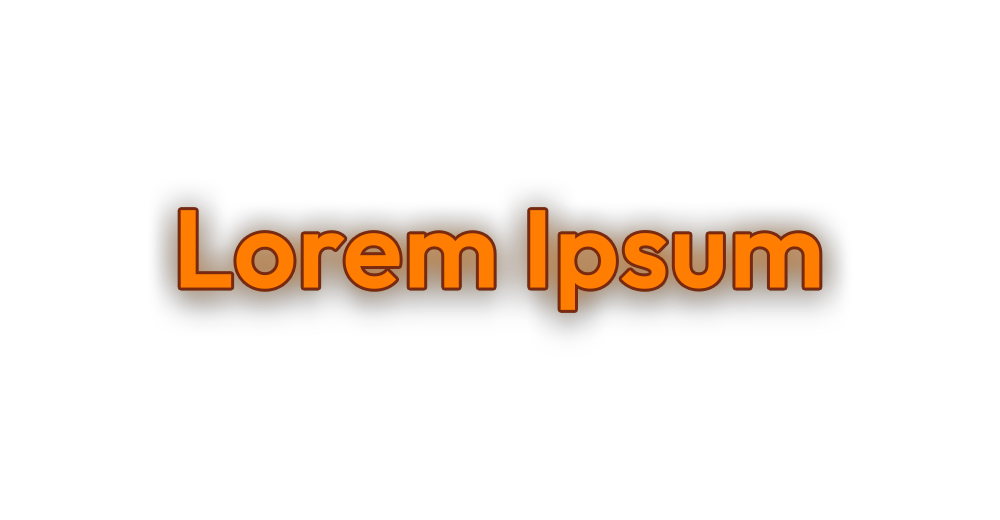
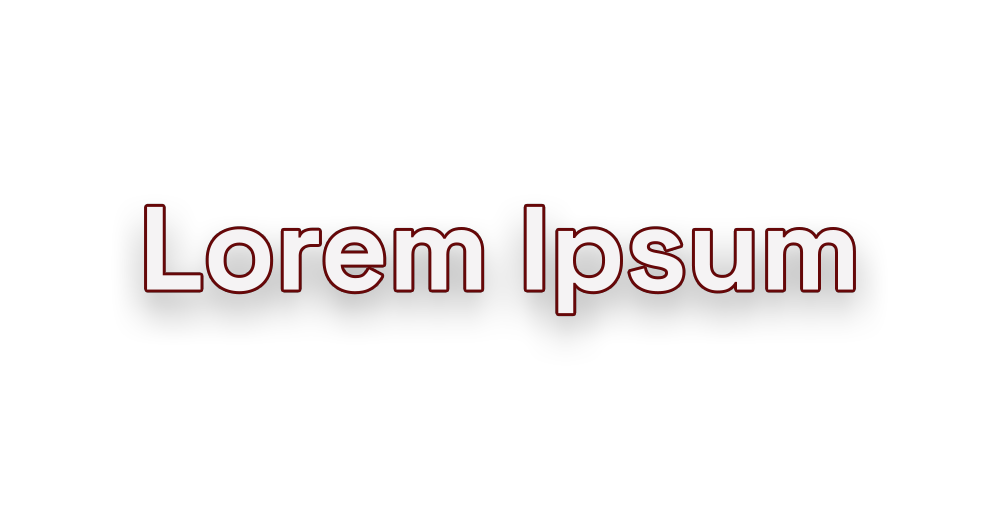
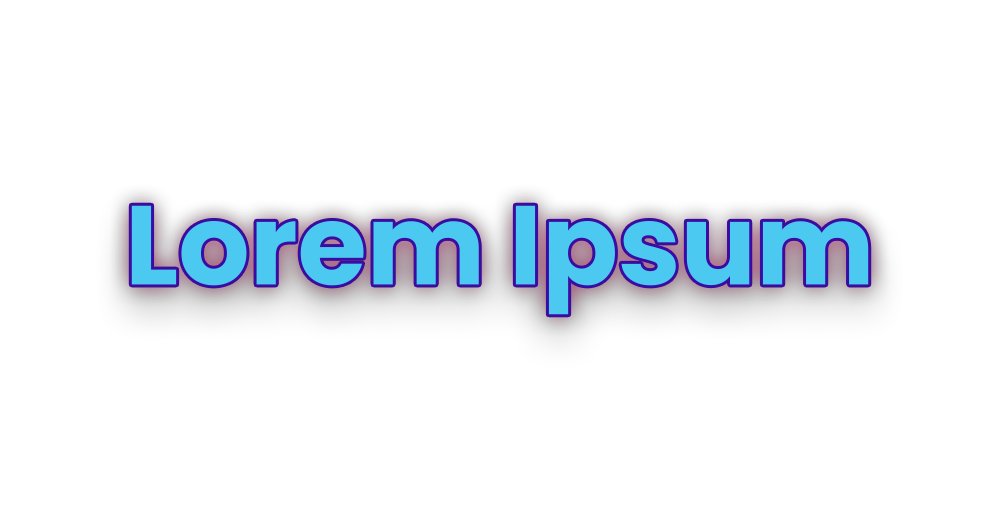
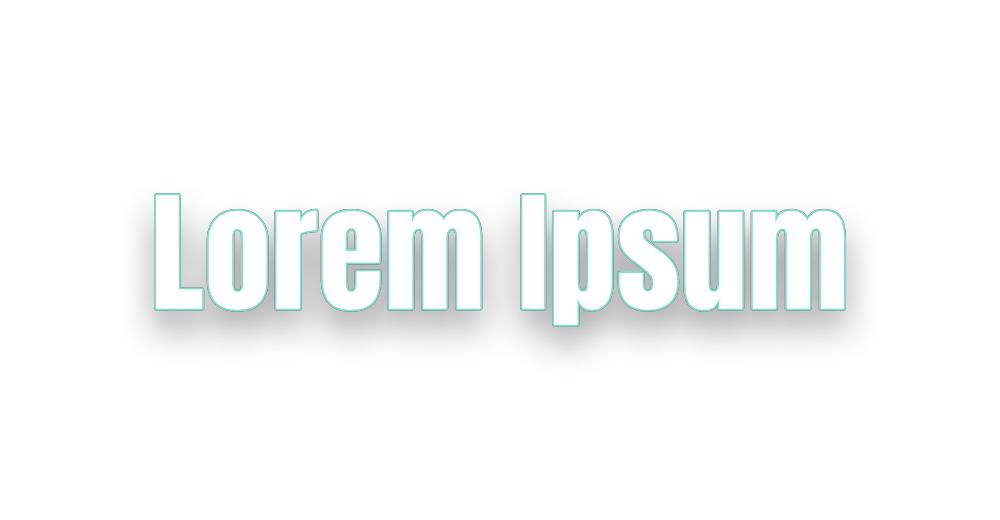
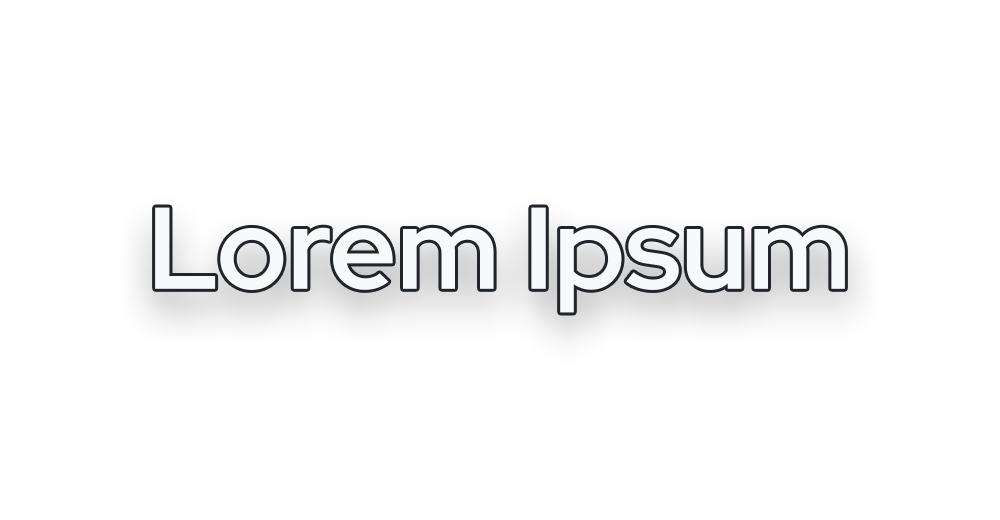
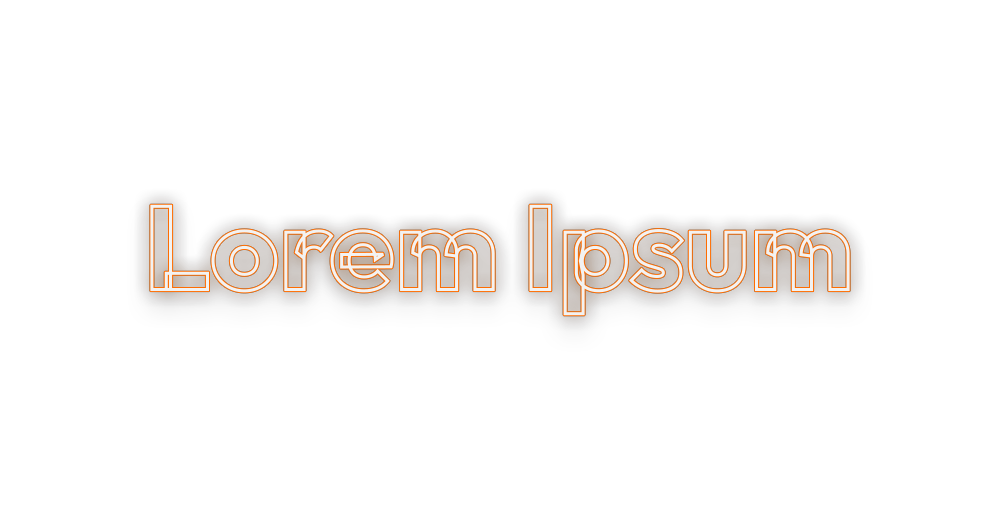
41 animated looks.
Hover a style to see it move. These are the real previews from the panel.

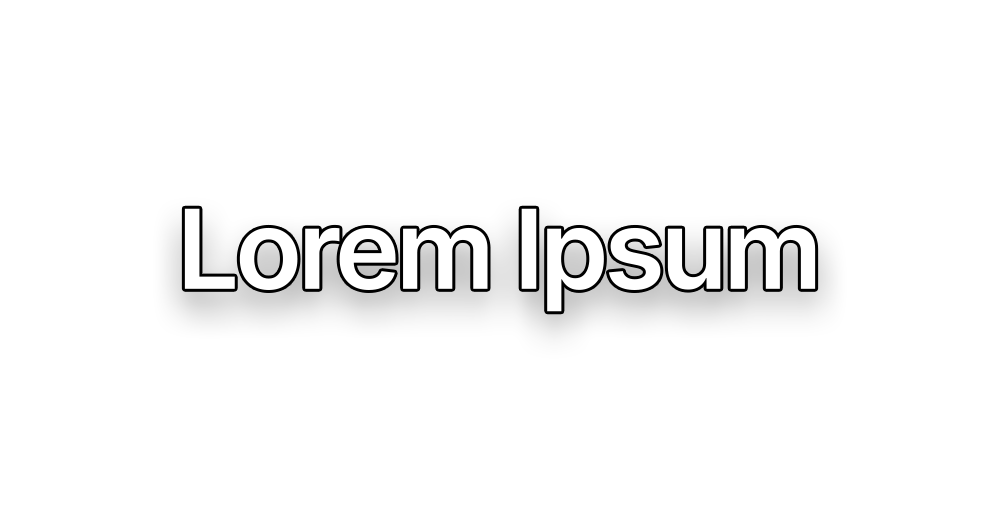
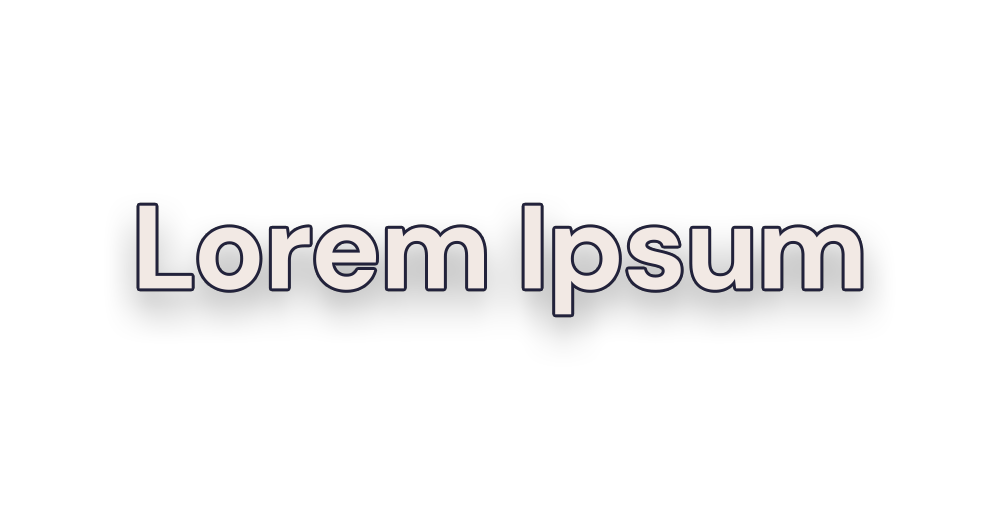
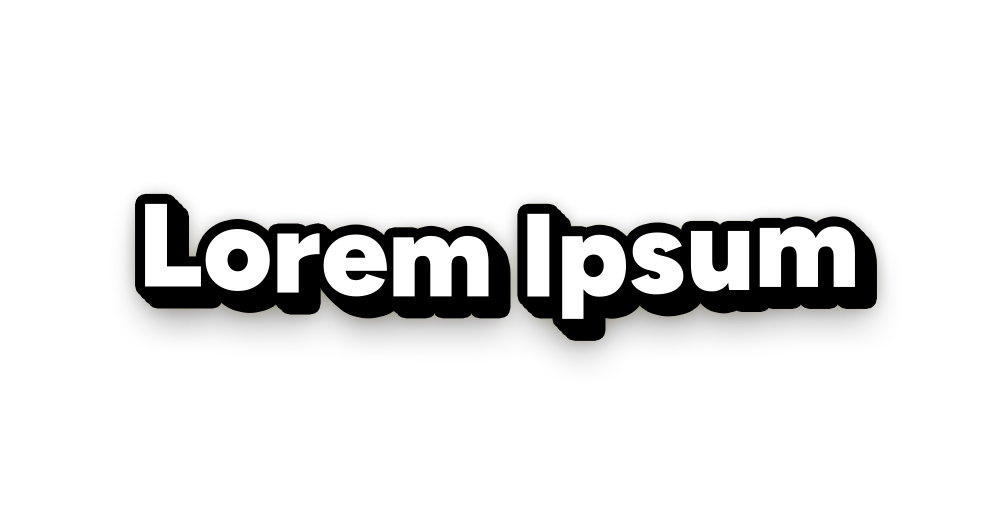
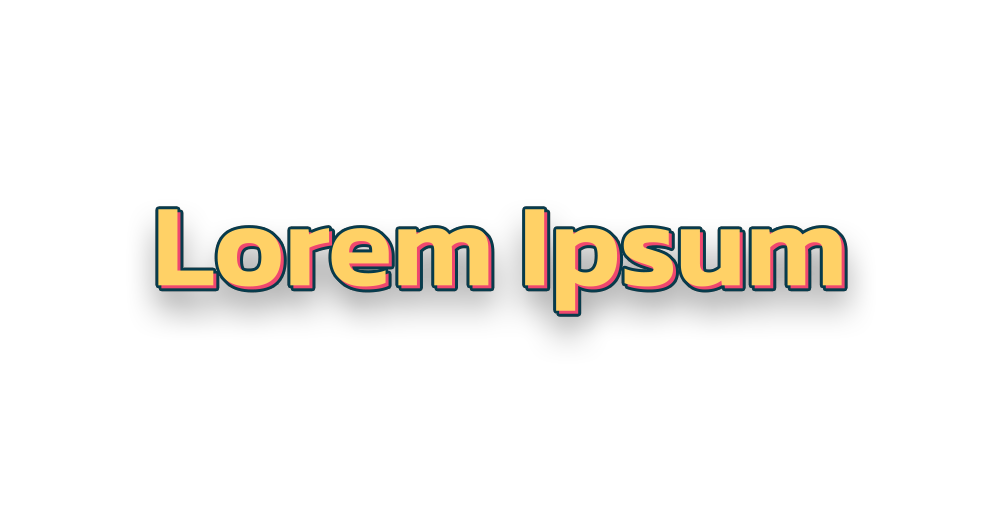




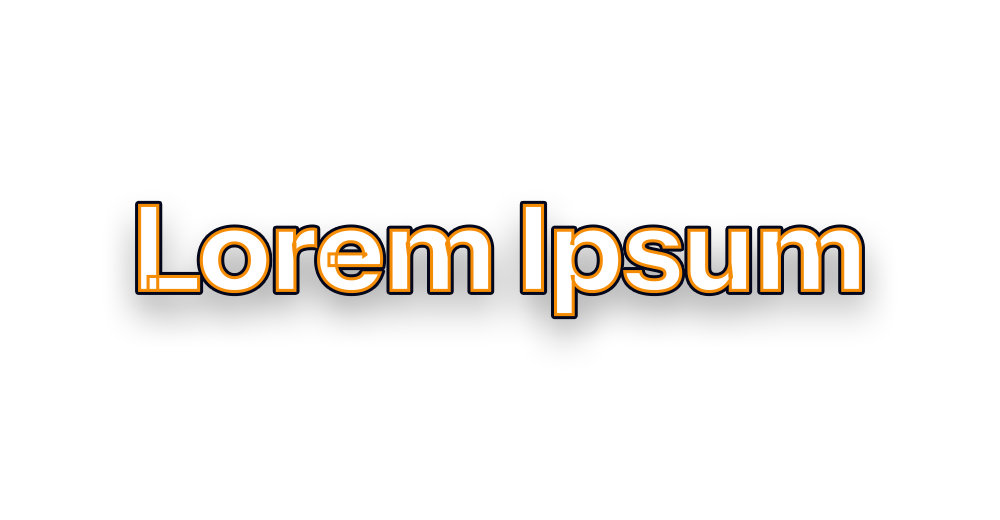

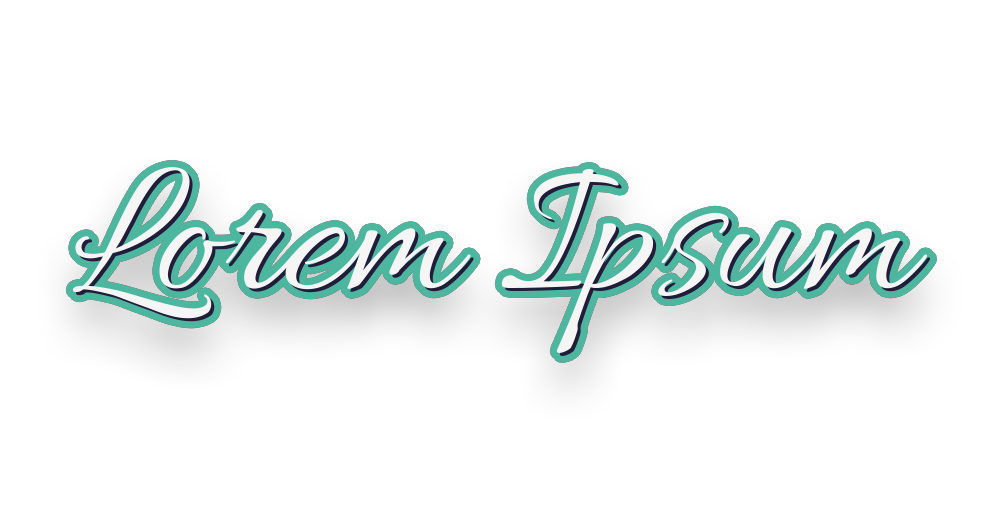
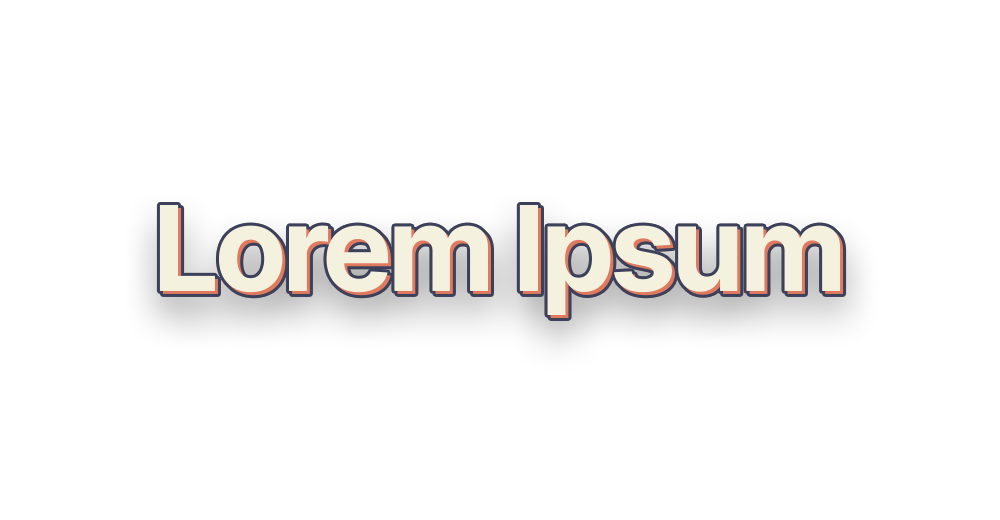
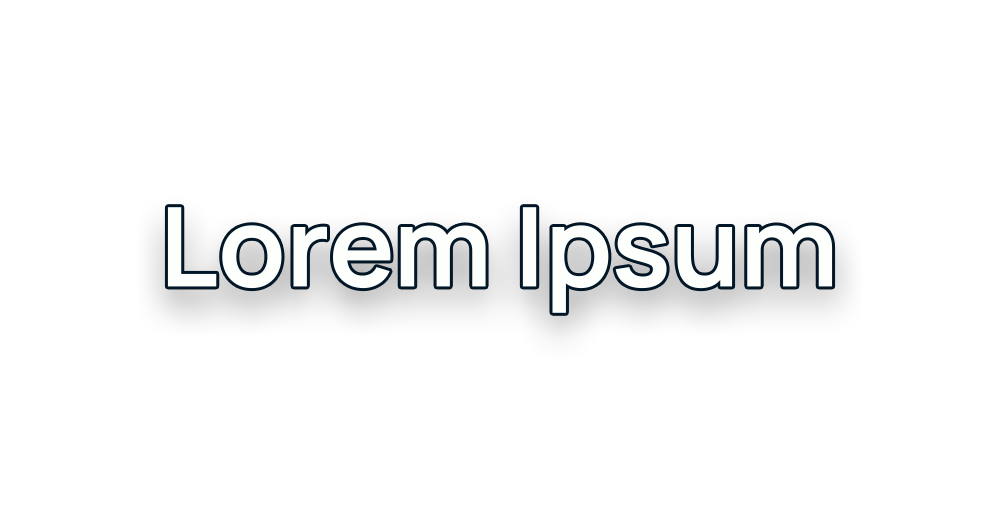
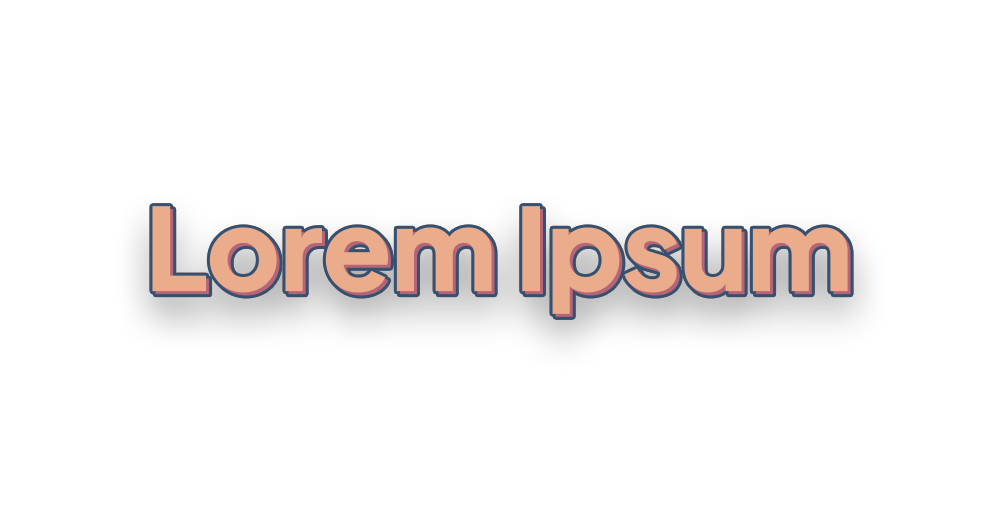

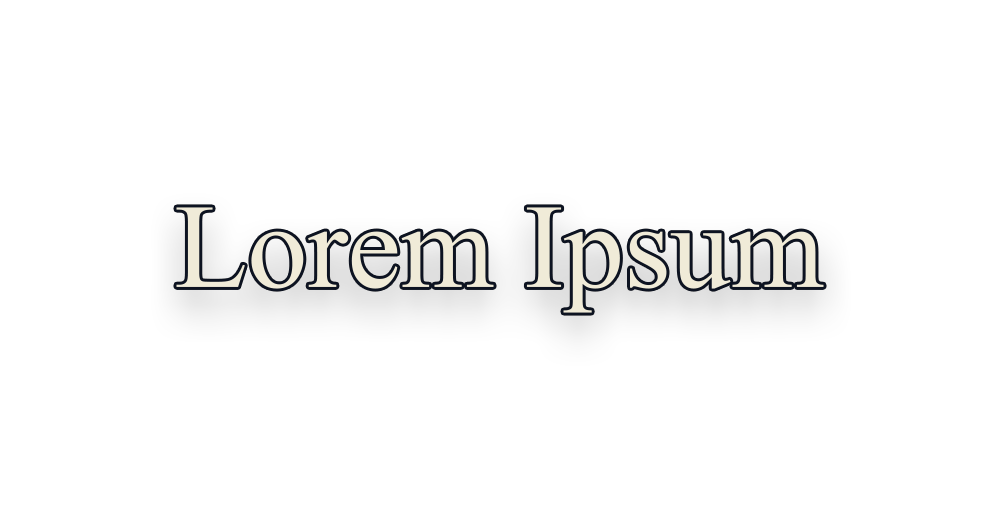
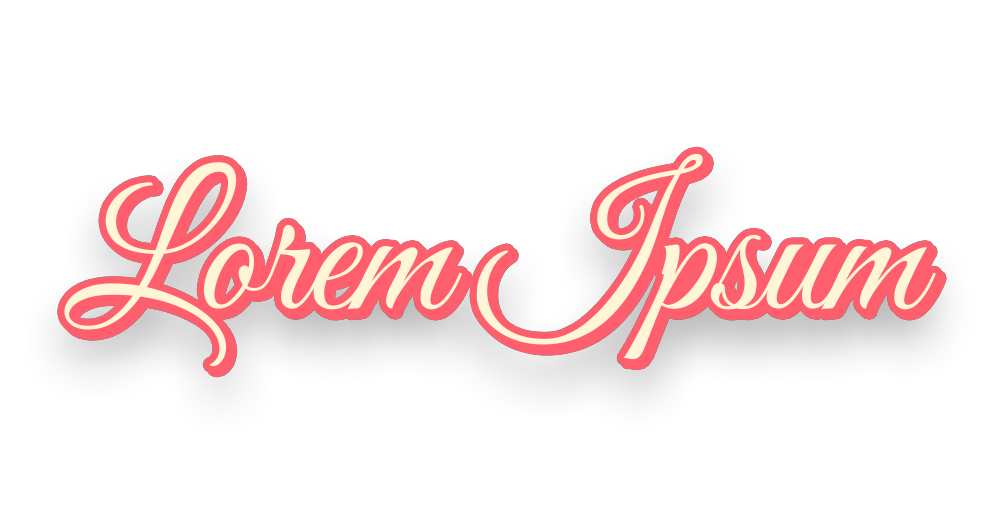
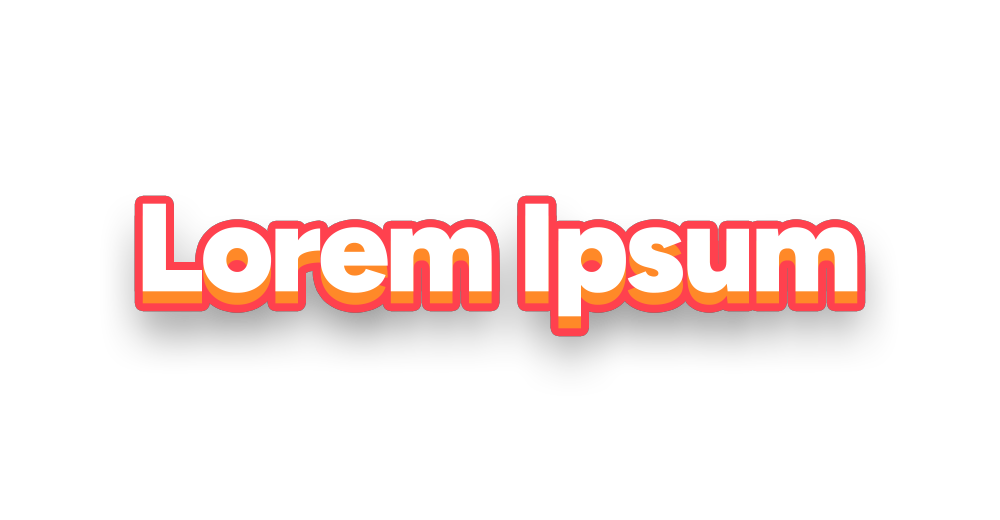
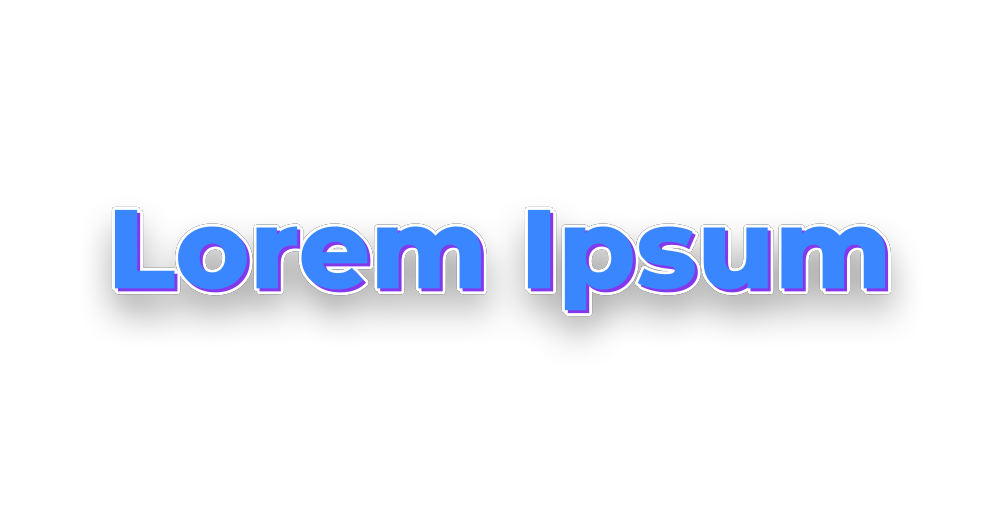
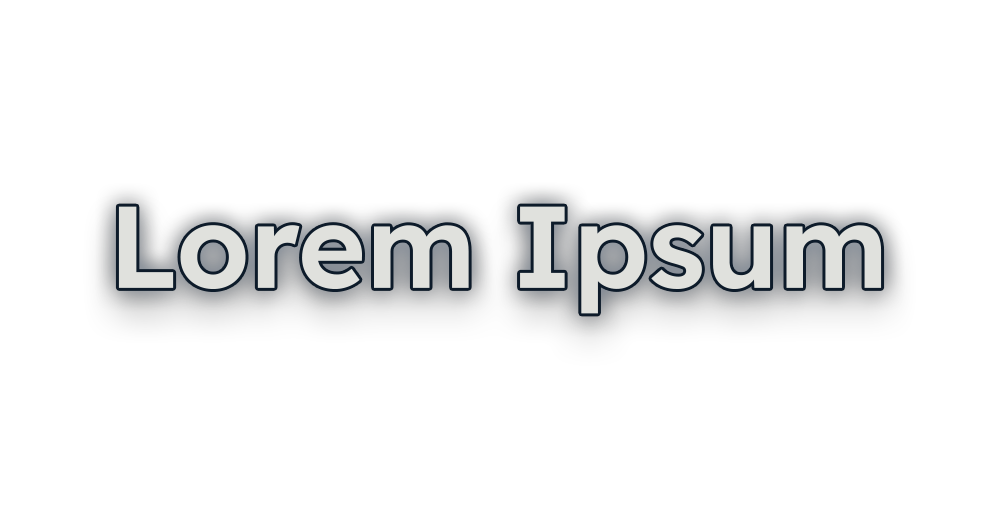
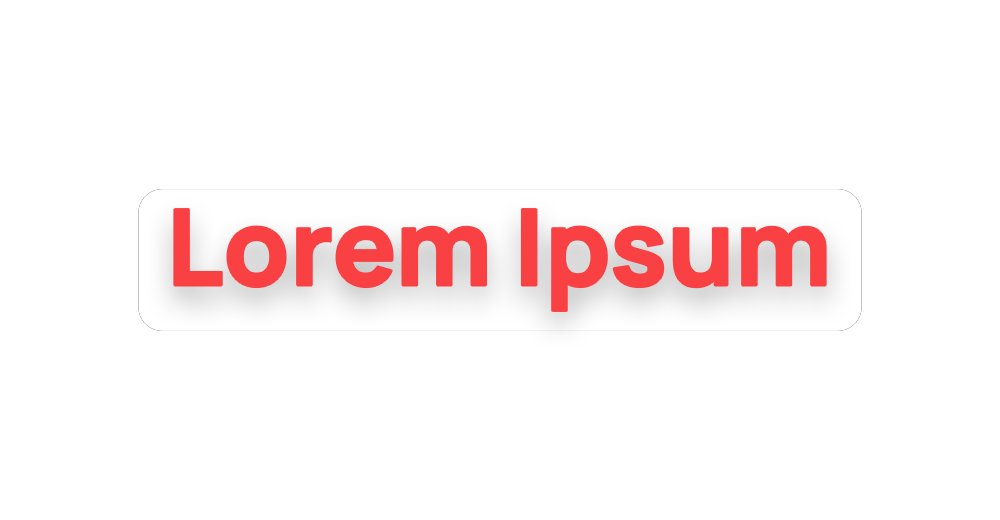
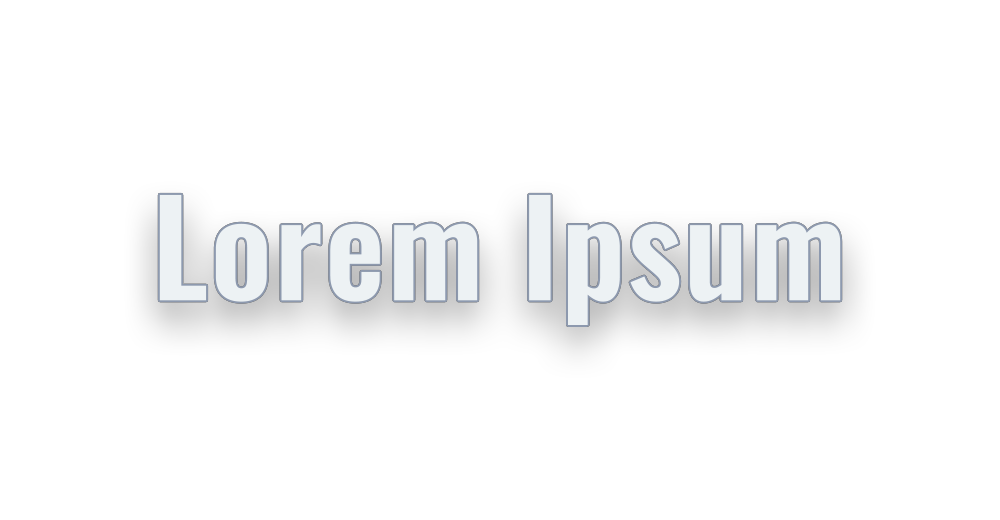


What Captions gives you.
Offline speech-to-text
54 languages or Auto, and six speech models from Tiny to Large V3, each downloaded once. Large V3 Turbo (547 MB) is the default. An NVIDIA card makes it about 20 times faster, after a one-time download of about 640 MB; it works on the CPU too.
Translate, offline too
Show the captions in any of 49 languages, translated free on your computer. Each language downloads once, about 20 to 70 MB, and words follow the voice where the word order allows.
Fix the words first
An editable list with each caption's time, a clean-up and glossary section, and lines the speech program made up over silence left out by themselves. Or start from an SRT, VTT or CSV file.
Animated: 82 looks
40 Simple styles, finished designs such as Burst, Slam and Silk, and 42 Customizable looks where you change every part: colours, the way in and out, outline, glow, box.
Fast: 12 looks by Premiere
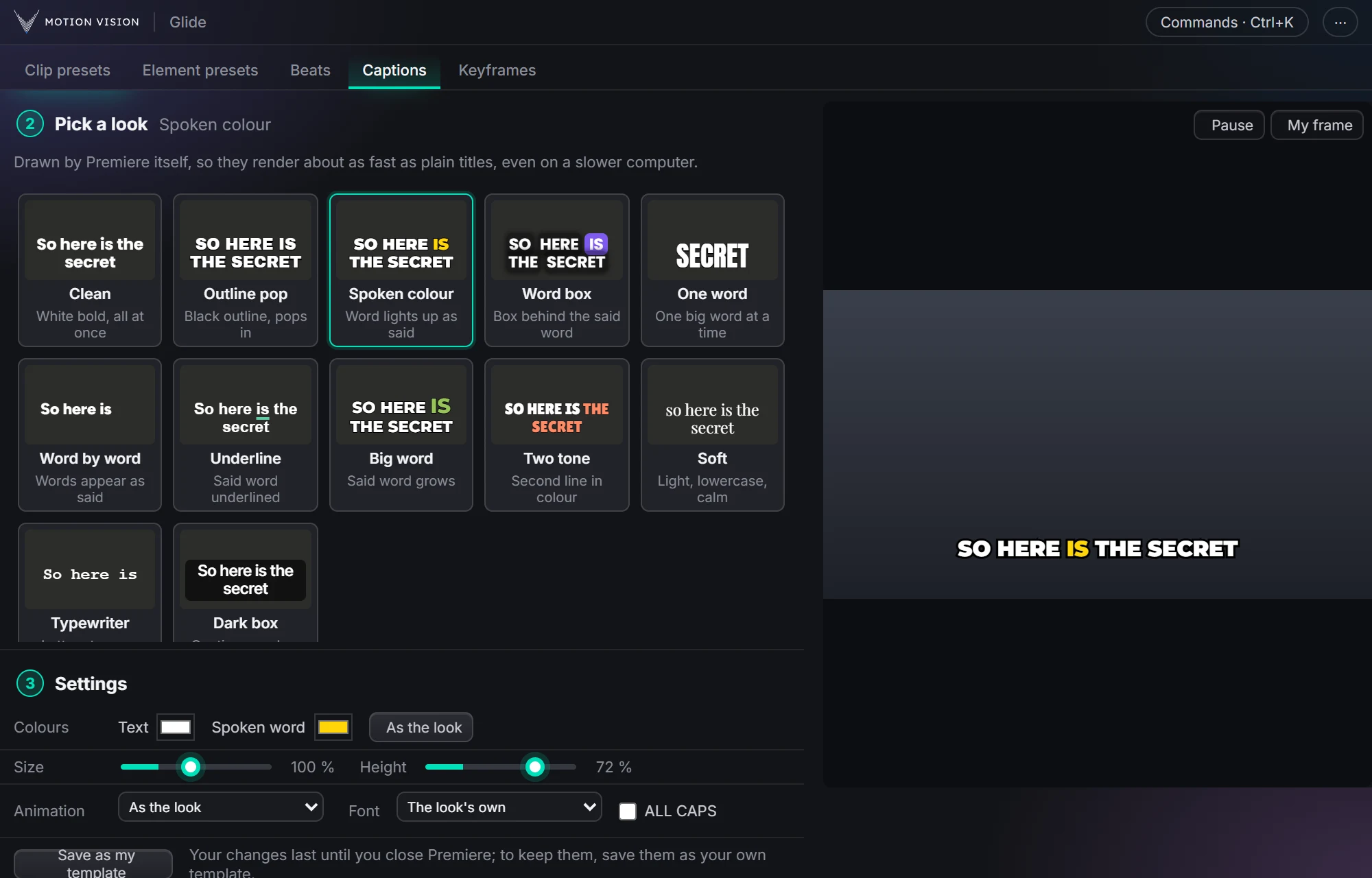
Clean, Spoken colour, Word box, One word and eight more, drawn by Premiere itself, with a live preview. They render about as fast as plain titles, even on a slower computer.
Your own templates
Save as my template keeps a look with all its settings under your name, for Animated and Fast. Changes you don't save go when you close Premiere (in Animated, also when you pick another template); each time it opens, templates start from their own settings.
Getting the words right.
The first step is the same for Animated and Fast.
Words from
Transcribe the voice track, or load a captions file: SRT, VTT and CSV keep their own times, and Premiere's transcript is cut into captions. Choose the file or drop it on the panel.
Voice and range
Glide hears only the track you pick; music on other tracks is muted while it listens. The whole sequence, or only In to Out.
Pacing
Speech sets how long a pause starts a new caption: Auto, Podcast, Monologue or Fast-paced. Then the most letters per caption, Vary lengths with a seed, One word at a time and No gaps.
Clean-up and glossary
Remove punctuation or line breaks. A wrong → right glossary fixes names and brand words in every caption, and the speech program is given the right spellings before it listens. Import and export it as a text file.
Made-up lines left out
Sentences the speech program invents over silence and its credit lines are dropped by themselves, and a phrase it gets stuck repeating is kept once. Repeats people really say stay.
The list
Every caption with its time: click the time to jump there, fix any word, type | for a new line, leave out a caption or its emoji. Change a setting after fixing words and Re-make captions shows, so your fixes are never lost without asking.
Heard in 54, written in 49.
Language and model
Auto finds the language; picking it is a little faster. Six models from Tiny (31 MB) to Large V3 (1.0 GB): bigger ones hear better and take longer. Processing on Auto, GPU (NVIDIA) or CPU.
Translate to
49 languages, free and offline, each sentence keeping its time. Where both languages say the words in the same order, each word lights up when the word it came from is said. Off brings back the words as said.
Other alphabets
Right-to-left punctuation stays in place, Japanese, Chinese and Thai are split into real words, and a font that has the letters steps in. ALL CAPS follows the language.
82 looks you can shape.
Glide's own caption templates, with every effect. Simple styles are finished designs; Customizable looks let you change every part.
Pick a template
All, Simple, Customizable or Mine. Size picks the portrait, landscape or square version, or Auto for the one that fits. Add your own .mogrt files, or Mix styles to take turns between Simple styles.
Preview with My frame
A moving preview of the chosen template; a Customizable one follows your settings as you change them. My frame puts the frame at the playhead behind it.
Text, colours, font
One to three lines, ALL CAPS and any font on this computer. Customizable looks add Text, Outline and Accent colours, slant and spacing.
Caption animation
Customizable looks have 22 ways in with 8 feels, 11 ways out and 16 motions while on screen; Simple styles can zoom or wiggle on screen. Either way, a speed or No animation.
Position
Click or drag on a picture of the frame, with a safe edge kept, type X and Y, or Top, Middle, Bottom. As the template keeps its own spot.
Save as my template
Keeps the template and everything under Style under your own name, up to 100, shown under Mine. Changes you don't save last until you pick another template or close Premiere.
Words that land as they're said.
Words as they're said
Each word pops, slides up or fades in the moment it is spoken, or shows faded until said. Mix them as you like.
Spoken word highlight
The word being said changes colour, gets a box that slides from word to word, an underline, or grows big. The mark can stay once said, so the line fills up.
Key word highlight
One word per caption, a number, money or its main word, shown bigger in a key colour. Customizable looks can draw a mark on it: underline, circle, marker, squiggle, sticker and more.
Box, outline, glow
A see-through box behind the captions. Customizable looks add outline, shadow, depth, glow, gradient, shine, colour split and six box shapes.
Emoji
A colour emoji pops in above a caption when a word like money, fire or idea is said: at most one per caption, from 137 pictures, on its own track.
Twelve looks drawn by Premiere.
Fast captions are made from Premiere's own caption template, so they render about as fast as plain titles, even on a slower computer. The words come from the same first step; the looks and settings are their own.
The looks
Clean, Outline pop, Spoken colour, Word box, One word, Word by word, Underline, Big word, Two tone, Soft, Typewriter, Dark box.
Live preview
Plays your first caption the way Premiere will draw it, and changes with every setting or word fix. My frame shows your own footage behind it.
Settings
Text and spoken-word colours, one to three lines, size from 50 to 160 %, height, the way in (Pop, Fade, Slide up or None), the look's own font or one of 15 others, ALL CAPS.
Save as my template
Keeps the look with your colours, lines, size, height, way in, font and ALL CAPS under a name. Your templates come first, under Mine.
Add and remove
Every caption goes on a new track or an empty one you choose, each its own clip you can still change in Premiere. Adding again on that track replaces Glide's earlier fast captions there; Remove takes off only those.
Place, restyle, retime.
These tools are for Animated captions; Fast captions have their own Add and Remove.
Add, update, remove
Add captions puts each caption on its own clip on a new or chosen track. Update captions brings in fixed words and looks and keeps the times. Remove captions takes them off.
Also a captions track
Makes Premiere's own captions track from the same words too, for YouTube subtitles.
Restyle
Replace selected or Replace all with another template or the mix, Set font, or Copy look from one caption as you set it in Premiere and Paste look on others.
Timing
Close gaps, Set speed, Set motion and Set position. Shift every caption by a number of frames; Lengthen short ones without running into the next.
Fix everywhere
A wrong word becomes the right one in every caption on the track and in the list, matching each caption's capitals.
Three steps.
Get the words
Pick the voice track and press Transcribe, or load a captions file. Translate if you need to.
Fix them
Correct any word in the list; the glossary keeps names right every time.
Pick a look and add
Animated or Fast, a template and its settings, then Add. Each caption lands on its own clip, timed to the words.
Questions about Captions.
Does it need the internet or an account?
No account, and nothing is uploaded. The speech program and model download once, on first use, and each translation language the first time you pick it. After that it all runs offline.
Which languages?
Transcription hears 54 languages, or finds the language itself with Auto. Translation shows the captions in 49. Right-to-left languages such as Arabic and Hebrew keep their punctuation in place. Translating needs a Premiere newer than 2022.
Animated or Fast?
Animated has every effect: 82 looks, word highlights, key-word marks, emoji and boxes, but takes longer to render. Fast has 12 looks drawn by Premiere itself and fewer settings, and renders about as fast as plain titles, which helps on long videos or a slower computer.
Can I edit a caption afterwards?
Yes. Each caption is its own clip you can change in Premiere's Properties or Essential Graphics panel. For Animated captions Glide also has Update, Replace, Copy look, Shift and Lengthen.
Are my changes kept for next time?
Only if you save them. Template settings last until you close Premiere, and in Animated until you pick another template; each time Premiere opens, they start from the template's own again. Save as my template keeps a look with all its settings, for Animated and Fast. The Words settings and Place on are remembered.
Can I bring my own subtitles?
Yes. Load an SRT, VTT or CSV file, or Premiere's own transcript, instead of transcribing, and use the same looks.
What if a style's font is missing?
Its tile shows an Aa mark and Install caption fonts appears. It adds Glide's 33 free caption fonts for your Windows account, no administrator needed; Premiere sees them after a restart.
The rest of the panel.
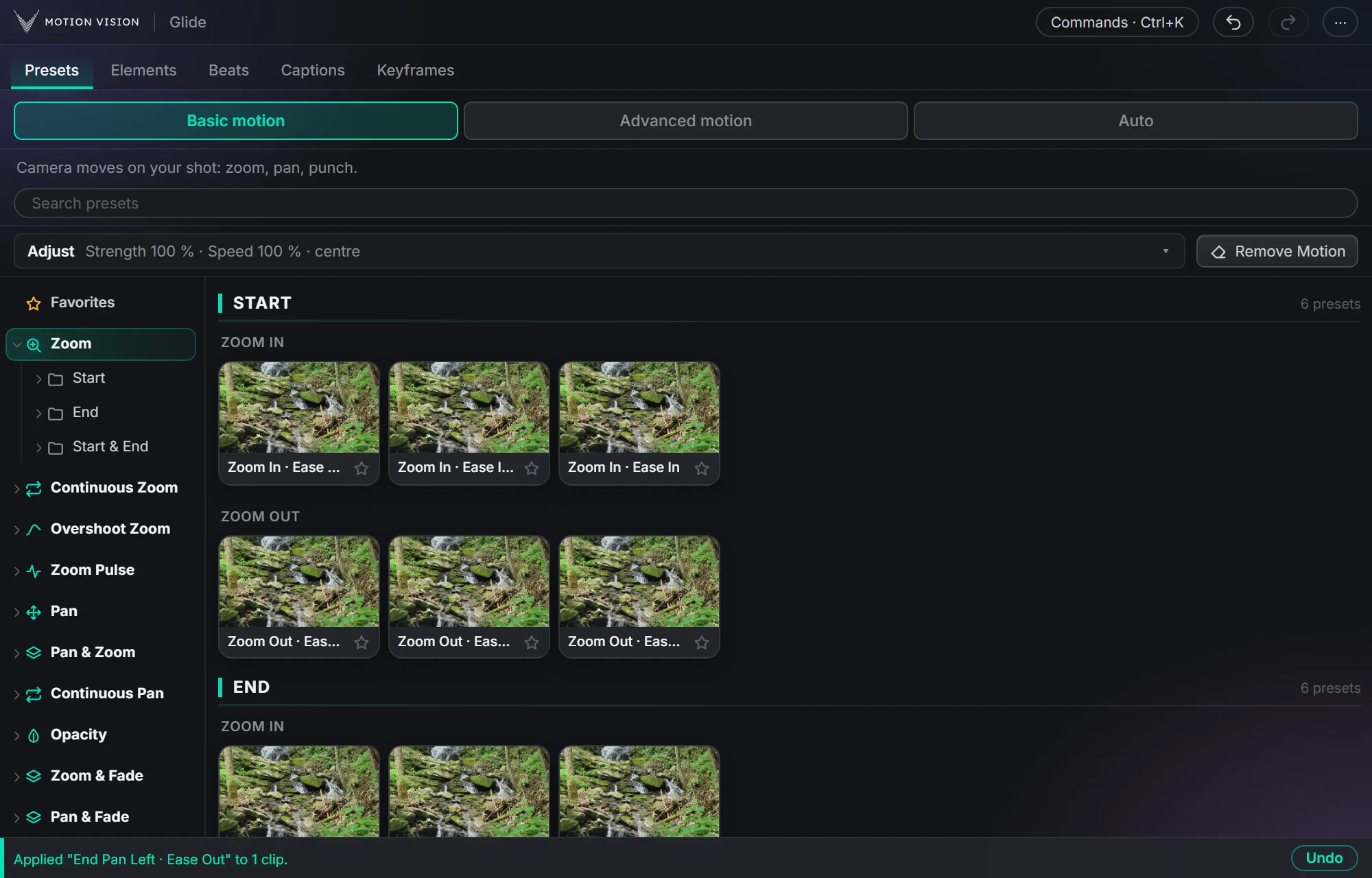 Camera movesClip presets321 zooms, pans, punches, drifts and fades, one click each.Learn more →
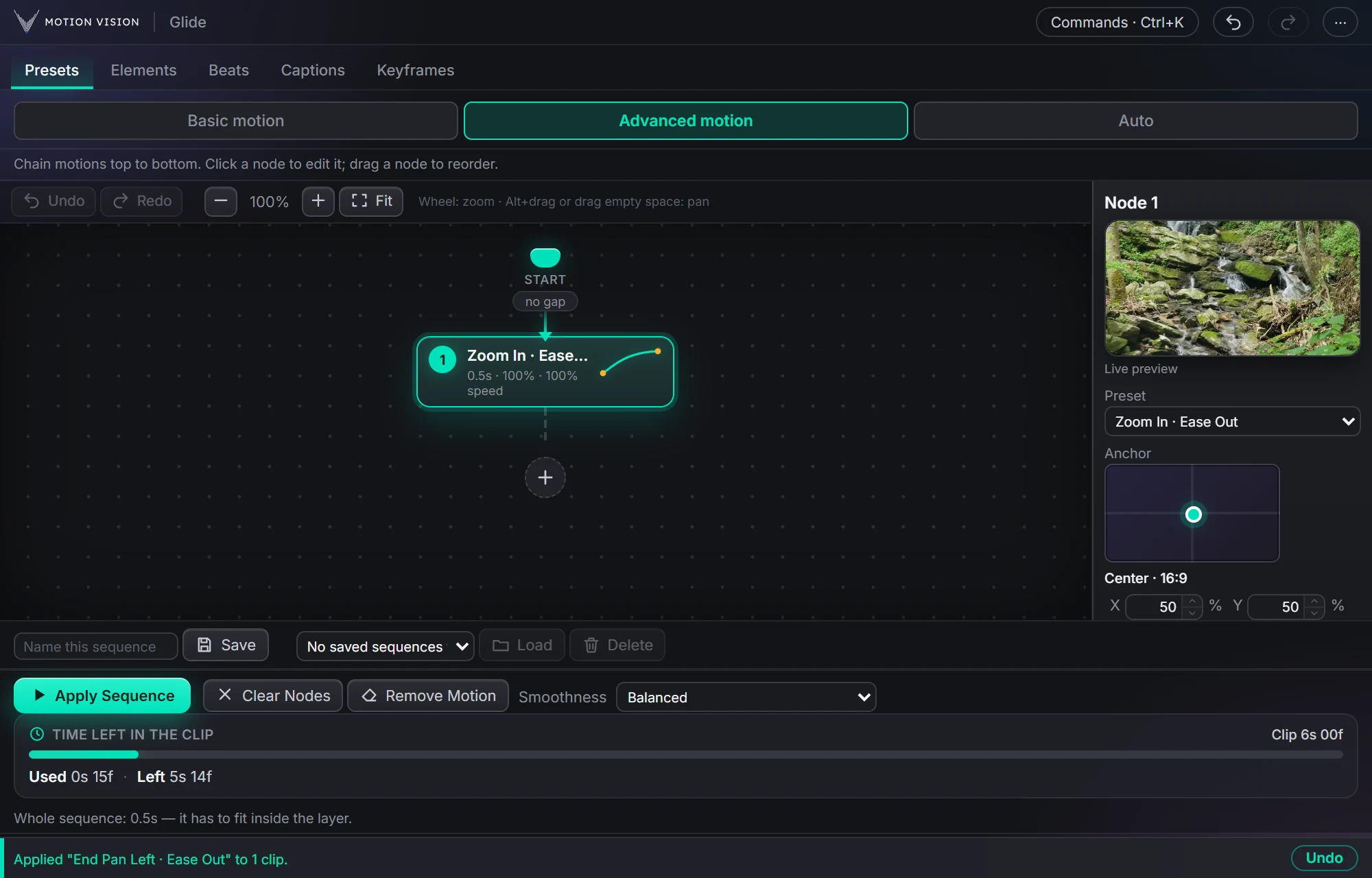 Chained movesAdvanced motionChain several moves on one clip and apply the whole sequence.Learn more →
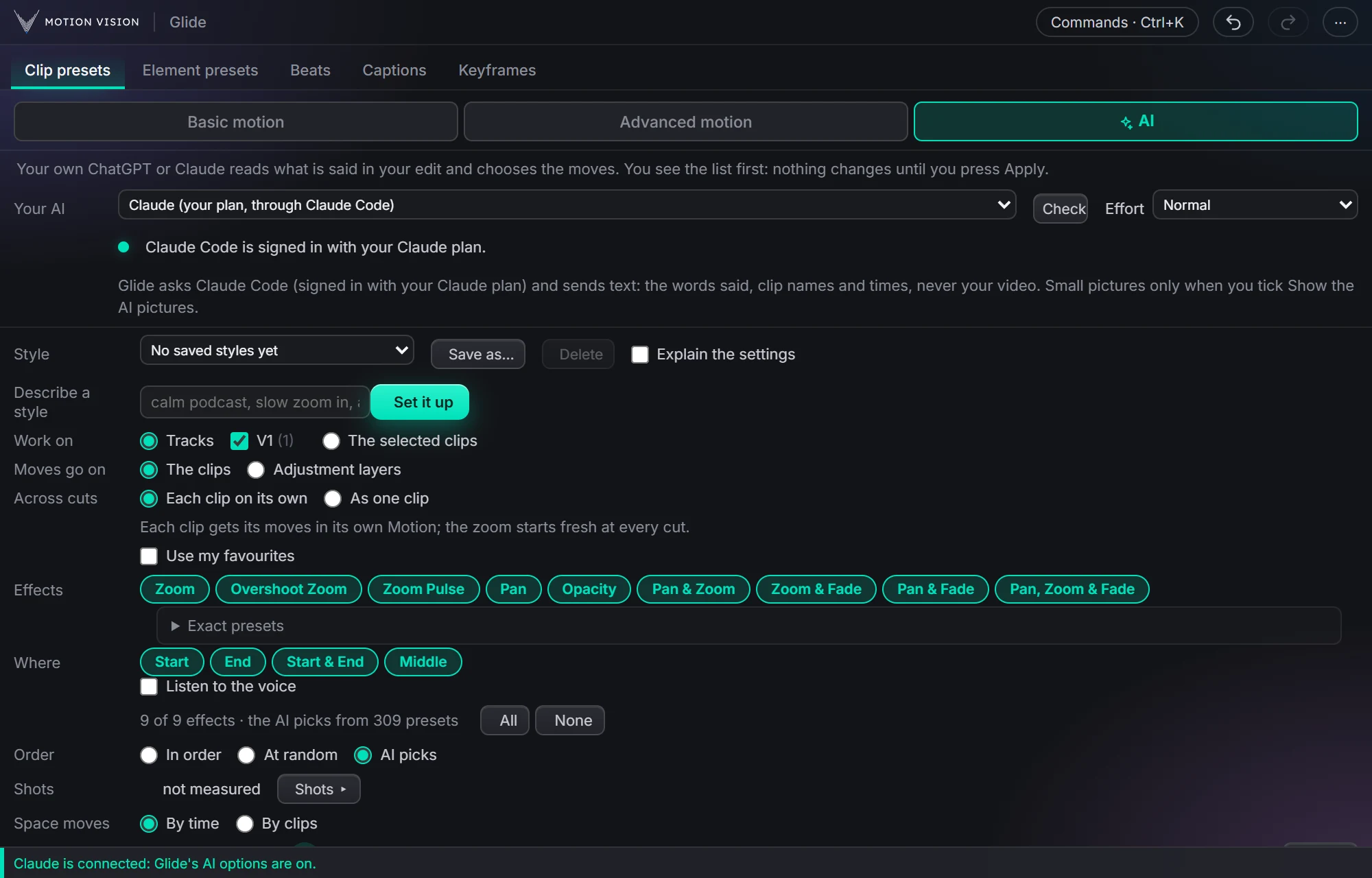 Whole editAuto-pilotMoves on a whole edit at once, with your own AI or without.Learn more →
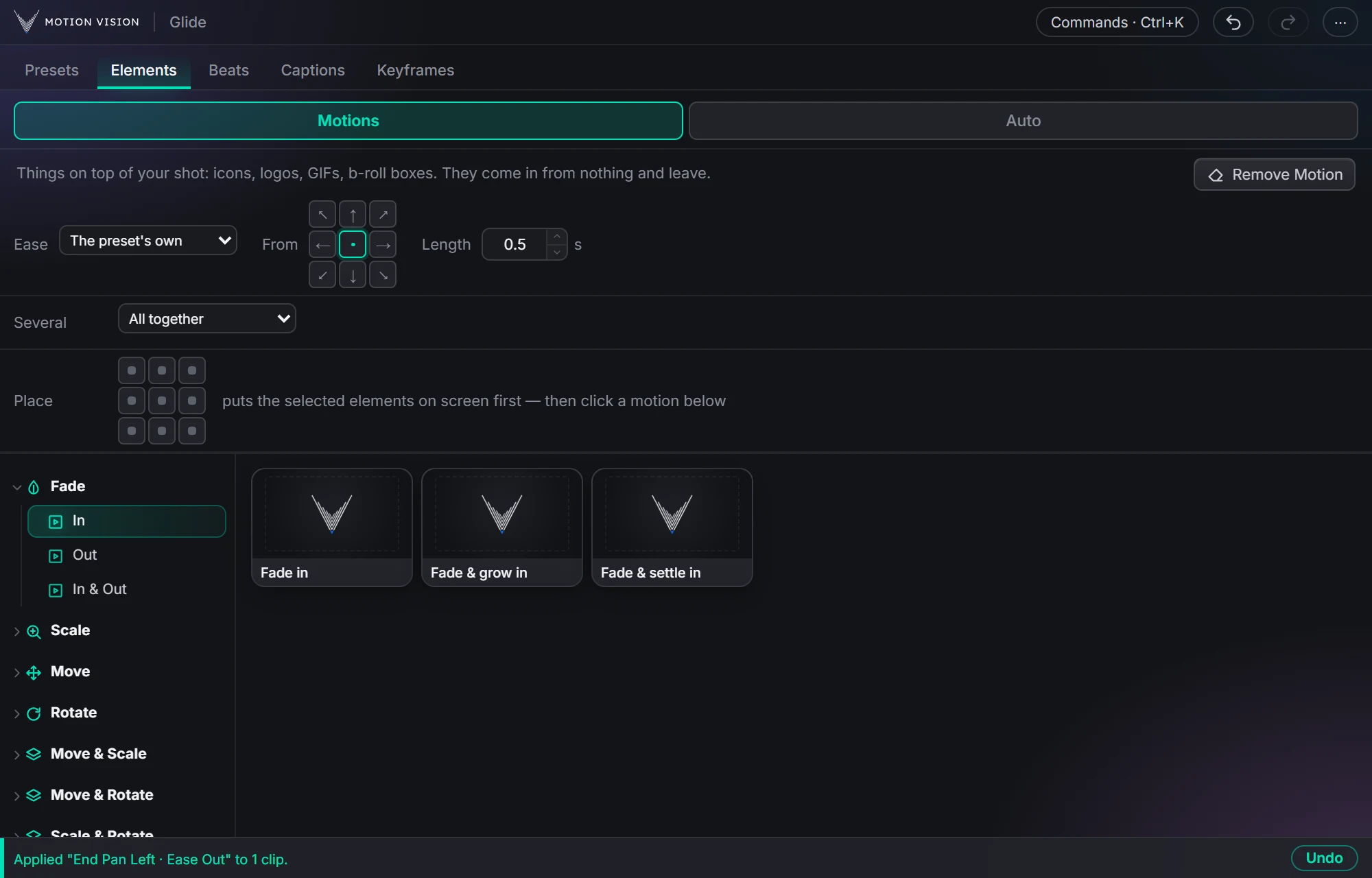 OverlaysElement presetsIcons, logos and b-roll that come in and leave.Learn more →
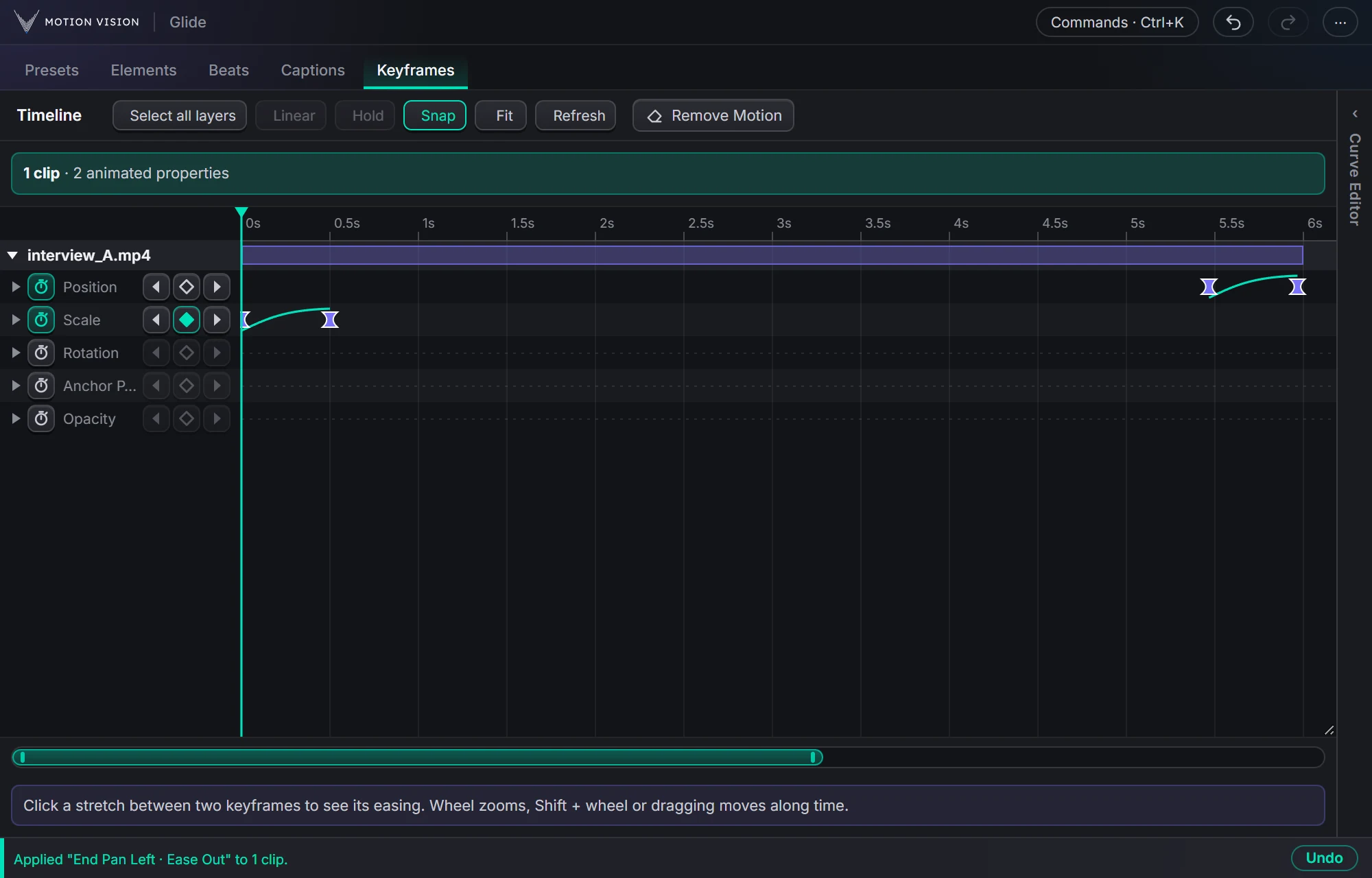 KeyframesTimelineEvery keyframe of the selected clips, in one view you can edit.Learn more →
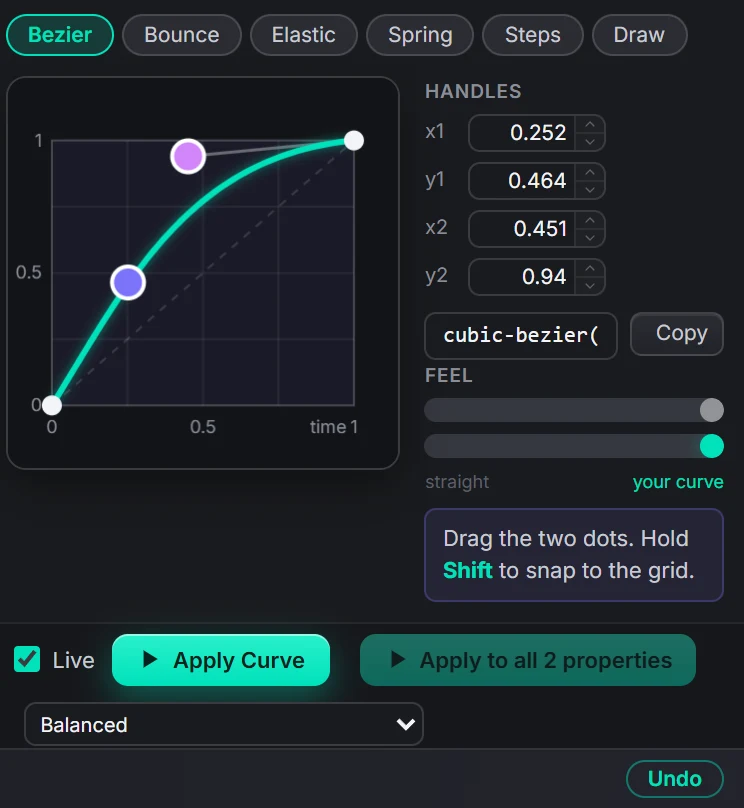 EasingCurve EditorBezier, bounce, elastic, spring, steps, or draw your own.Learn more →
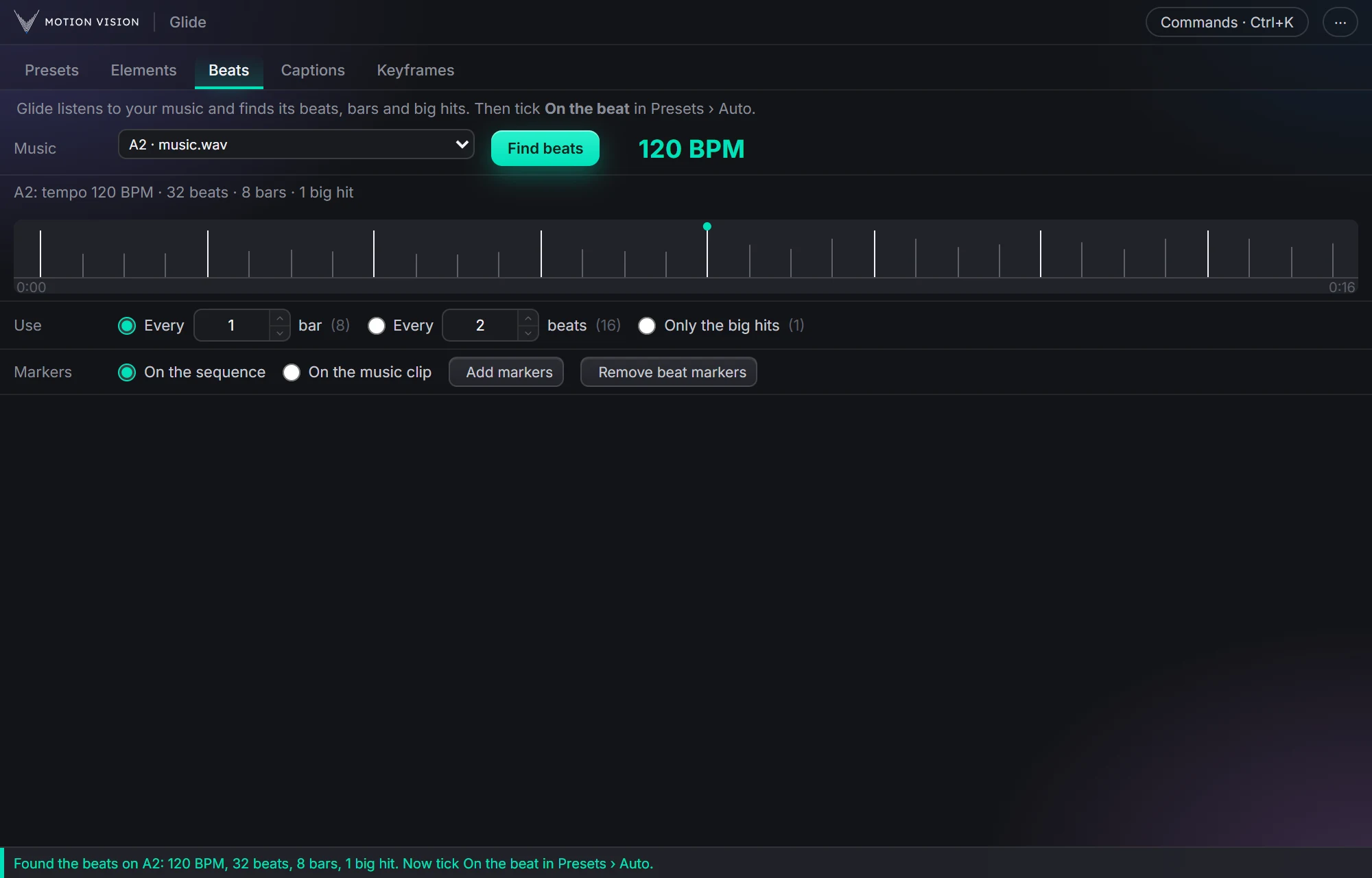 MusicBeatsReads the music and puts the motion on the beat.Learn more →
Get Captionswith everything else.
One licence, all eight tools, with a 7-day money-back guarantee.