
CaptionsAnimated captions, offline.
Voice to words on your own computer, free, no account, no upload. Fix any word, pick a style, and every caption lands on the timeline as an editable template.
- Offline
- 40 styles
- Mix styles
- Font & position
- ALL CAPS
- No gaps
- One word at a time
- SRT in
- Editable templates
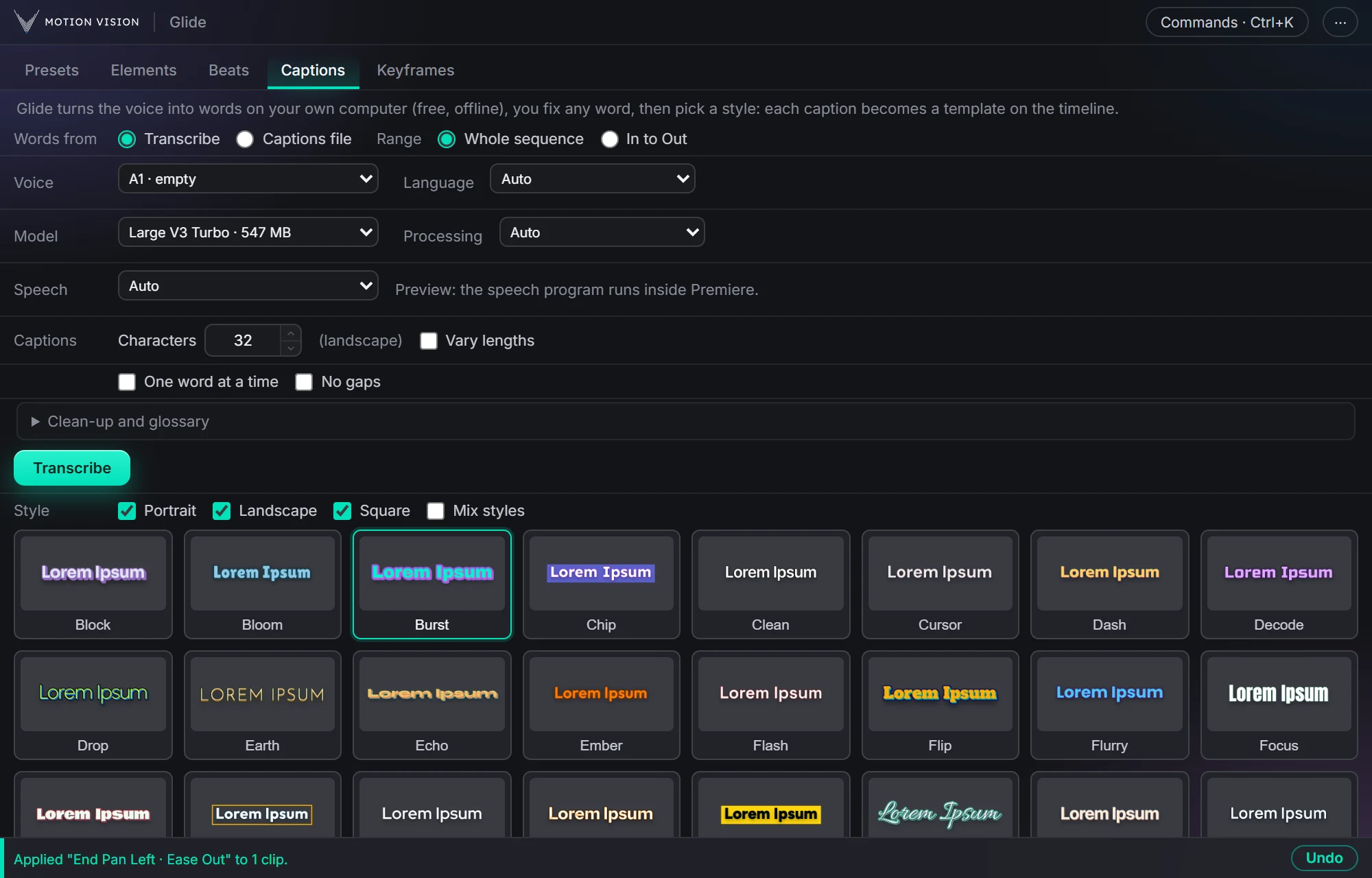
Captions runs Whisper speech recognition on your PC and shows the words as a list before anything touches the timeline. Fix a name once and it is fixed everywhere. Then choose one of 40 animated styles, or mix several, set the font, position and case, and Add. Each caption is a Premiere motion-graphics template on its own track, trimmed to its words, so it stays editable.
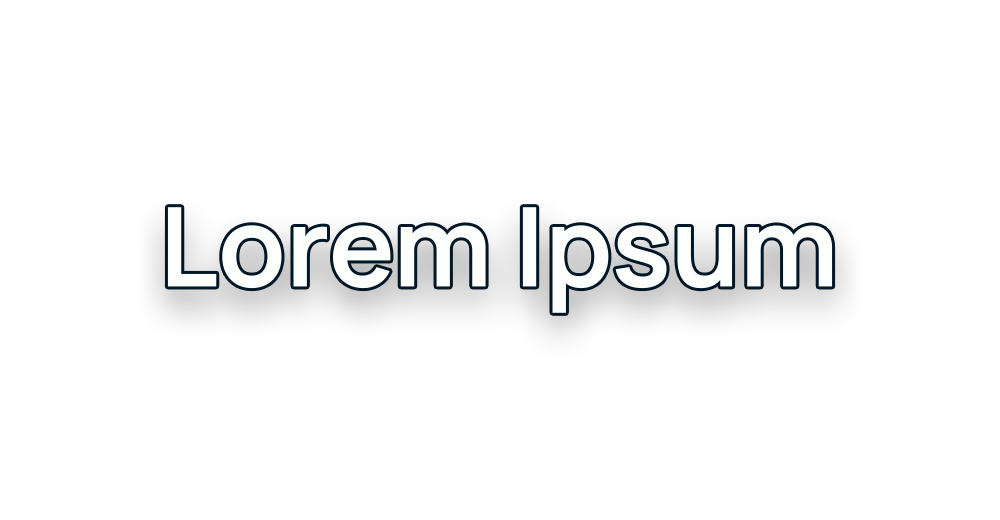
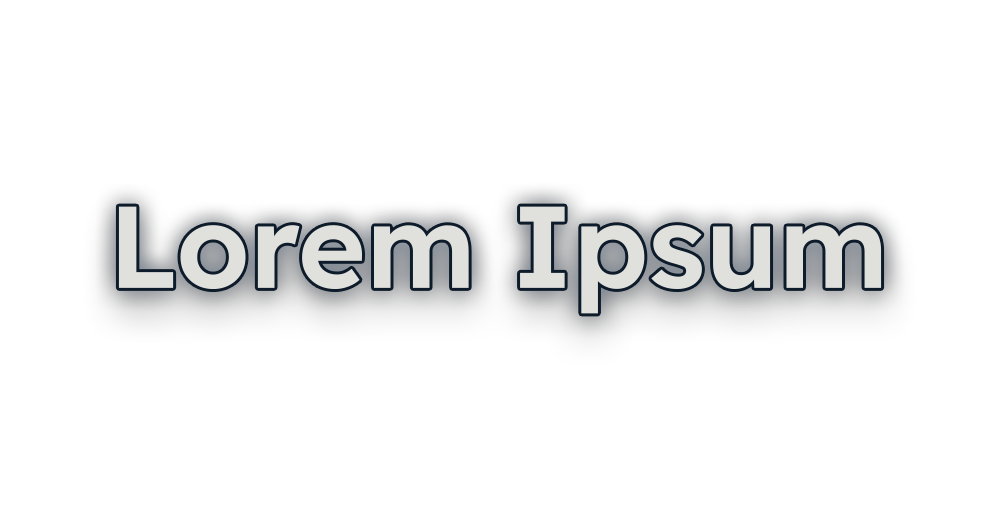
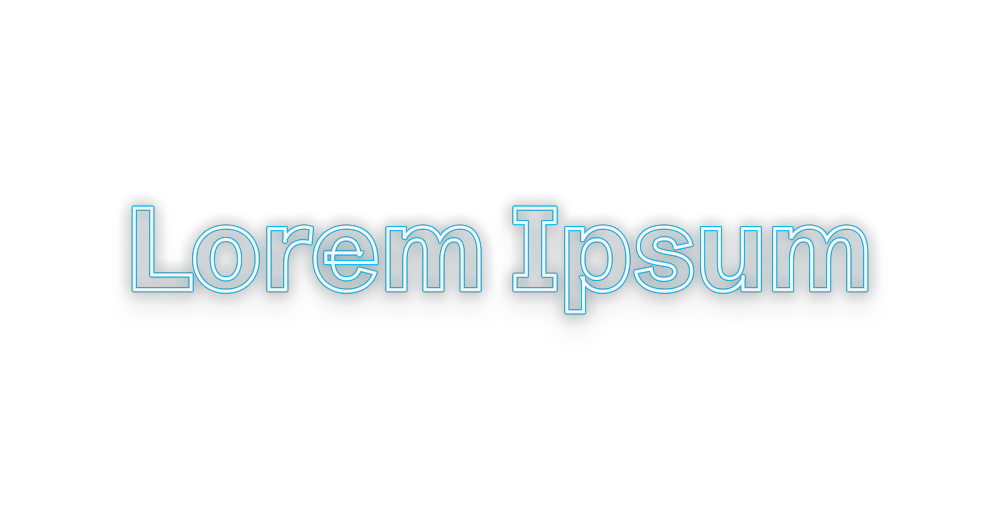
40 animated looks.
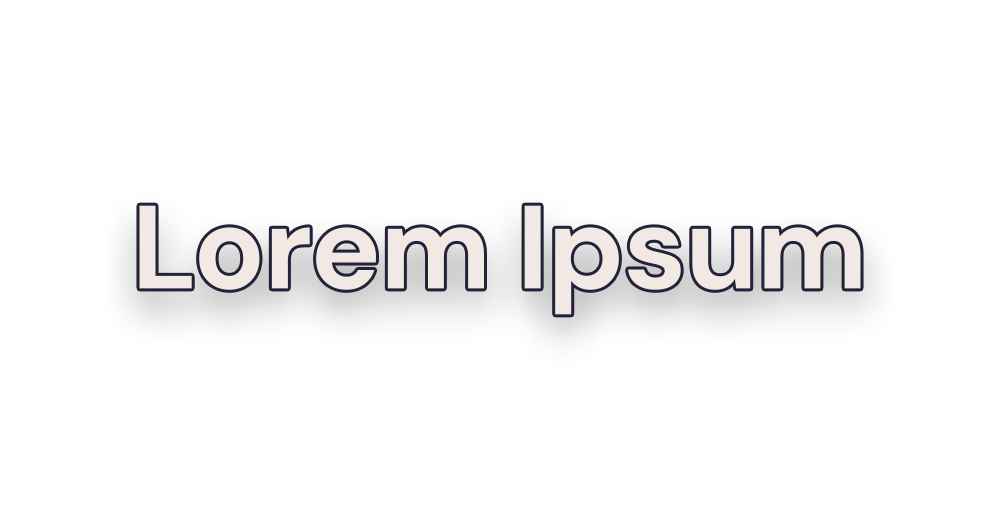
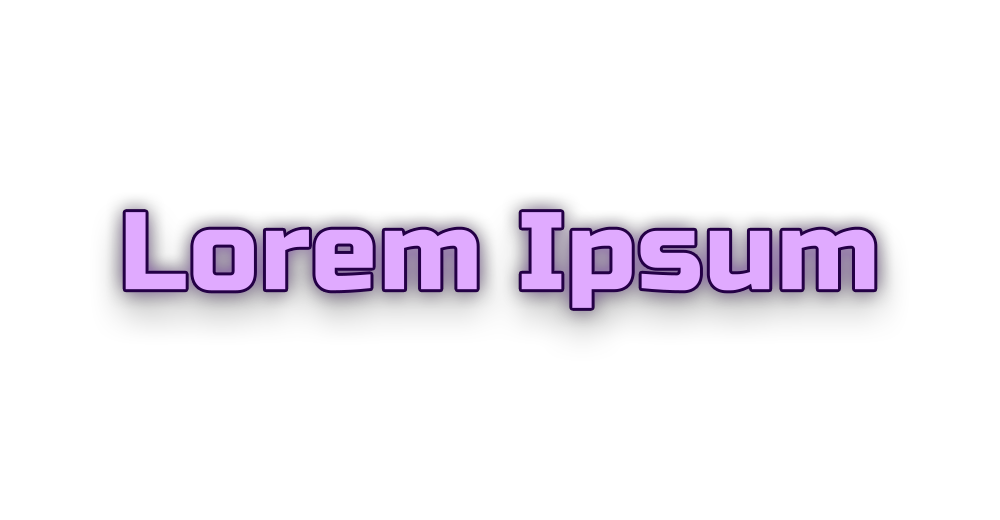
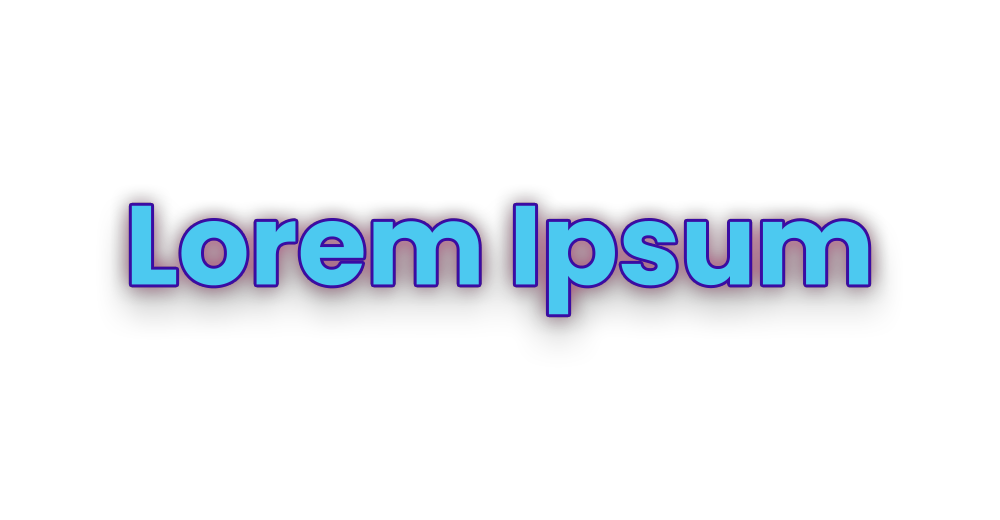
Hover a style to see it move. These are the real previews from the panel.


































What Captions gives you.
Offline speech-to-text
Whisper Large V3 Turbo, a 550 MB model downloaded once on first use. Auto-detects the language. An NVIDIA card makes it about ten times faster; it works on the CPU too.
Fix the words first
An editable list, Fix everywhere for names, a clean-up and glossary section. Or start from a captions file you already have.
40 styles, mixable
Burst, Drop, Slam, Silk, Block and more, filtered by portrait, landscape or square. Mix styles at random or in turn.
Font, position, case, speed
Any installed font, a position picker with safe margins, ALL CAPS, one to three lines, animation speed or no animation.
Length and gaps
Characters per caption, vary lengths, one word at a time, No gaps, Close gaps on captions already placed.
Editable templates
Each caption is a native Premiere template on its own track. Shift them, lengthen them, or edit text and colours in Essential Graphics.
Getting the words right.
Words from
Transcribe the voice track, or load a captions file (SRT) you already have.
Range
The whole sequence, or only In to Out.
Language and model
Auto-detected language. Large V3 Turbo by default; processing on the GPU, the CPU, or Auto.
The list
Every caption as a line you can edit. Fix a word everywhere in one go; capitals follow the caption.
Clean-up and glossary
Remove filler and punctuation if you want, and keep a glossary of names and terms so they come out right every time.
Runs inside Premiere
The speech program runs on your machine, started by the panel. Nothing leaves the computer.
Chunks, timing, lines.
Characters per caption
A target length, or a range with Vary lengths and a seed so the rhythm isn't uniform.
One word at a time
The word-by-word style, each word its own caption.
No gaps and Close gaps
Captions that touch, with no black between them; Close gaps fixes captions already on the timeline.
Lines
One, two or three lines, or a mix. Glide inserts the breaks.
Shift and Lengthen
Move every caption by a number of frames; make short ones last at least a given time, without running into the next.
Replace and Remove
Change the style of the captions already placed, or take them all off the track in one click.
Forty styles and your own choices.
Styles
Forty animated looks, each with a hover preview. Filter by portrait, landscape and square.
Mix styles
Tick several; captions take them at random (seeded) or in turn.
Font
Any font installed on the machine, applied to every caption. Reset goes back to the style's own.
Position and scale
A dot on a picture of the frame, X and Y, snapping, and a safe margin from every edge. Scale for size.
Case and speed
ALL CAPS. Animation speed Slow, Medium, Fast or Very fast, or no animation with a time on screen.
Motion on screen
A slow zoom or a wiggle while the caption is up, with its own speed.
Three steps.
Transcribe
Pick the voice track and press Transcribe.
Fix the words
Correct names in the list once; they change everywhere.
Pick a style and Add
One style or a mix; captions land on their own track, trimmed to the words.
Questions about Captions.
Does it need the internet or an account?
No. Recognition runs on your computer. The only download is the speech model, once.
Which languages?
The language is detected automatically; Whisper covers about a hundred.
Can I edit a caption afterwards?
Yes. Each one is a Premiere motion-graphics template: change the text, colours or font in Essential Graphics, or use Glide's Replace, Shift and Lengthen tools.
How fast is it?
Around a second per ten seconds of speech on an NVIDIA card, about ten times longer on the CPU. The first run warms up the model once.
Can I bring my own subtitles?
Yes. Load an SRT file instead of transcribing and use the same styles.
The rest of the panel.
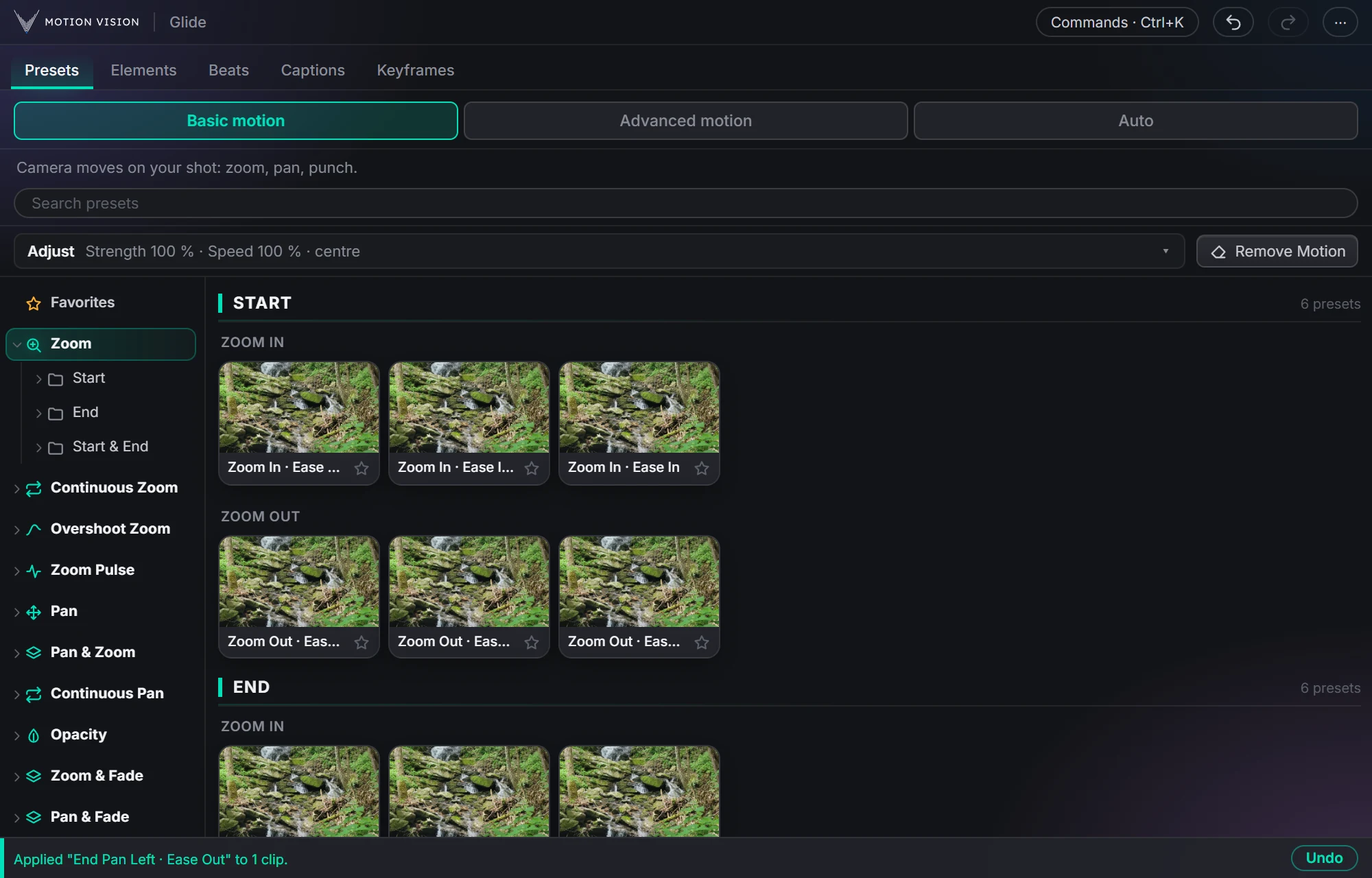 Camera movesPresetsZooms, pans, punches and fades in one click.Learn more →
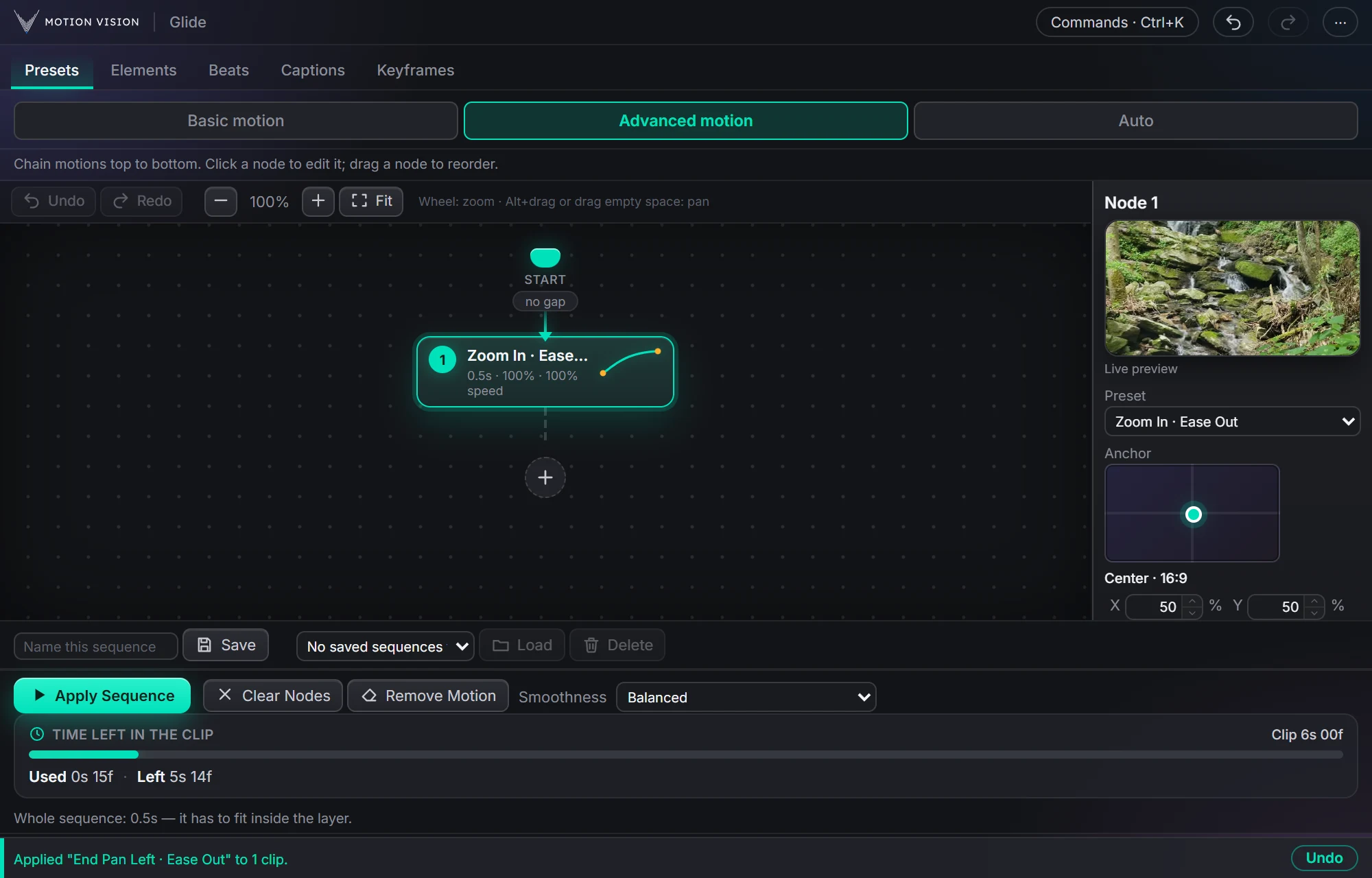 SequencesAdvanced motionChain moves as nodes and apply the whole sequence.Learn more →
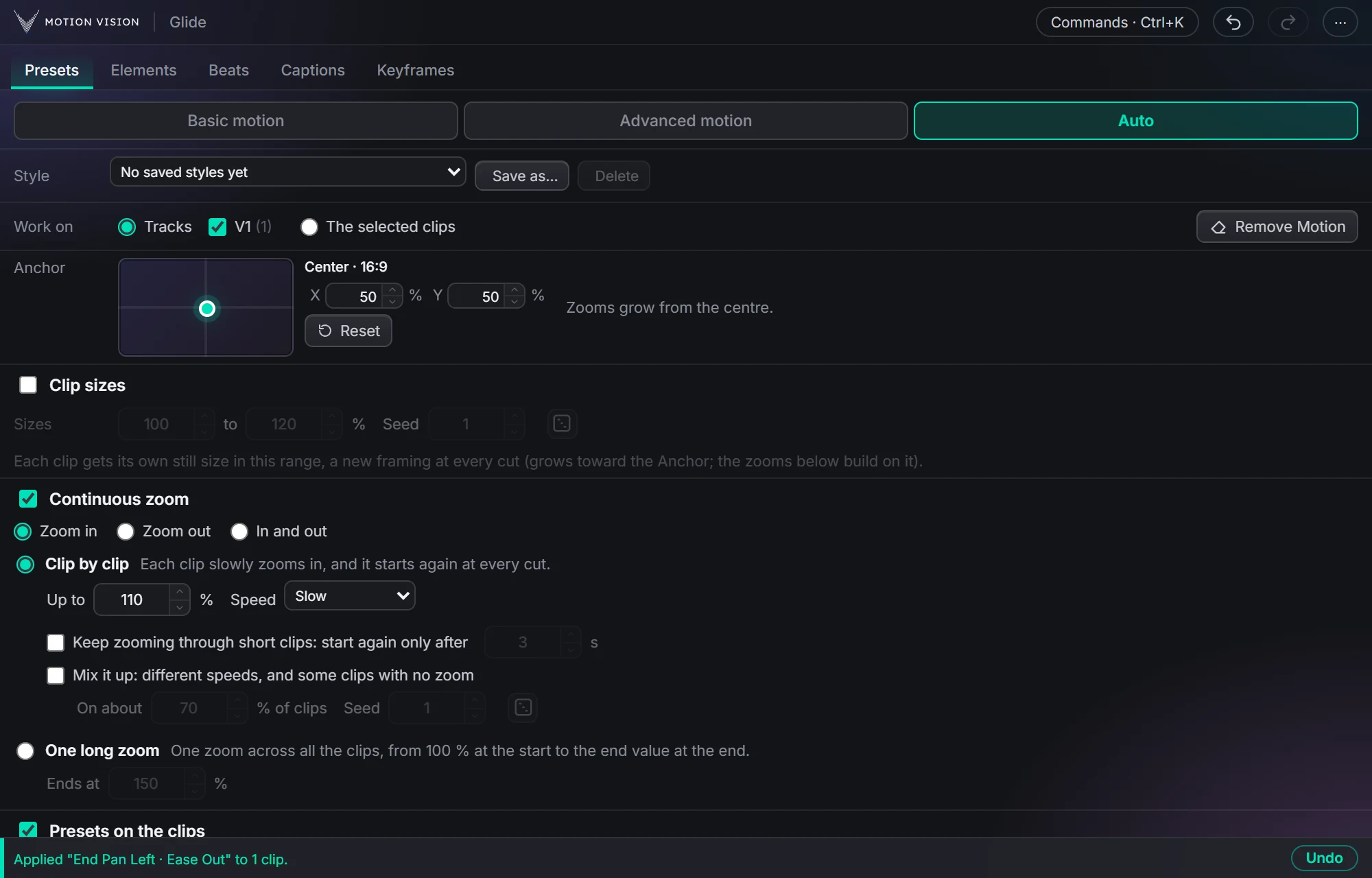 Whole timelineAutoAnimate whole tracks in one click, on the beat if you like.Learn more →
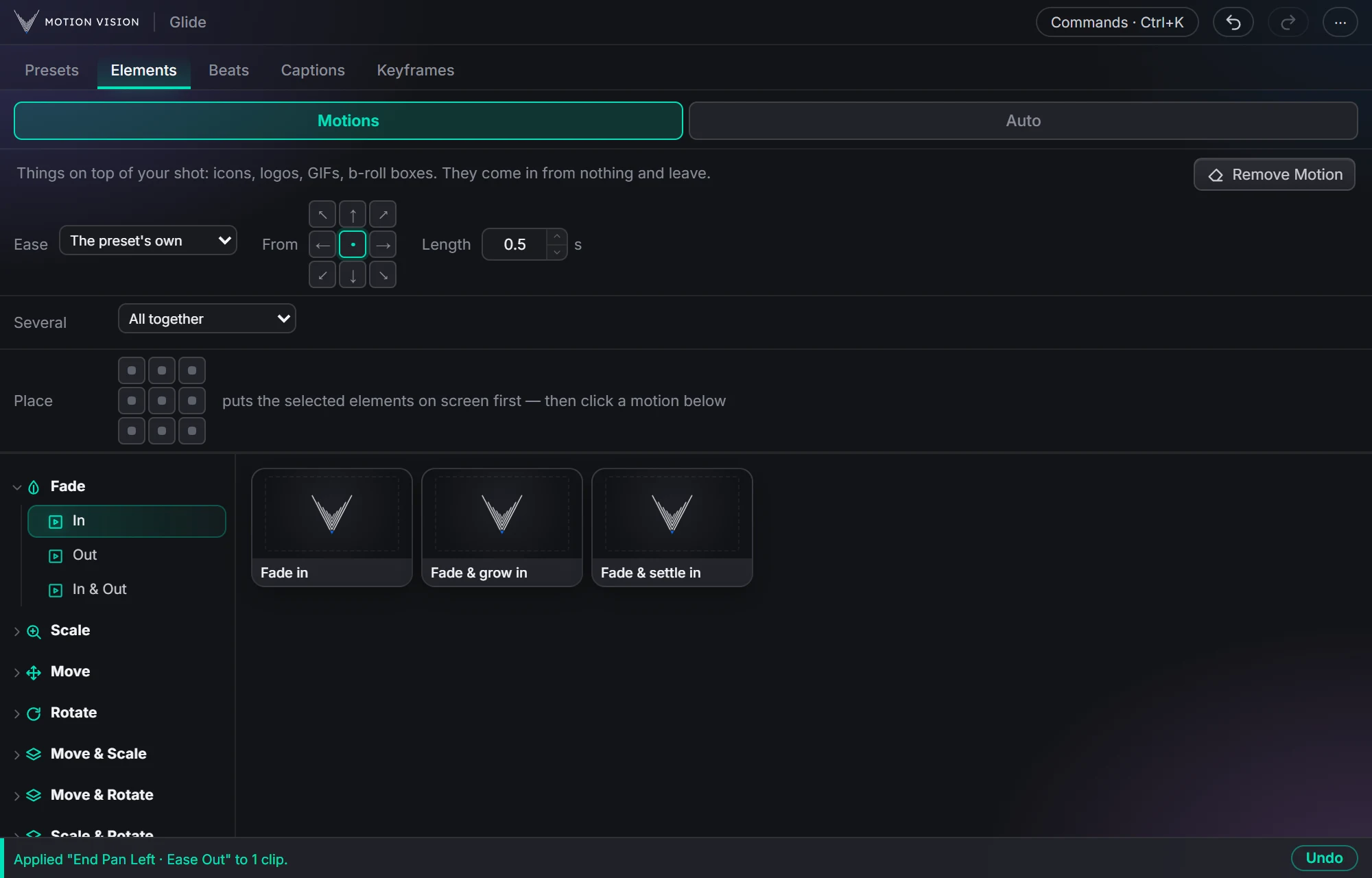 OverlaysElementsIcons, logos and b-roll that come in and leave.Learn more →
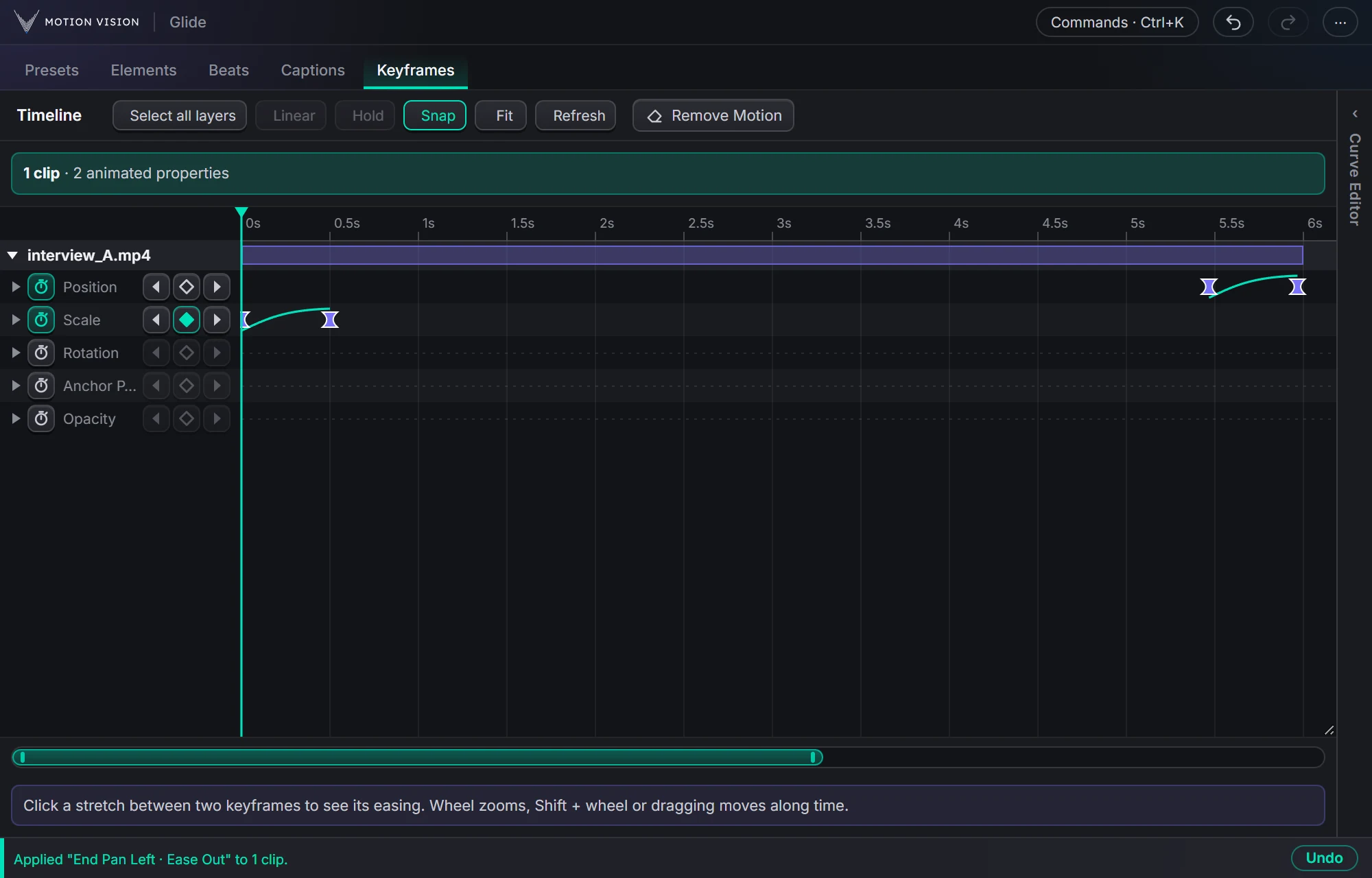 KeyframesTimelineEvery keyframe of the selected clips, in one view you can edit.Learn more →
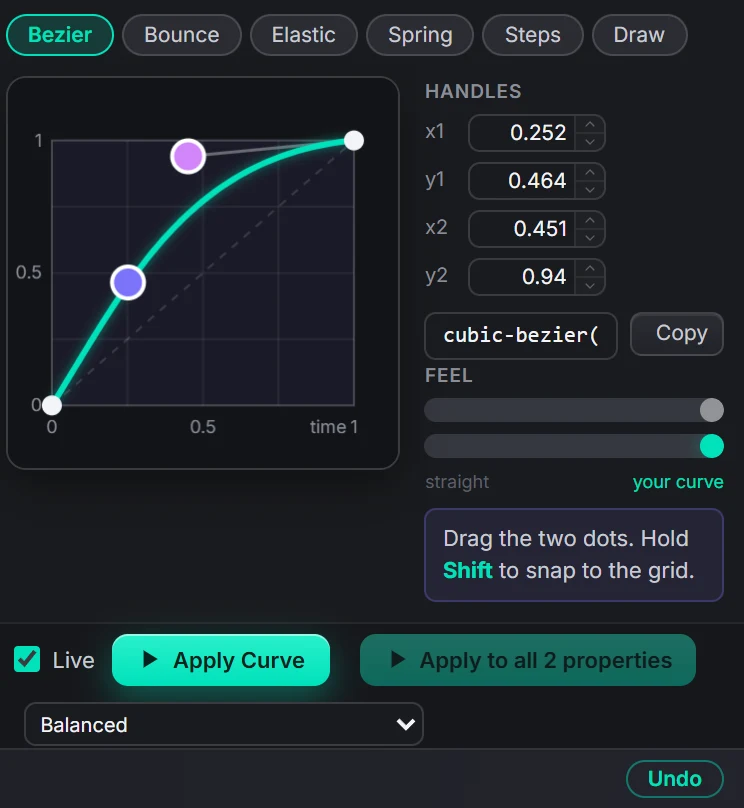 Curve editorEasingBezier, bounce, elastic, spring, steps, or draw your own.Learn more →
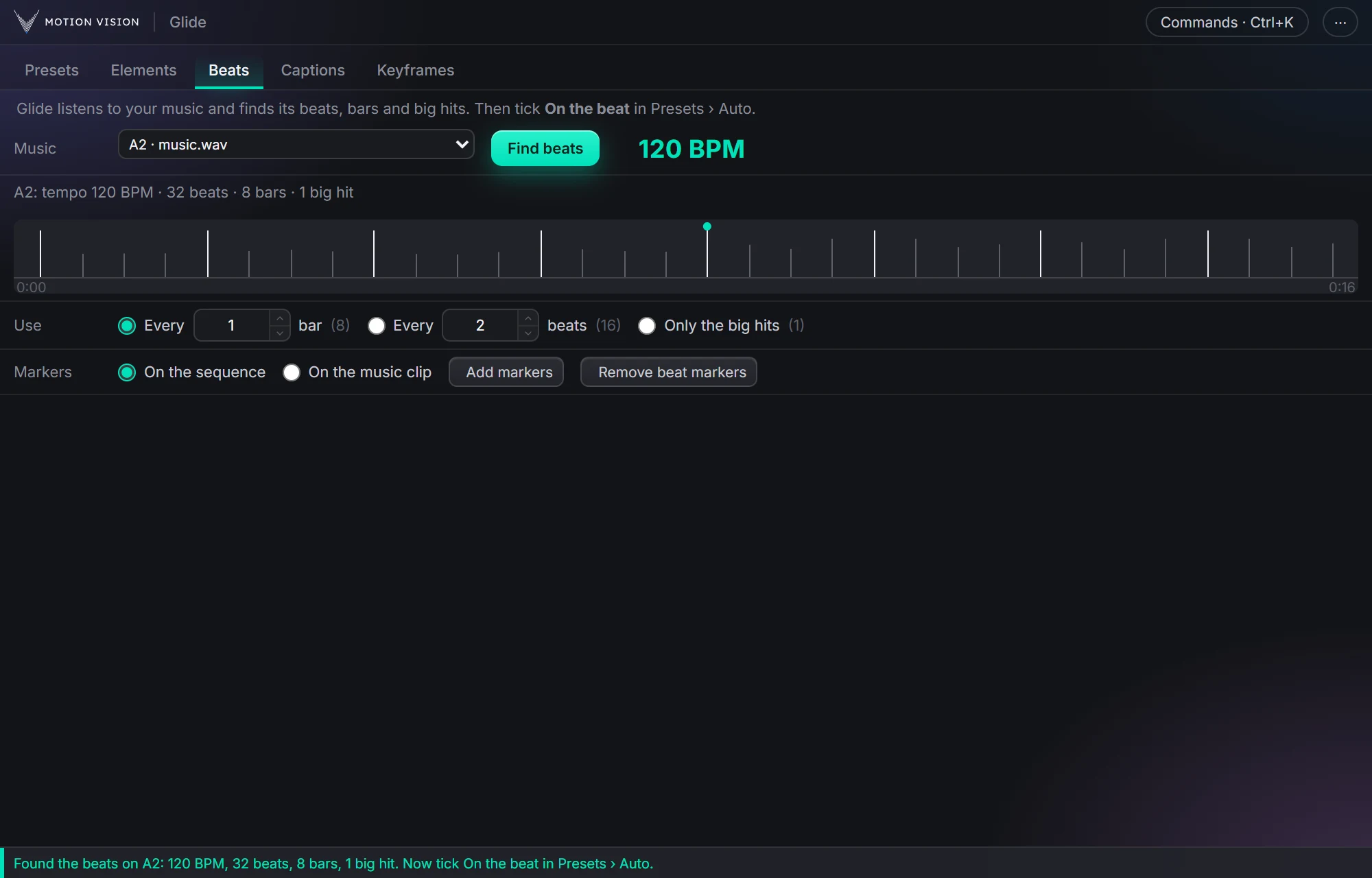 MusicBeatsReads the music and puts the punches on the beat.Learn more →
Get Captionswith everything else.
One licence, all eight tools. Try everything free for 14 days first.