
EasingReshape any move.
Select two keyframes on any property and bend the curve between them: Bezier handles, bounce, elastic, spring, steps, or draw it by hand.
- Bezier handles
- 28 curves
- Bounce · Elastic · Spring
- Steps
- Draw your own
- Feel sliders
- All properties at once
- Copy cubic-bezier
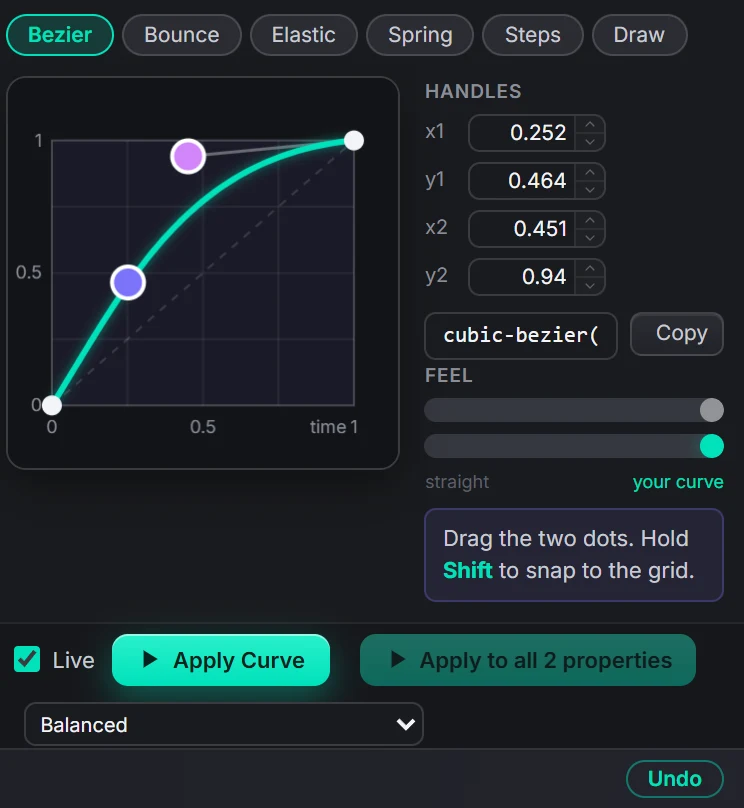
Premiere's own easing stops at Bezier. The Curve Editor gives you the curves motion designers use, and writes them as extra keyframes along the curve, so the result plays back in any Premiere without Glide installed. Feel sliders push a curve from straight to strong without touching handles, and the Timeline opens any existing stretch here with one click.
42 shapes, drawn by the same maths.
Hover a curve: the dot follows it and the block below moves with that easing. They are generated from the curve code inside the plugin, not drawn by hand.
What Easing gives you.
Bezier with handles
Drag the two dots, hold Shift to snap, or type x1 y1 x2 y2. The cubic-bezier value is one click to copy for CSS or After Effects.
Twenty-eight named curves
Linear, Ease, Ease In, Ease Out, and the Sine, Quad, Cubic, Quart, Quint, Expo, Circ and Back families, each In, Out and In-Out.
Bounce, Elastic, Spring, Steps
Curves Premiere cannot make on its own, each with its own sliders: bounces and bounciness, waves and damping, step count.
Draw your own
Click to add points, drag them, double-click to remove. Glide fits the curve and writes it.
Feel sliders
Push the curve from straight to strong, or tilt it toward a slow start or a slow arrival, without touching a handle.
One property or all
Apply to the property you picked, or to every keyframed property of the clip at once, with the Smoothness you choose.
Every shape in the editor.
Bezier presets
Linear · Ease · Ease In · Ease Out, and Sine, Quad, Cubic, Quart, Quint, Expo, Circ, Back, each as In, Out and In-Out. The three Back curves overshoot by design.
Bounce
Bounce, Bounce Soft, Bounce In, Bounce In-Out. Sliders for the number of bounces and how bouncy.
Elastic
Elastic, Elastic Loose, Elastic In, Elastic In-Out. Sliders for waves and damping.
Spring
Spring, Spring Snappy, Spring Wobbly. Waves and damping again, tuned for a settle rather than a wobble.
Steps
3, 5 or 8 steps, or your own count. Stop-motion and stepped counters.
Draw
A multi-point curve you sketch. Points are draggable; the graph keeps the curve inside the two keyframe values unless the shape leaves the box on purpose.
Curves become keyframes.
The two keyframes stay
Glide never moves your two keyframes; it rewrites the stretch between them.
Extra keyframes along the curve
Premiere joins keyframes with straight lines, so the curve is baked into small steps. The panel tells you how many, about 13 for a typical bezier.
Smoothness
Five levels for the whole panel, Smoothest (most keyframes) to Lightest (fewest). Lighter projects play back more easily.
Reads back as a curve
The Timeline recognises the baked stretch as one curve again, so you can open it and change it later.
Apply to all properties
The same curve on Scale, Position, Rotation, Opacity and effect properties in one go.
Undo
One undo step per Apply, in the panel's own history.
Three steps.
Two keyframes
Select a clip, put two keyframes on a property, place the playhead between them. Or click a stretch in the Timeline.
Pick a curve
A preset shape, your own handles, or draw it.
Apply
Apply Curve, or Apply to all properties.
Questions about Easing.
How does a bounce work in Premiere?
Premiere keyframes only ease with Bezier, so Glide writes a handful of extra keyframes along the curve. The panel tells you how many.
Can I change the curve later?
Yes. Select the same two keyframes, or click the stretch in the Timeline, and apply another curve; no need to undo.
Which properties?
Any property with two keyframes: Scale, Position, Rotation, Opacity, and effect properties too.
Does the edit need Glide to play back?
No. The result is ordinary keyframes. Send the project to anyone.
The rest of the panel.
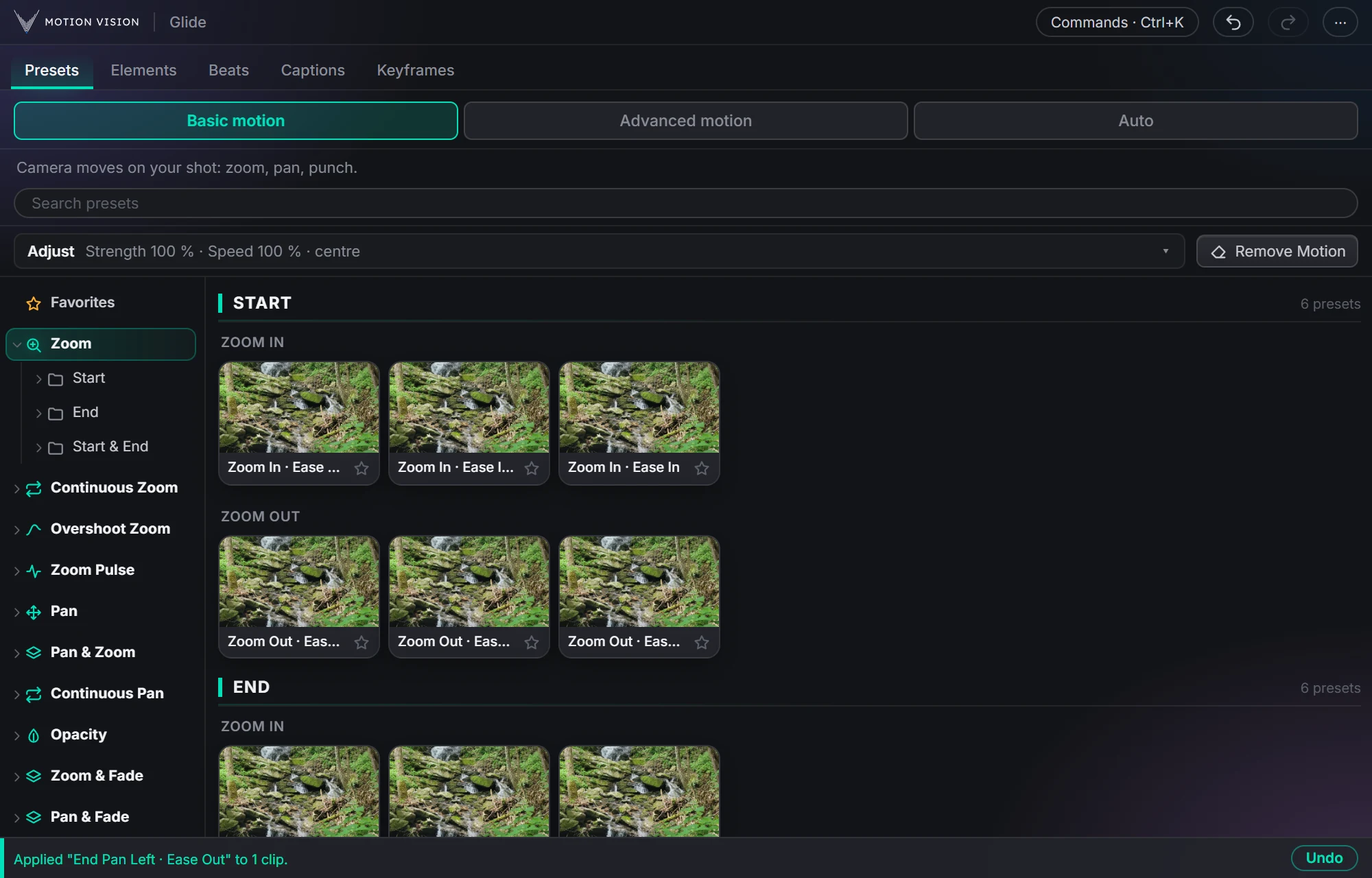 Camera movesPresetsZooms, pans, punches and fades in one click.Learn more →
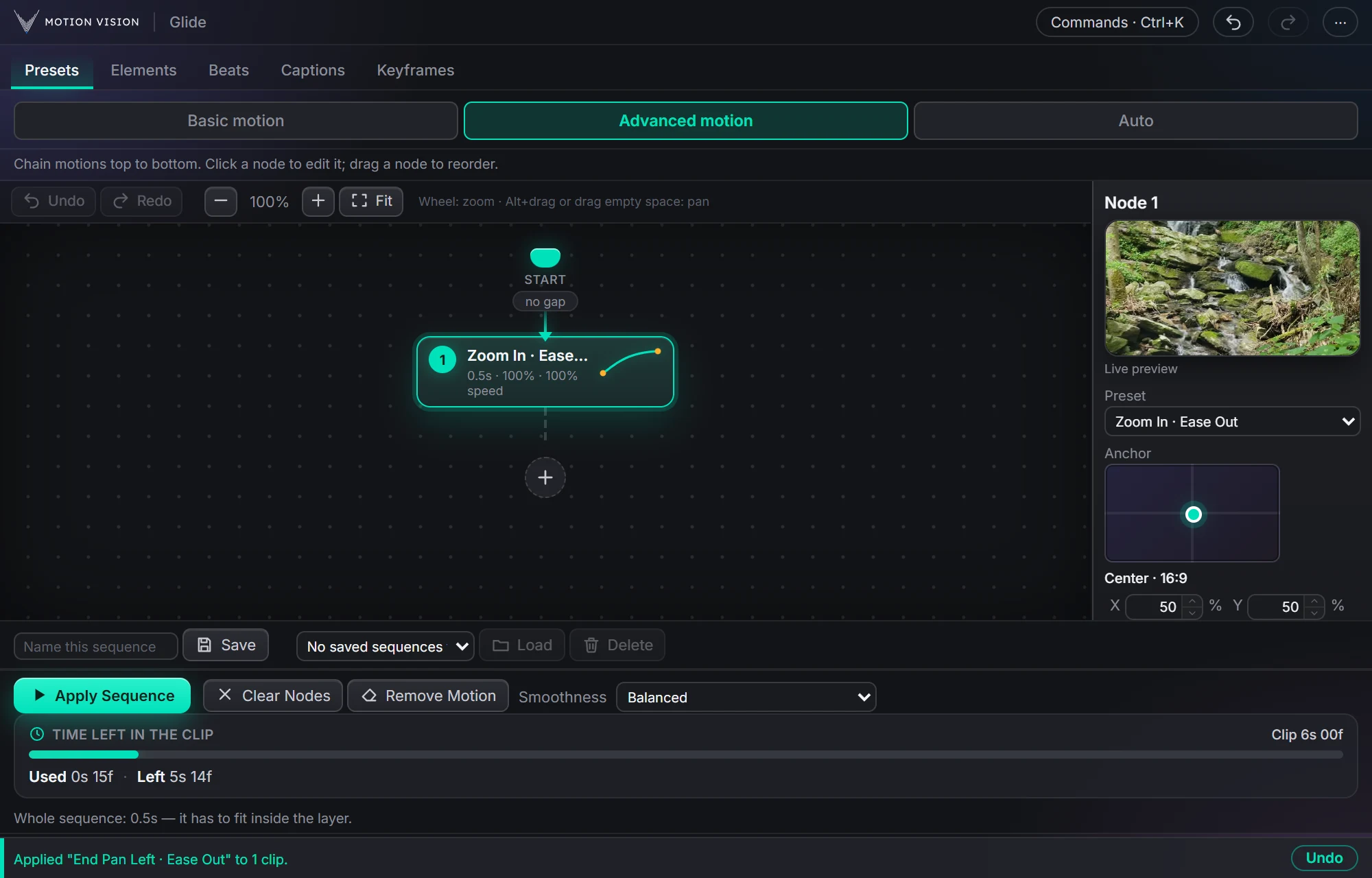 SequencesAdvanced motionChain moves as nodes and apply the whole sequence.Learn more →
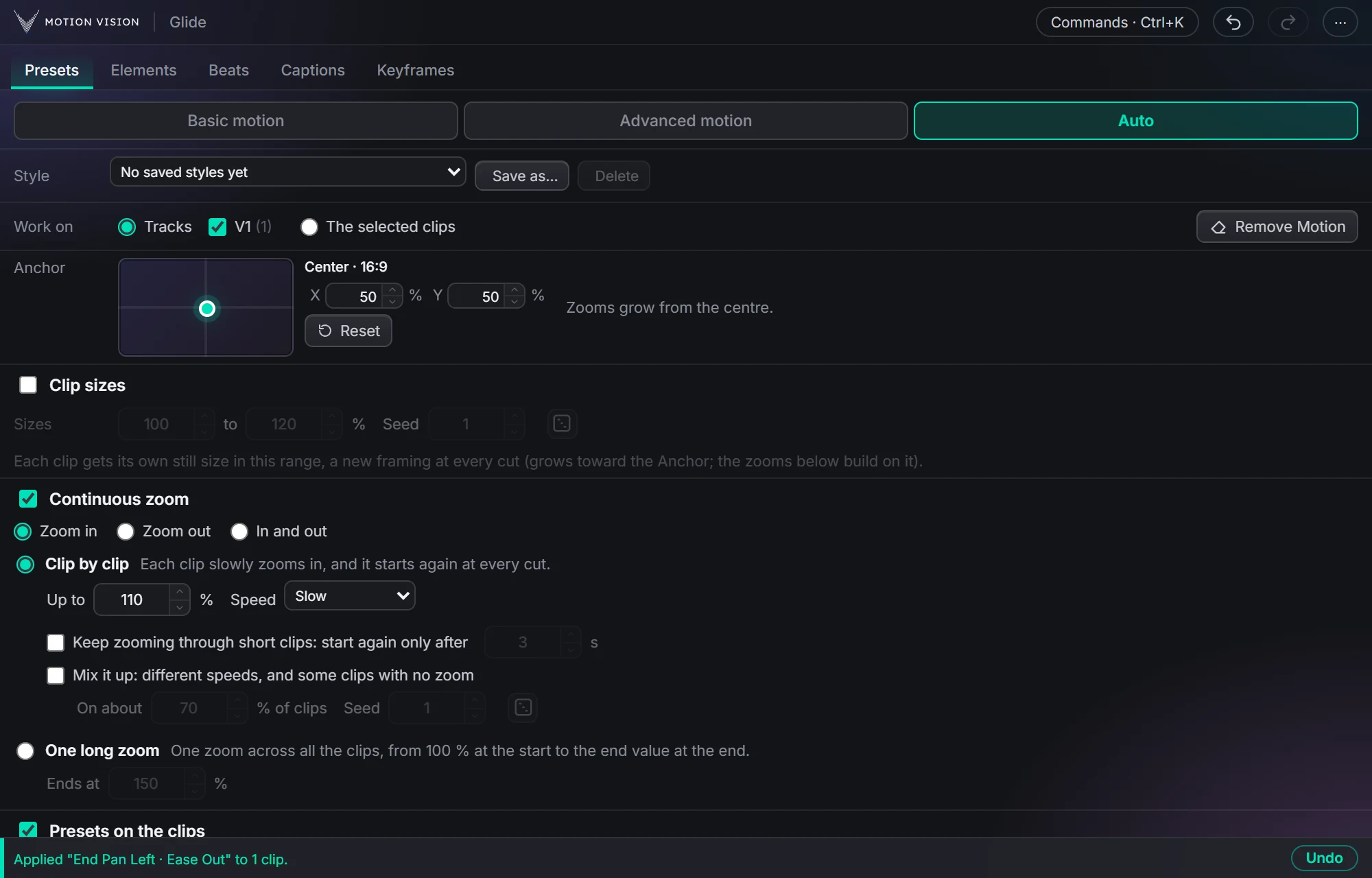 Whole timelineAutoAnimate whole tracks in one click, on the beat if you like.Learn more →
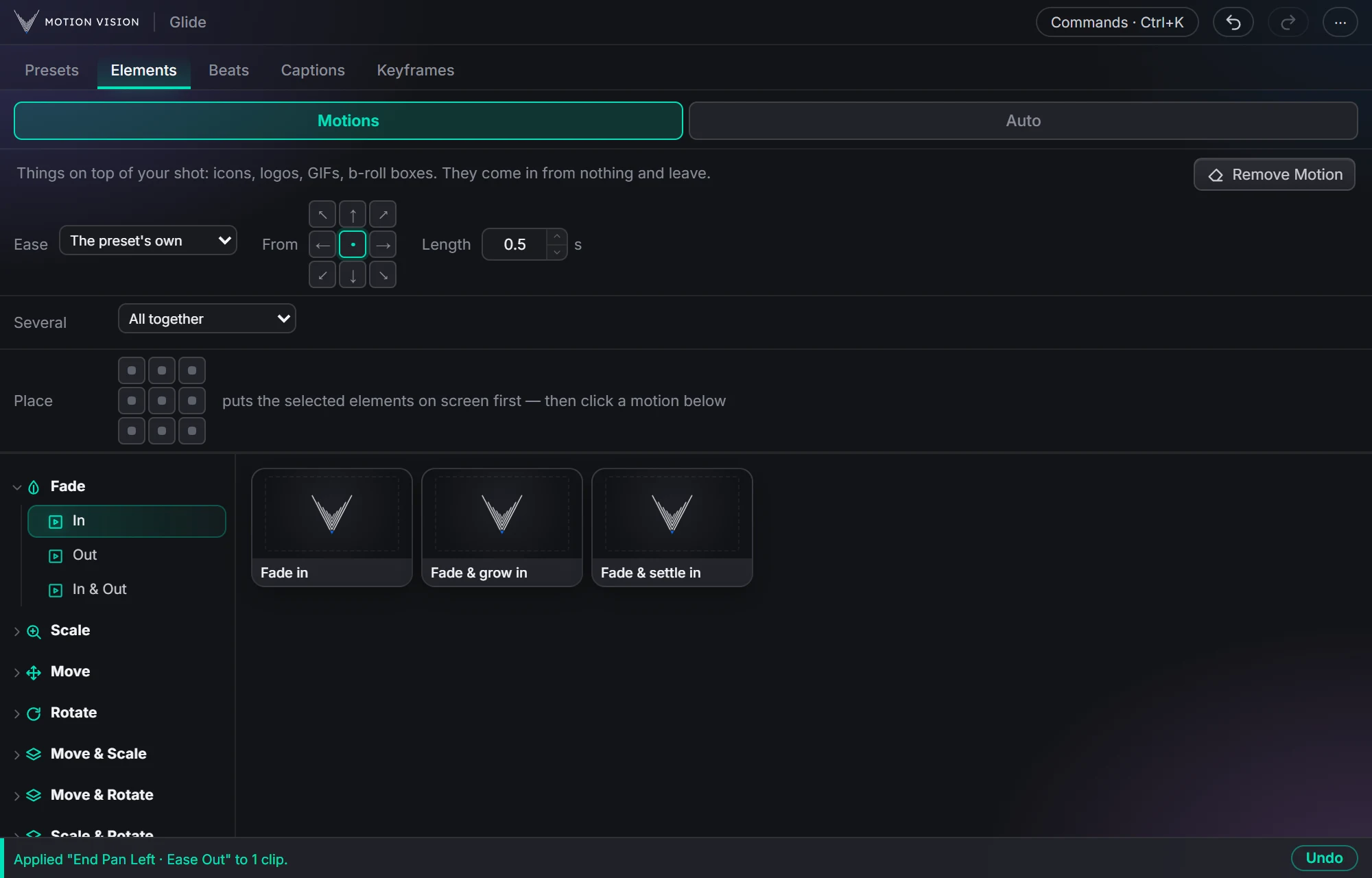 OverlaysElementsIcons, logos and b-roll that come in and leave.Learn more →
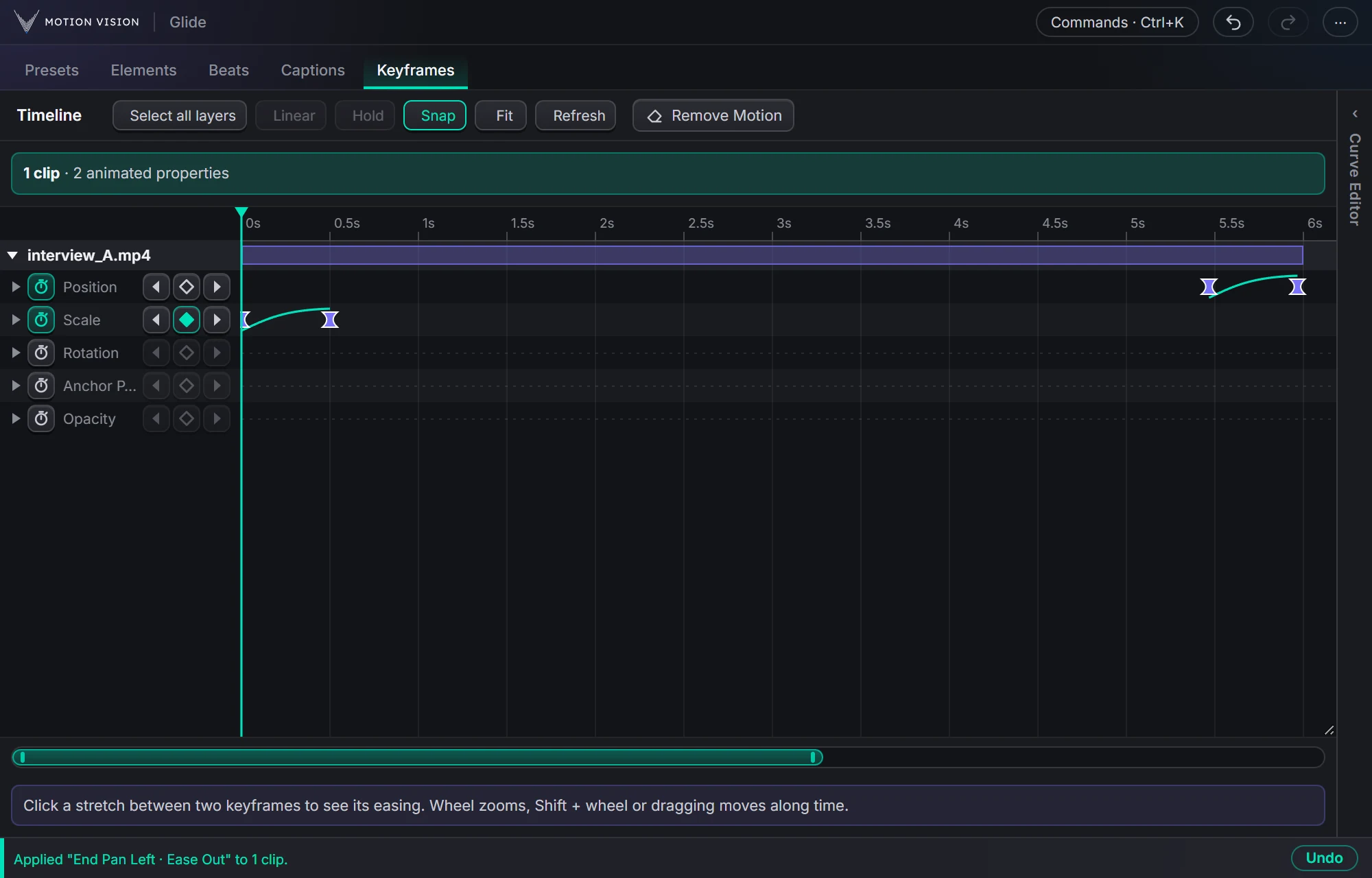 KeyframesTimelineEvery keyframe of the selected clips, in one view you can edit.Learn more →
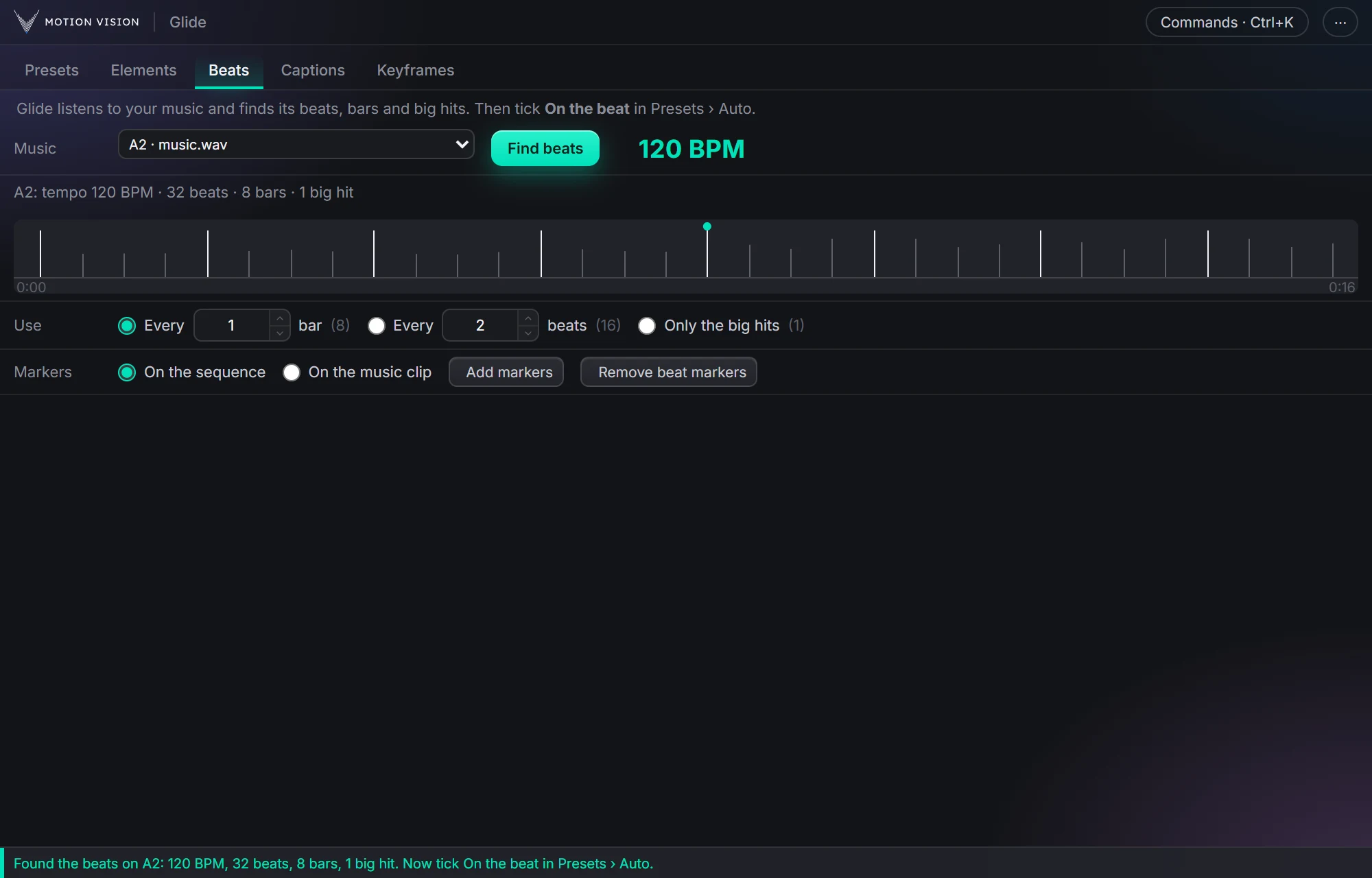 MusicBeatsReads the music and puts the punches on the beat.Learn more →
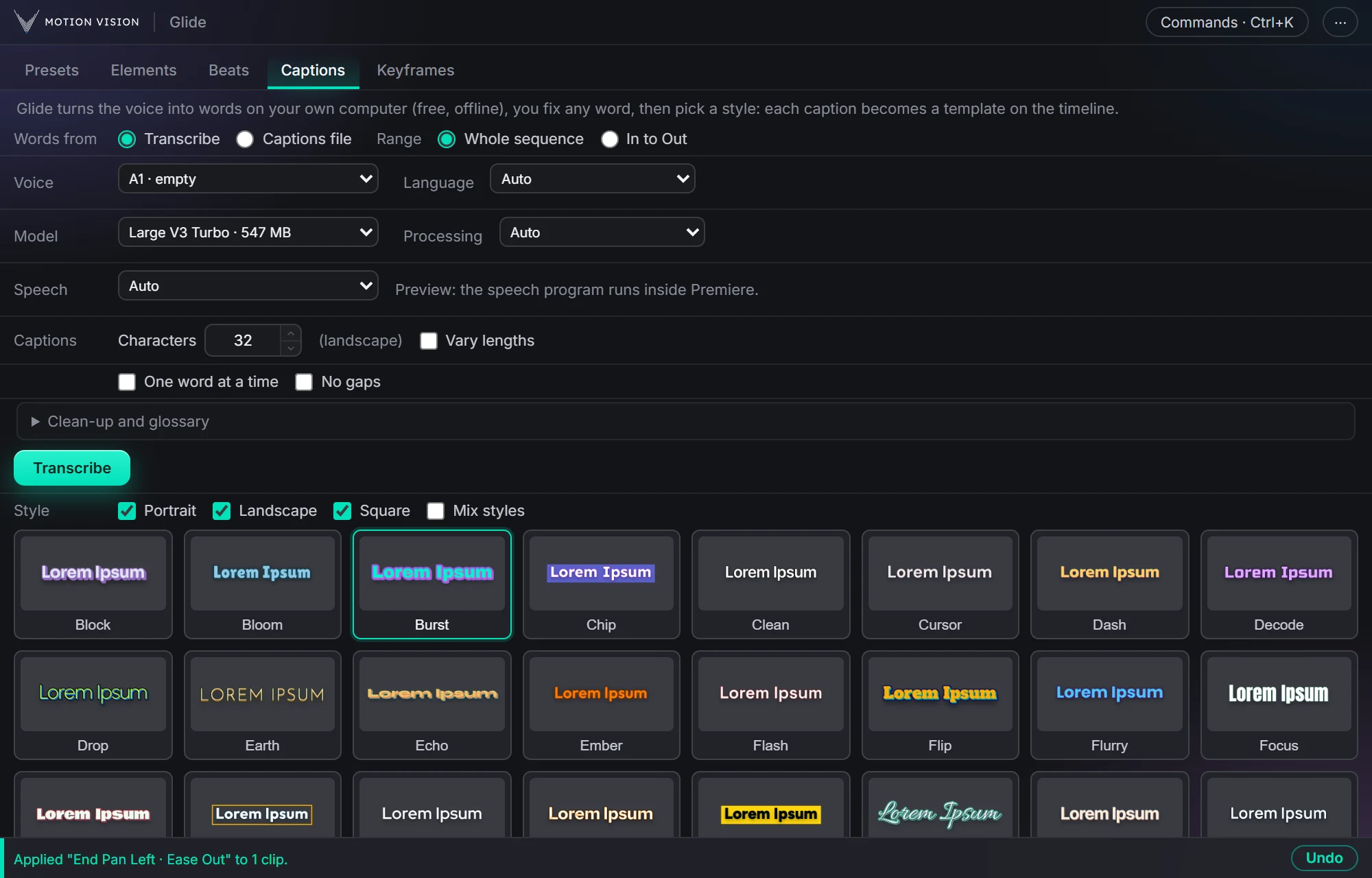 Speech to textCaptionsOffline transcription and 40 animated styles.Learn more →
Get Easingwith everything else.
One licence, all eight tools. Try everything free for 14 days first.