
Glide LiteAutomatic zooms, captions and rough cuts. Free.
Glide Lite is a smaller Glide that costs nothing. It is free forever, not a trial: no time limit and no payment details. When you want more moves, more caption looks and the keyframe tools, the full Glide installs over it.
- Free forever
- Not a trial
- Premiere 2022 or newer
- Windows and Mac
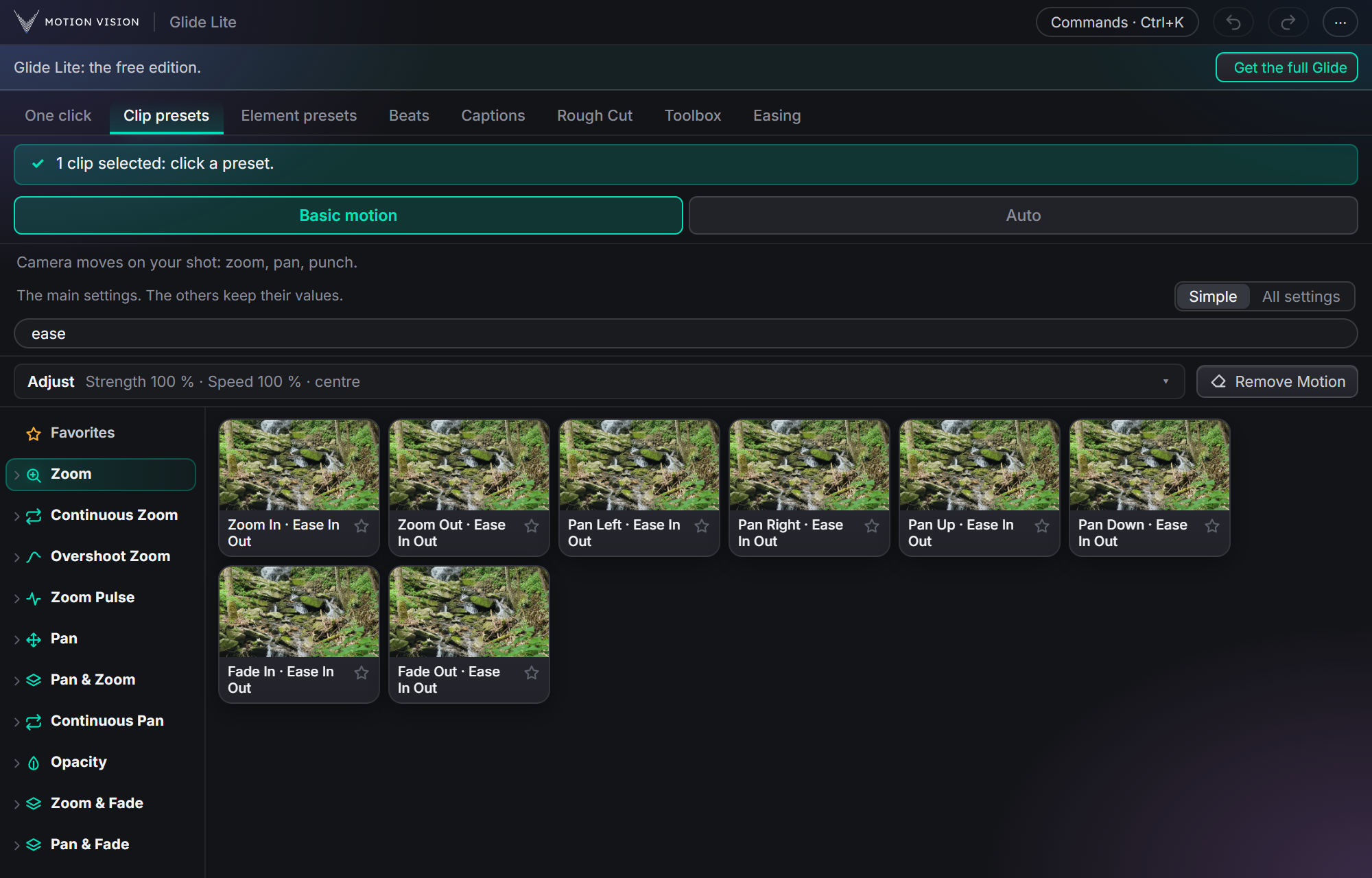
Eight tabs,yours to keep.
These are the real screens of Glide Lite. Everything you see here works with no limit on time or on the number of videos.
Your talking video, edited in one click
Glide Lite cuts the pauses, adds the camera moves, then writes the captions, one step after another. You can stop after each step to check it.
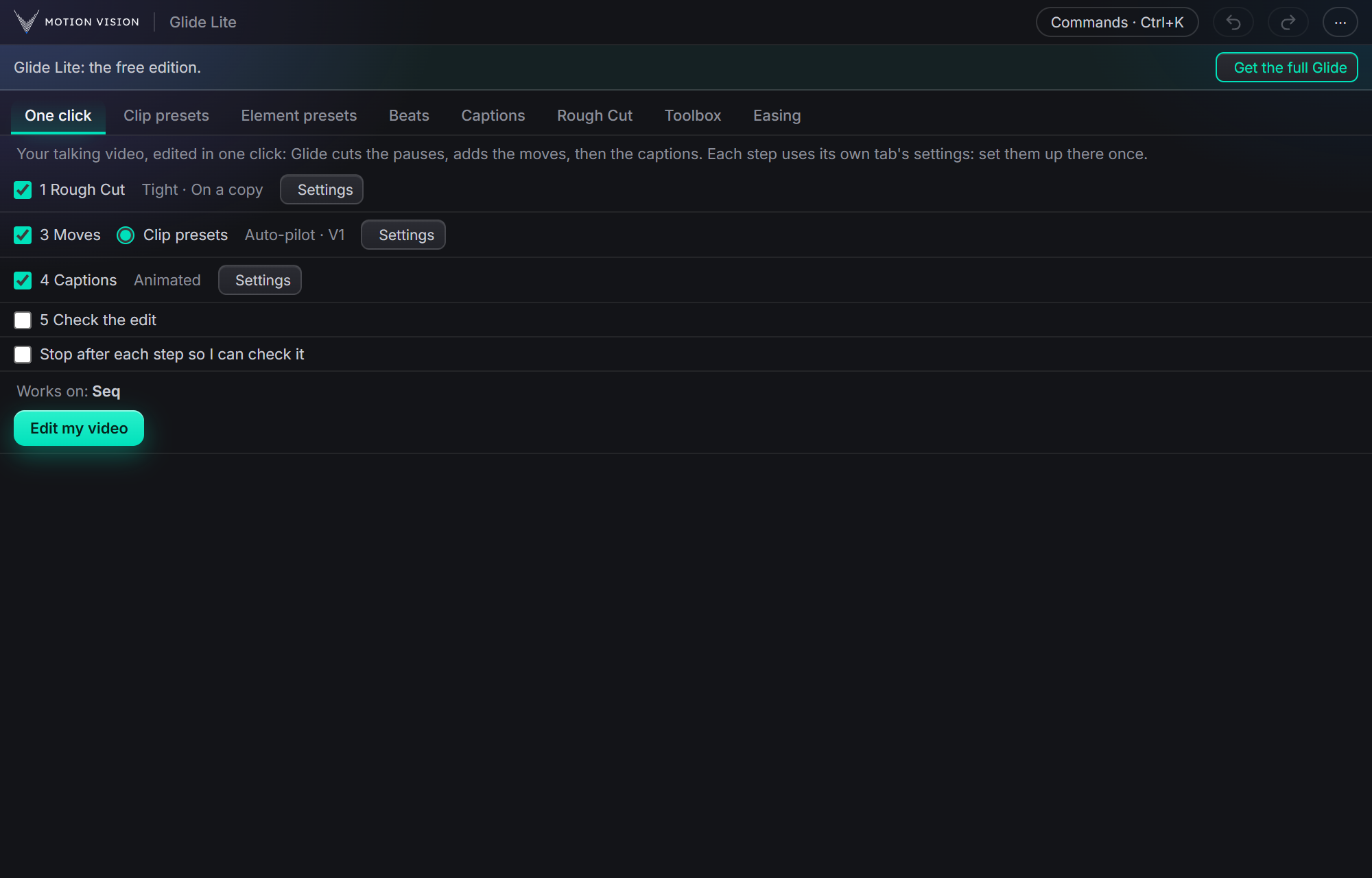
15 camera moves, or Auto-pilot
Click a move and it is on your clip: zoom in and out, pans and fades, each with a smooth ease. Or press Auto-pilot and Glide Lite places moves along your whole edit.
In Glide: 321 moves, and Advanced motion for chains of moves on one clip.
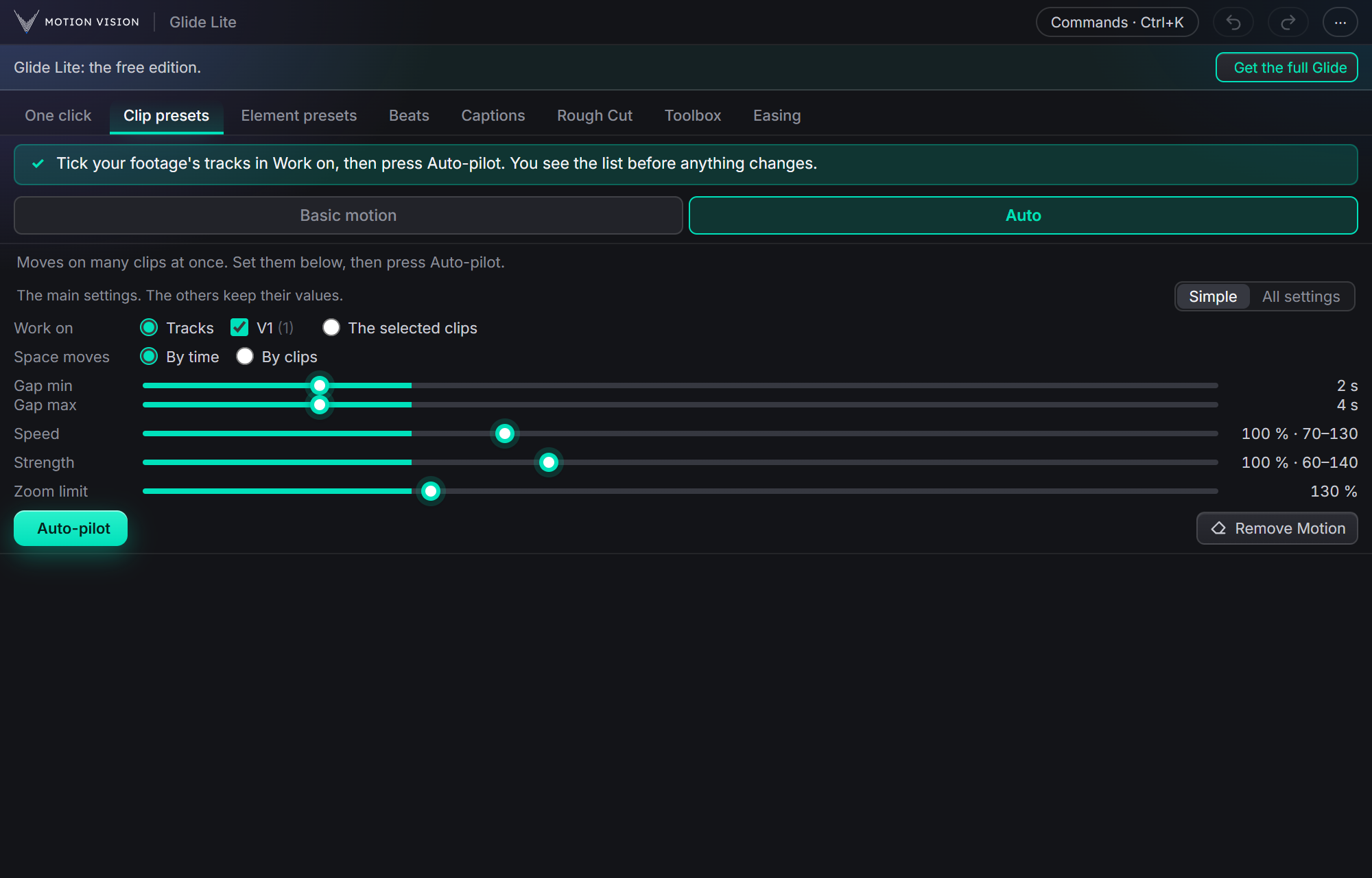
Captions written from your voice
Glide Lite writes down what is said, offline on your own computer, then adds the captions: 6 Animated styles (3 of them fully customizable), 5 Fast looks and 3 Decorative titles for highlighted words. Fonts, colours and sizes can be changed.
In Glide: 235 looks, and captions translated to other languages.
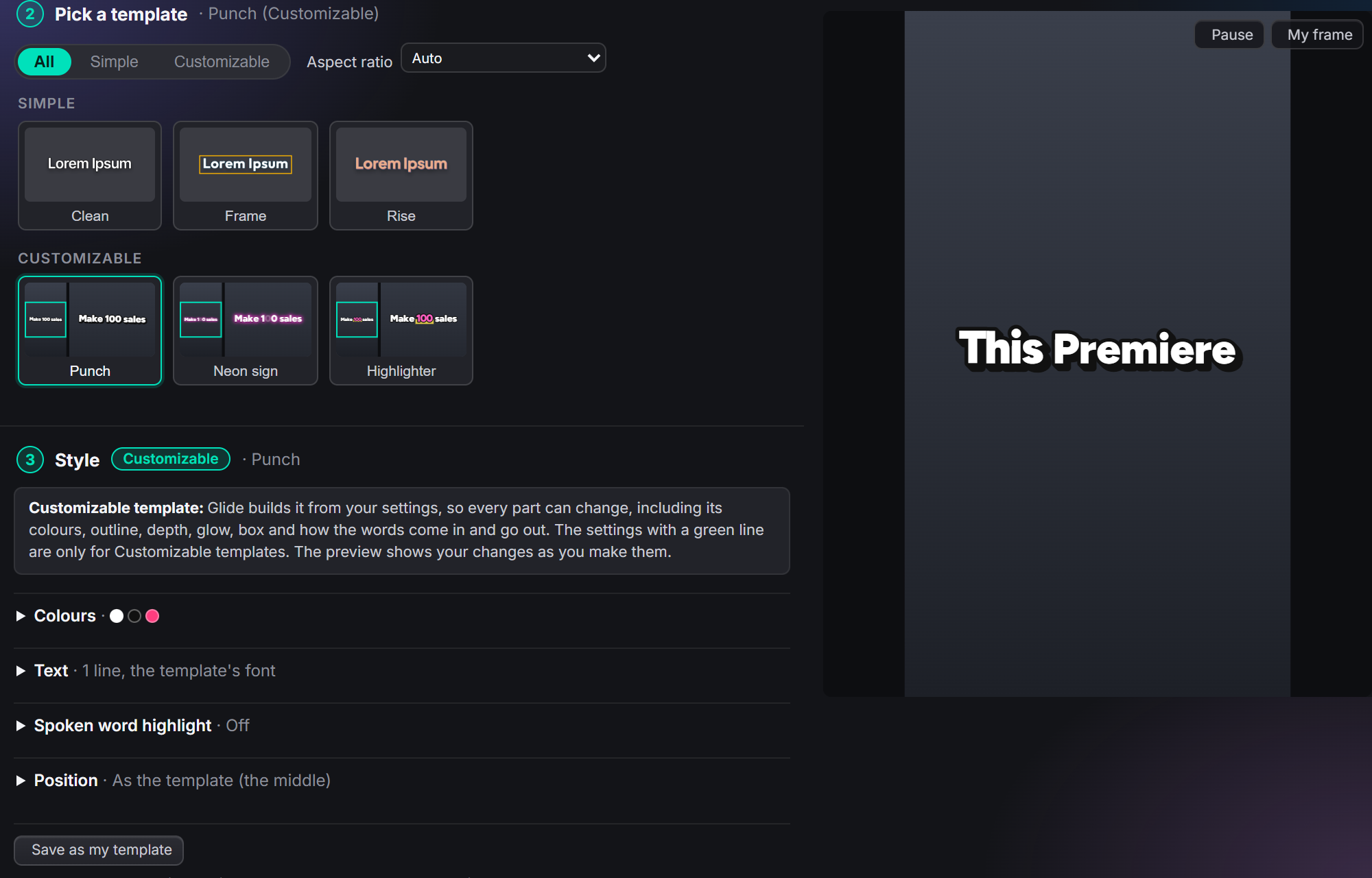
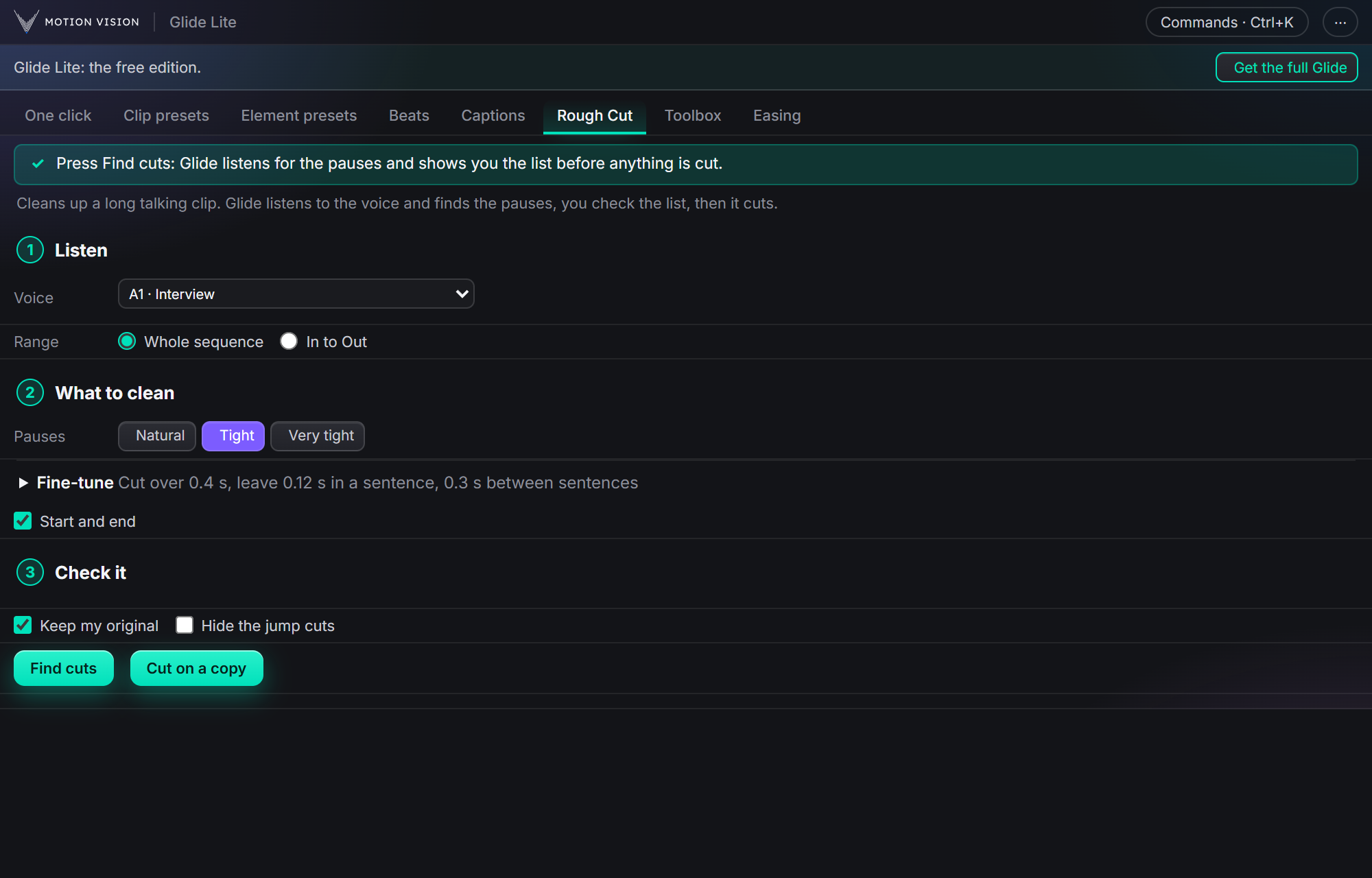
Glide listens for you
Rough Cut finds the pauses in a long talking clip, shows you the list, then cuts them on a copy. Beats finds the beats in your music and marks them on the timeline.
In Glide: Rough Cut also cuts the ums and repeats.
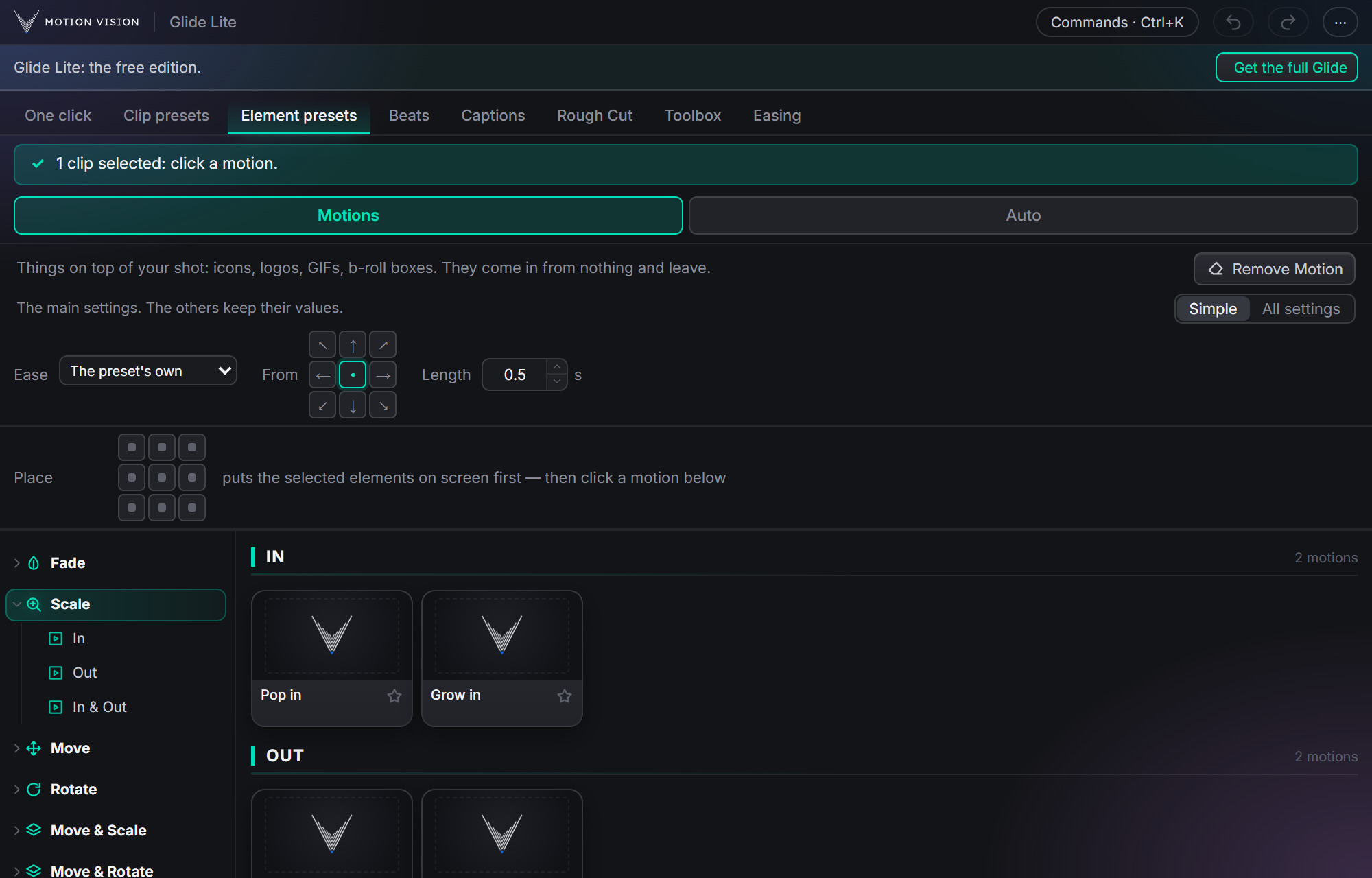
Motion for icons, logos and b-roll
6 ready-made motions bring an element onto the screen and take it off again: fade, pop, grow, slide, glide and drop. The Easing tab smooths your own keyframes with 8 curves.
In Glide: 24 motions and 42 curves.
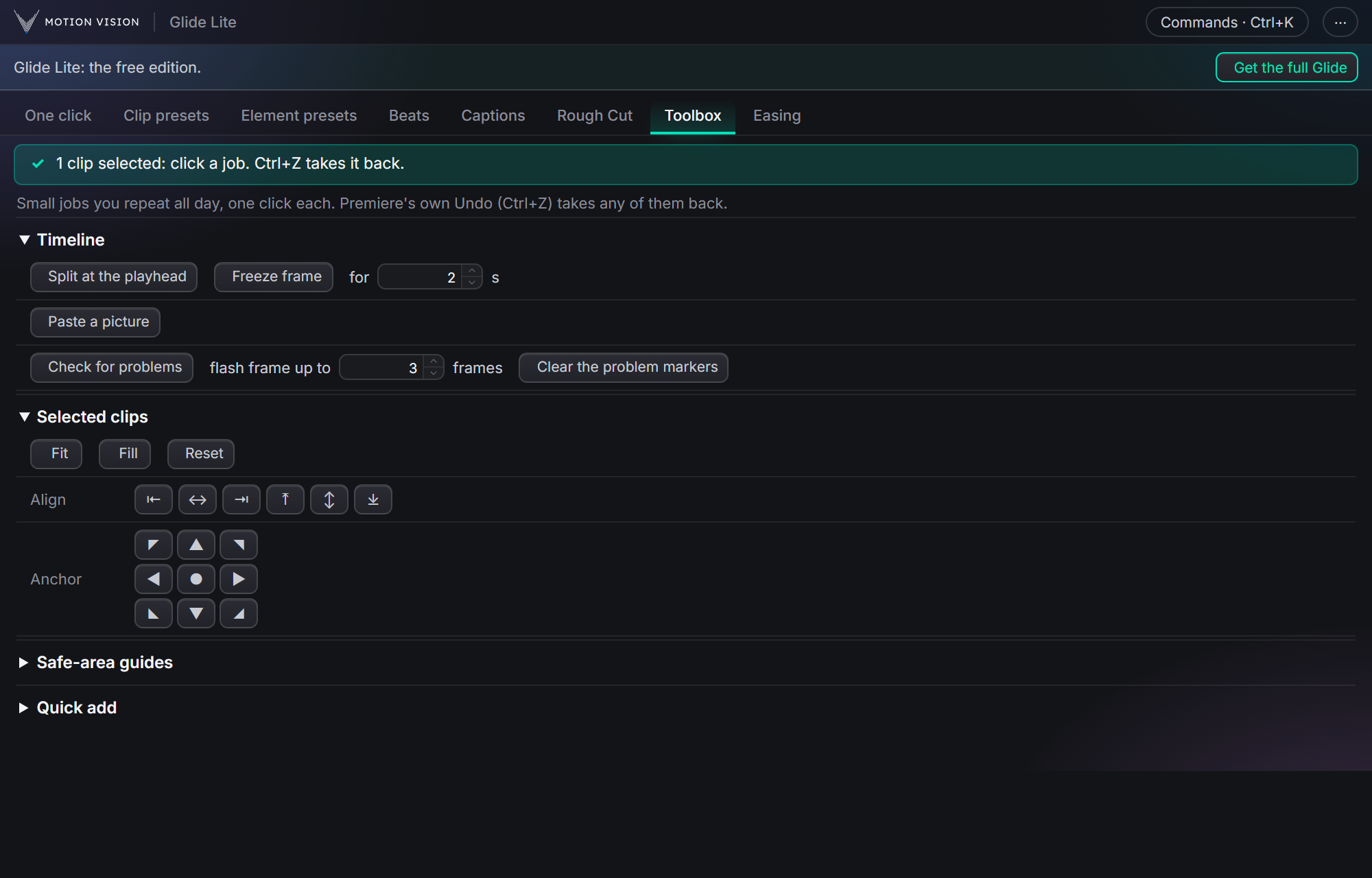
The small jobs, one click each
Split at the playhead, freeze a frame, fit and fill, align, anchor points, safe-area guides and quick add.
In Glide: every Toolbox job.
What the full Glide adds.
Glide Lite is free forever. Glide is $39, paid once. The table shows exactly what each one has.
| Glide Lite | Glide | |
|---|---|---|
| Price | Free forever | $39 once |
| Camera moves (Clip presets) | 15 | 321 |
| Auto-pilot: moves on a whole edit | Yes | Yes |
| Advanced motion: chains of moves on a clip | No | Yes |
| Animated caption styles | 6 | 82 |
| Fast caption looks | 5 | 53 |
| Decorative titles for highlighted words | 3 | 100 |
| Captions written from your voice, offline | Yes | Yes |
| Captions translated to another language | No | Yes |
| Element motions | 6 | 24 |
| Easing curves | 8 | 42 |
| Rough Cut | Pauses | Pauses, ums and repeats |
| Beats: finds the beats in your music | Yes | Yes |
| One click: cut, moves and captions in one go | Yes | Yes, plus a New format step |
| Toolbox | The everyday jobs | Every job |
| States: a clip moves from look to look | No | Yes |
| Keyframe Timeline and Curve Editor | No | Yes |
| Optional AI (your own ChatGPT or Claude) | No | Yes |
| Windows and Mac, two computers per key | Yes | Yes |
Three steps.
Get it on Gumroad
Open Glide Lite's page on Gumroad, leave the price at 0 and enter your email. Gumroad gives you the installer and a free licence key.
Install it
Close Premiere and run the installer: the .exe on Windows, the .pkg on a Mac. Then open Premiere and choose Window › Extensions › Motion Vision Glide Lite.
Enter the key once
Paste the free licence key the first time Glide Lite opens. One key works on two of your computers.
About Glide Lite.
Is Glide Lite a free trial?
No. It is a free edition, not a trial: it does not expire, it does not count your videos, and you never give payment details. It simply has fewer presets and tools than the full Glide.
Why do I need a licence key if it is free?
The key is free too. Gumroad gives it to you with the download, and you enter it once. It is how Glide Lite knows it is your copy, on up to two of your computers.
What happens if I buy Glide later?
Install the full Glide over Glide Lite and enter your Glide licence code. Your settings stay, and everything in the table above opens up.
Can Glide Lite and Glide be installed together?
No, one replaces the other: installing Glide takes the place of Glide Lite, and the other way round.
Start free.Move up when you want more.
Glide Lite costs nothing and stays yours. The full Glide is one payment of $39.