
ToolboxSmall jobs, one click each.
Split, freeze a frame, paste a picture, check for problems, fit and fill, chapters, safe-area guides, batch export, emoji, quick effects, sync two recordings, podcast cameras and One click edit.
- Split
- Freeze frame
- Paste a picture
- Check for problems
- Fit and Fill
- Chapters
- Safe-area guides
- Batch export
- Emoji
- Quick effects
- Sync by sound
- Podcast cameras
- One click edit
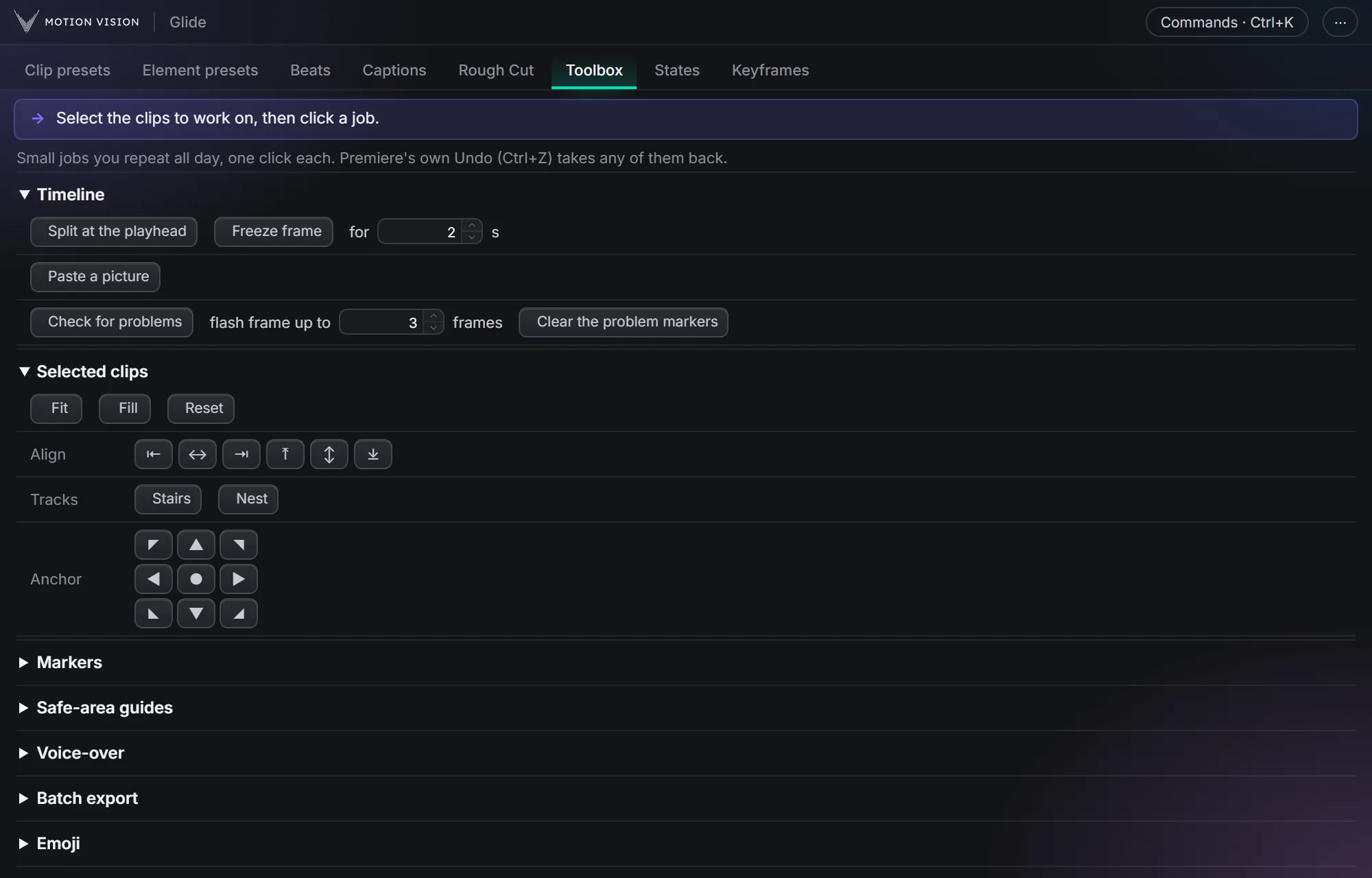
Some jobs take ten clicks in Premiere every single time. The Toolbox puts them one click away, and Premiere's own Undo takes any of them back.
The everyday jobs: split, freeze frame, fit and fill, align, anchor points, safe-area guides and quick add.
Get Glide Lite · FreeTry the Toolbox on a small timeline.
Every group and every button of the tab, doing its job on a small timeline and monitor.
What Toolbox gives you.
Timeline
Split at the playhead, a freeze frame for as long as you like, paste a picture you copied in a browser, and Check for problems: red markers on black gaps, flash frames and offline media.
Selected clips
Fit, Fill or Reset, line clips up against any edge, set the anchor in one click, stack clips as Stairs, or Nest them.
Markers
YouTube chapters from your markers, ready to paste, and a still picture saved at each marker.
Guides and export
Safe-area guides for Shorts, Reels, TikTok and YouTube, and Batch export: one MP4 for each part between your markers.
Quick add
Emoji, a colour matte, text at the playhead in your caption style, and quick effects (Warp Stabilizer, Lumetri Color, Drop Shadow, Gaussian Blur, Crop, Ultra Key) in one click.
Bigger jobs
Loop keyframes over and over or back and forth, sync two recordings by their sound, switch podcast cameras to whoever is talking, and One click edit: Rough Cut, captions and a check, one after another.
Three steps.
Select clips
Or put the playhead where the job goes.
Click the job
One click, done in Premiere.
Undo any time
Premiere's own Undo takes it back.
Questions about Toolbox.
Does it change my clips?
Only what you click: a cut, a still, a picture, markers or keyframes, all normal Premiere edits that Undo takes back.
Does it work on a Mac?
Yes, on Windows and Mac, both tested.
The rest of the panel.
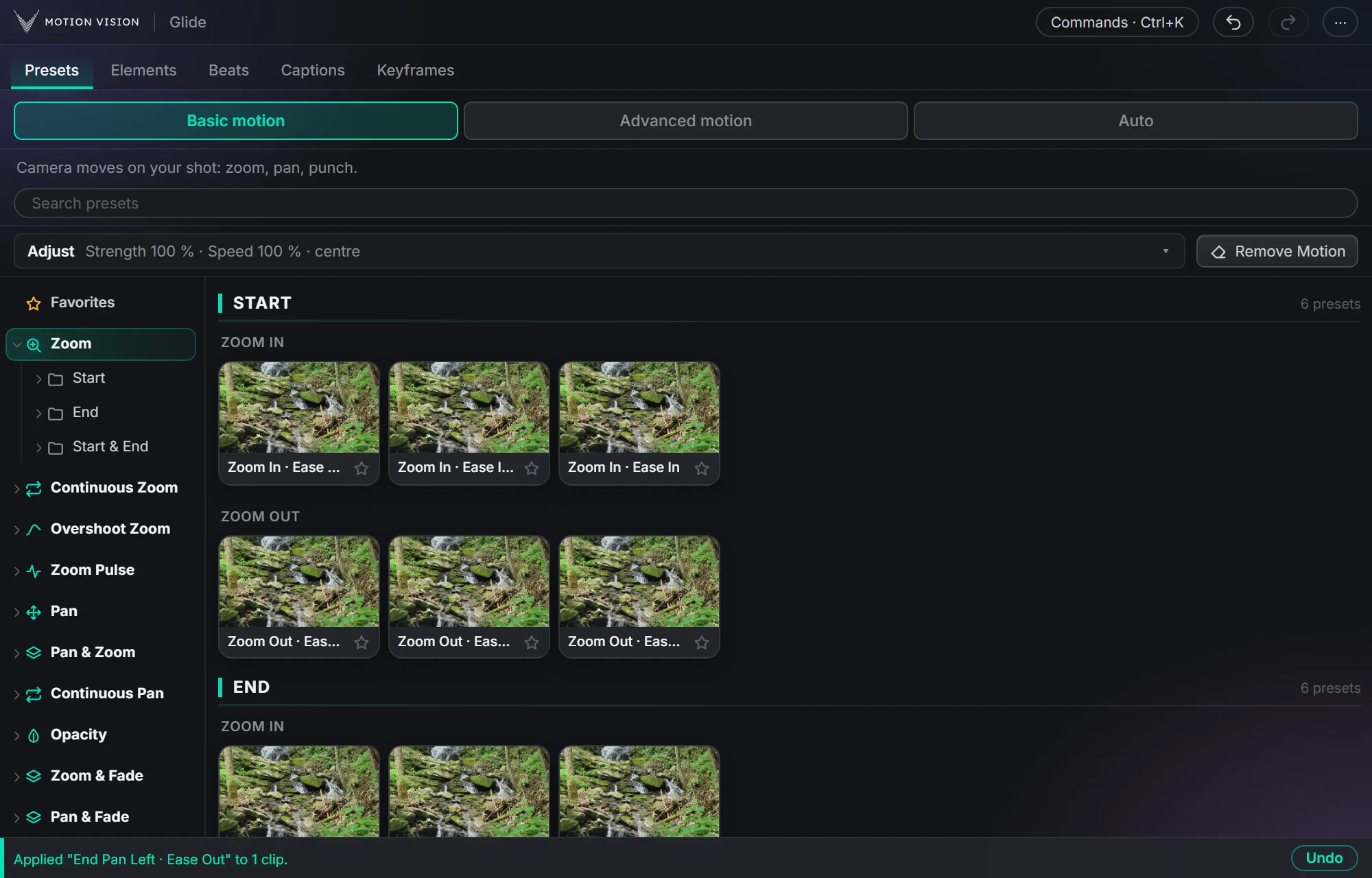 Camera movesClip presets321 zooms, pans, punches, drifts and fades, one click each.Learn more →
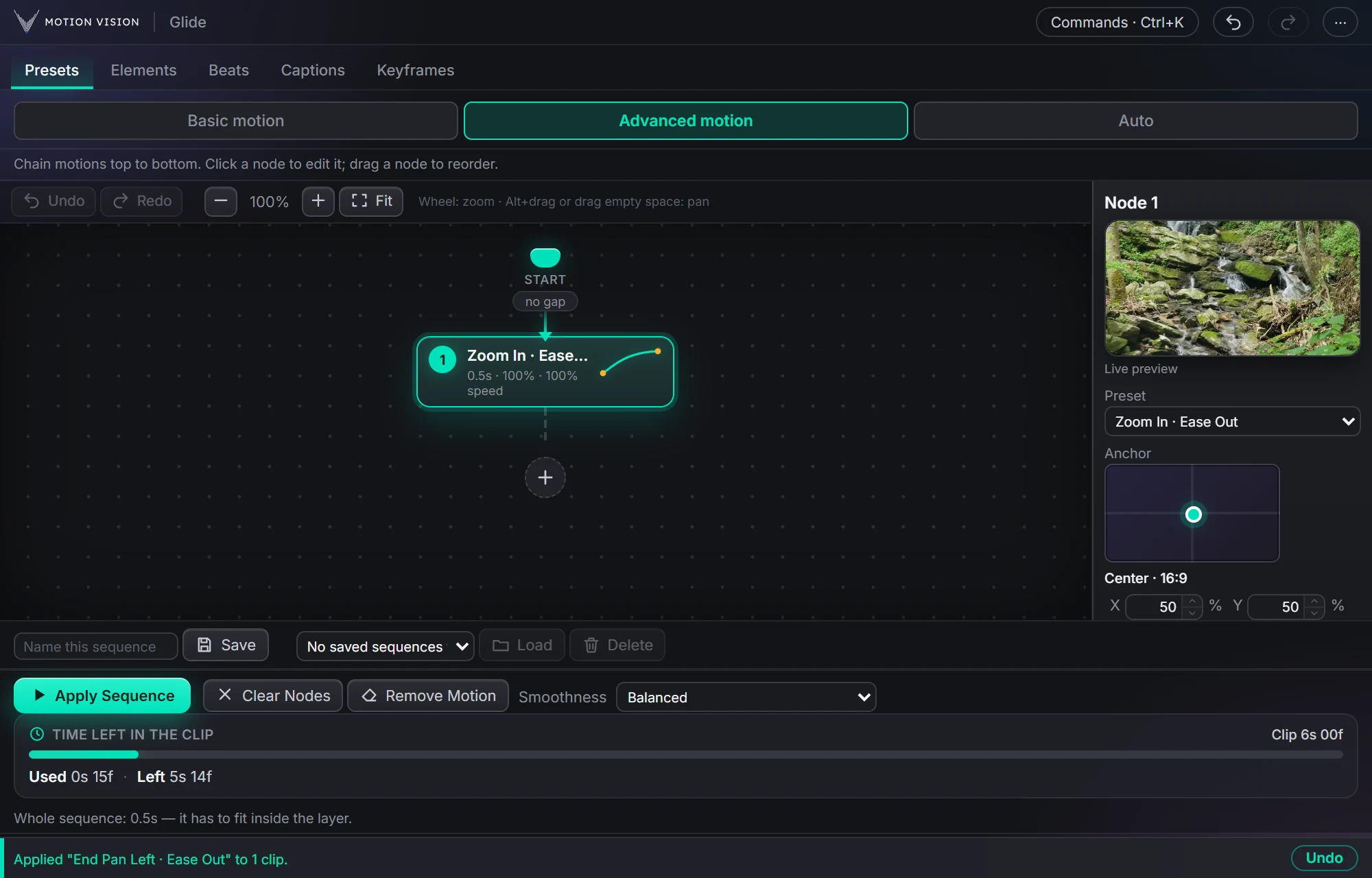 Chained movesAdvanced motionChain several moves on one clip and apply the whole sequence.Learn more →
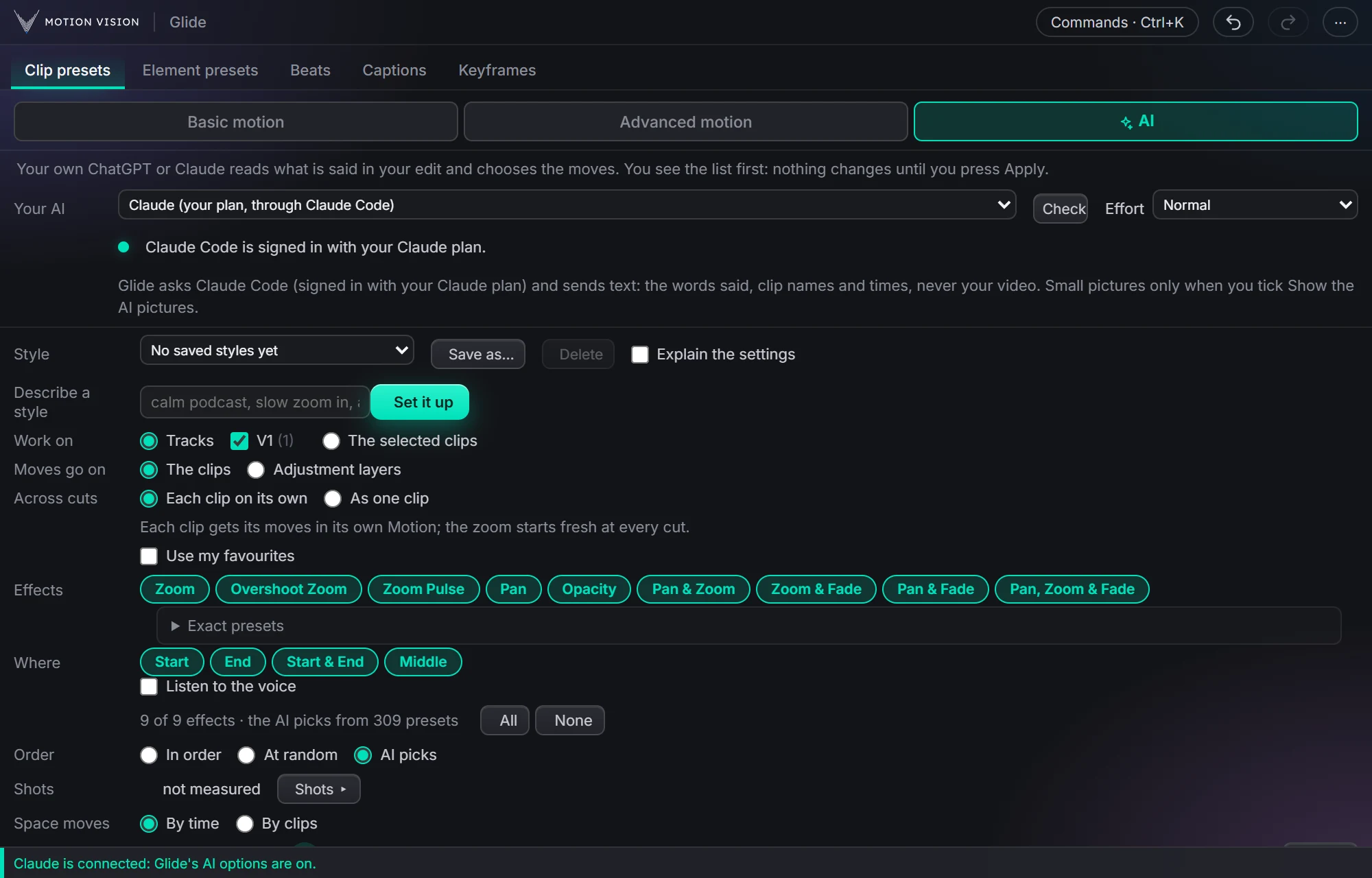 Whole editAuto-pilotMoves on a whole edit at once, with your own AI or without.Learn more →
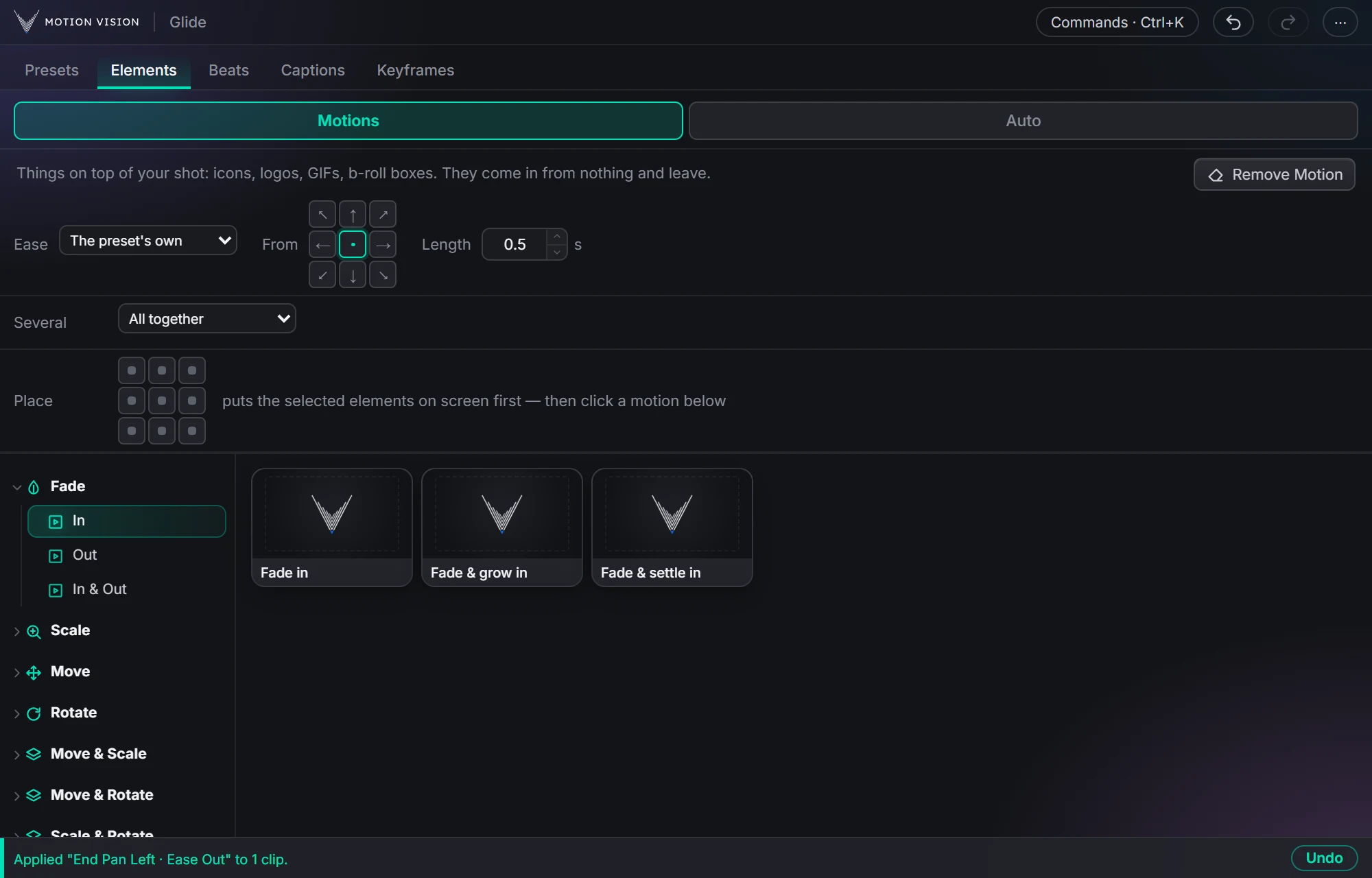 OverlaysElement presetsIcons, logos and b-roll that come in and leave.Learn more →
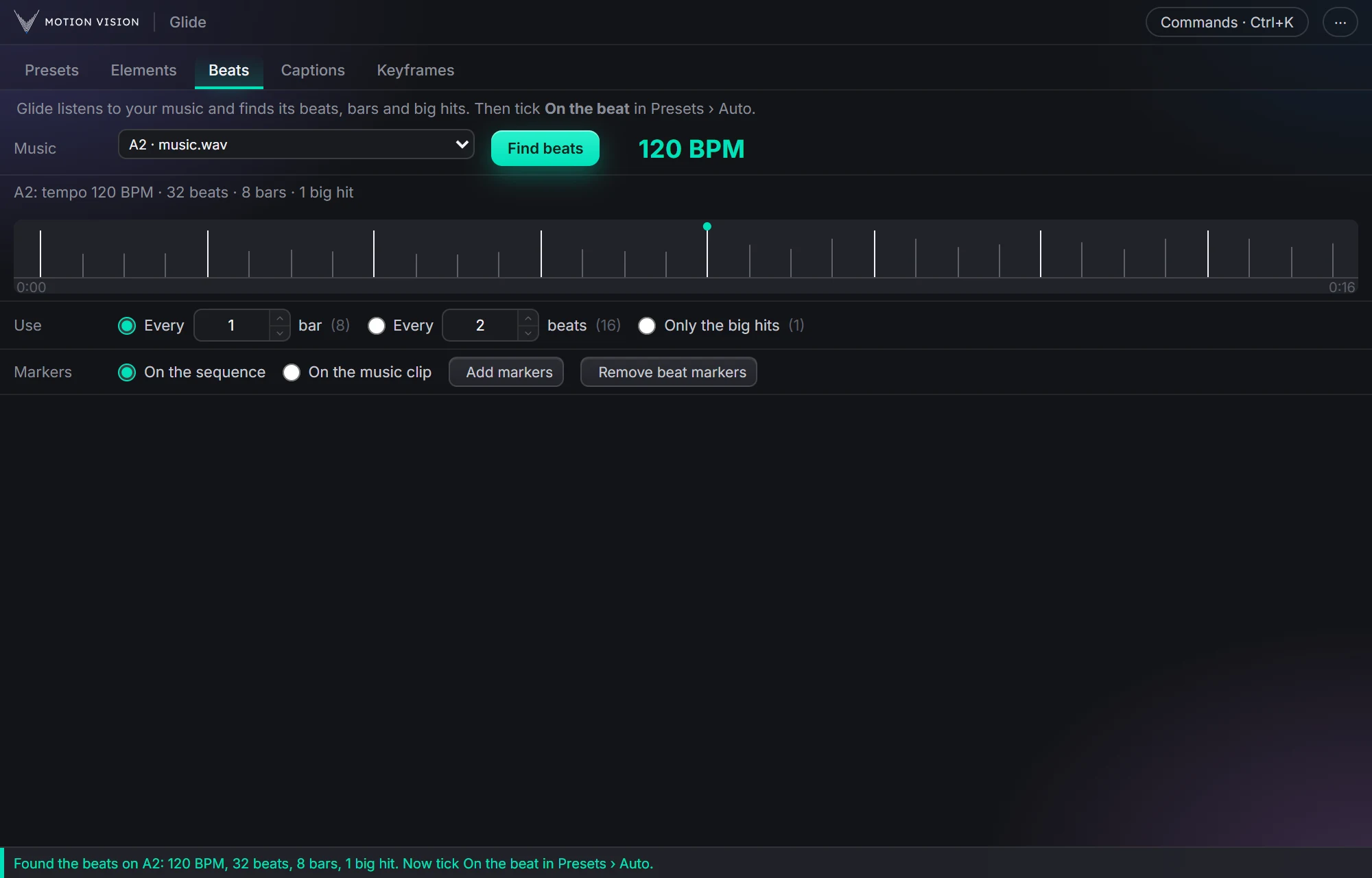 MusicBeatsReads the music and puts the motion on the beat.Learn more →
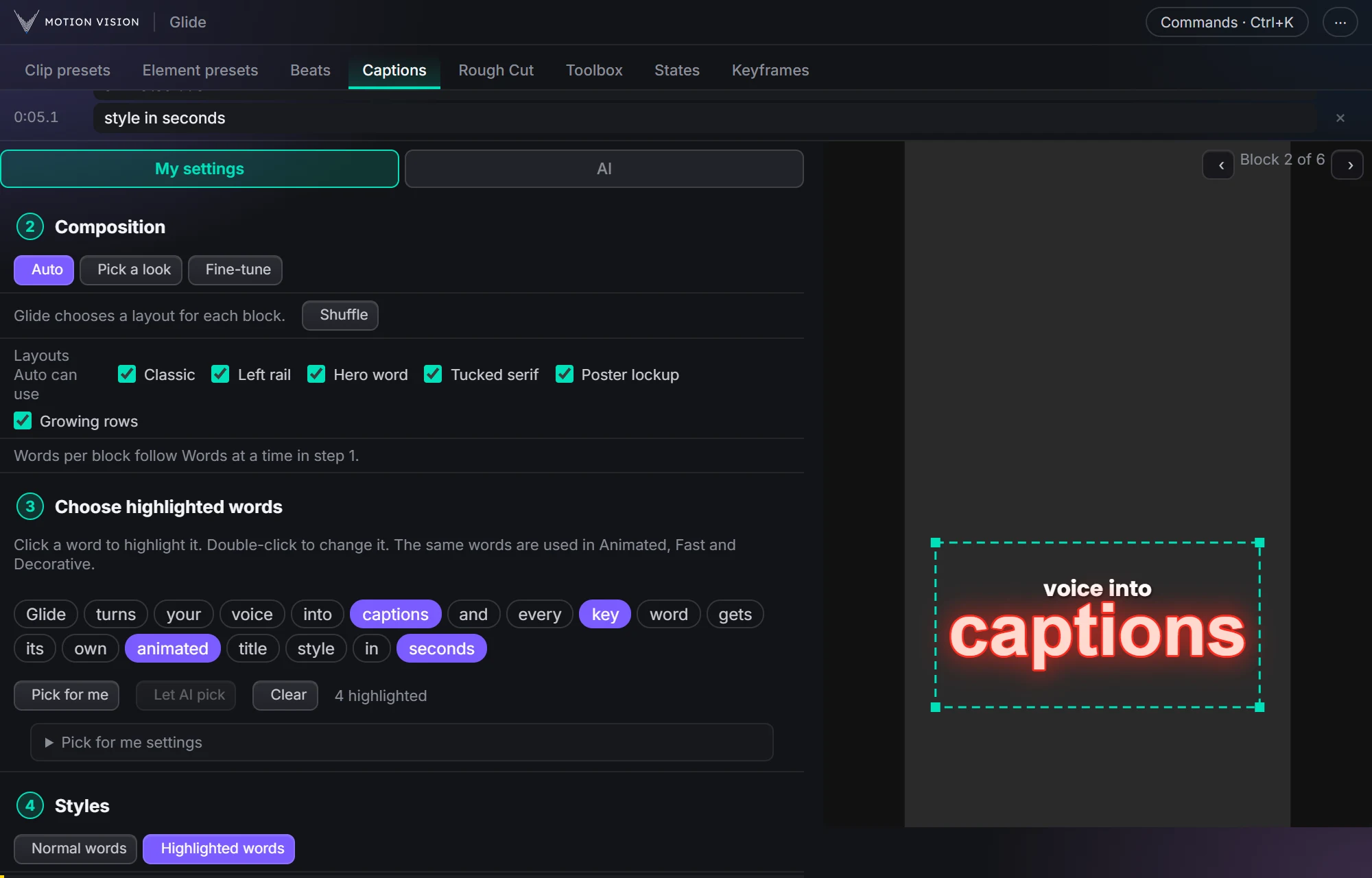 Speech to textCaptionsOffline transcription and translation; Decorative, Animated and Fast captions, 235 looks.Learn more →
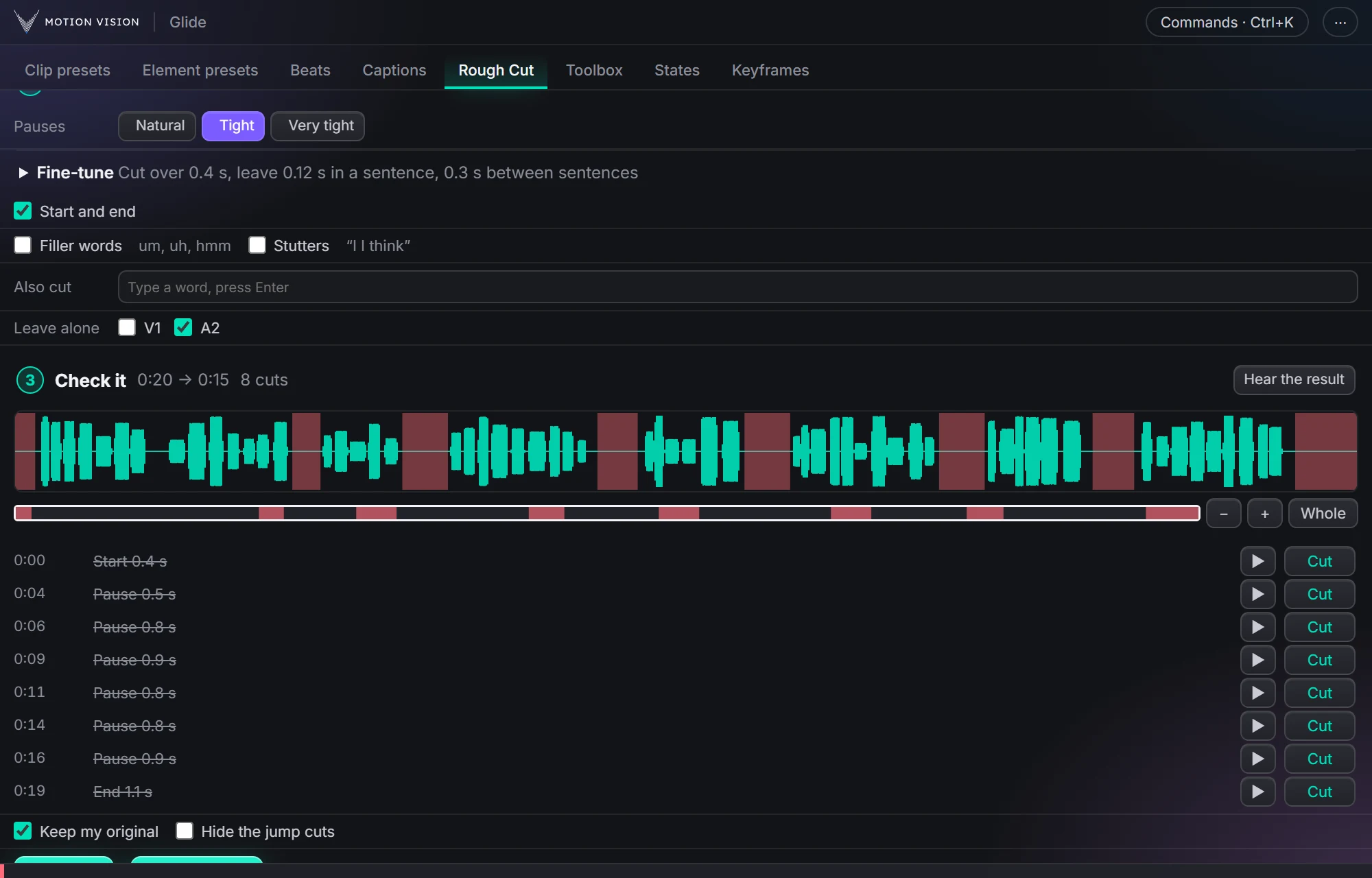 EditingRough CutCuts the pauses, ums and repeats out of a talking clip.Learn more →
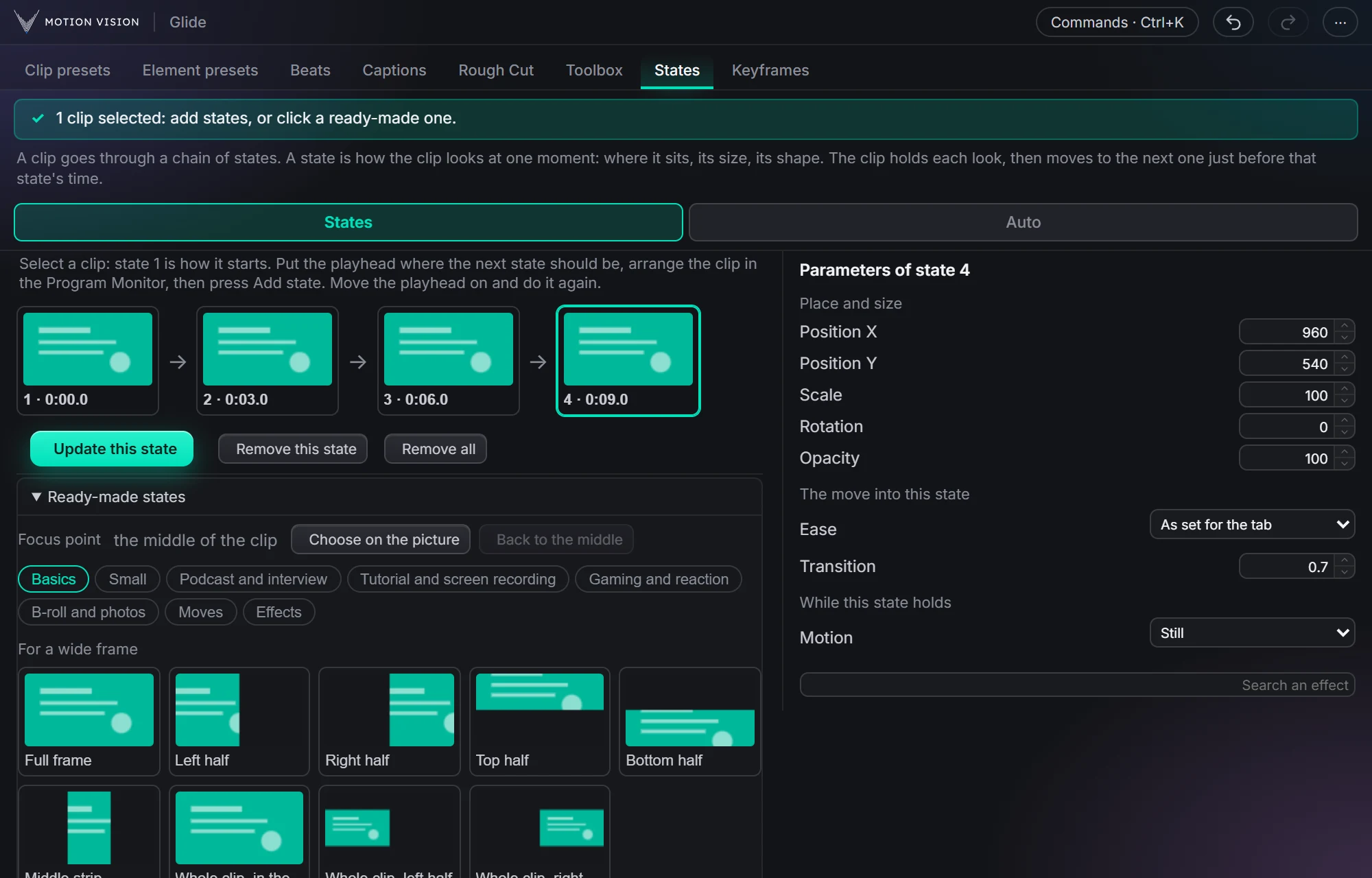 MotionStatesA clip moves from one look to the next, as you click them.Learn more →
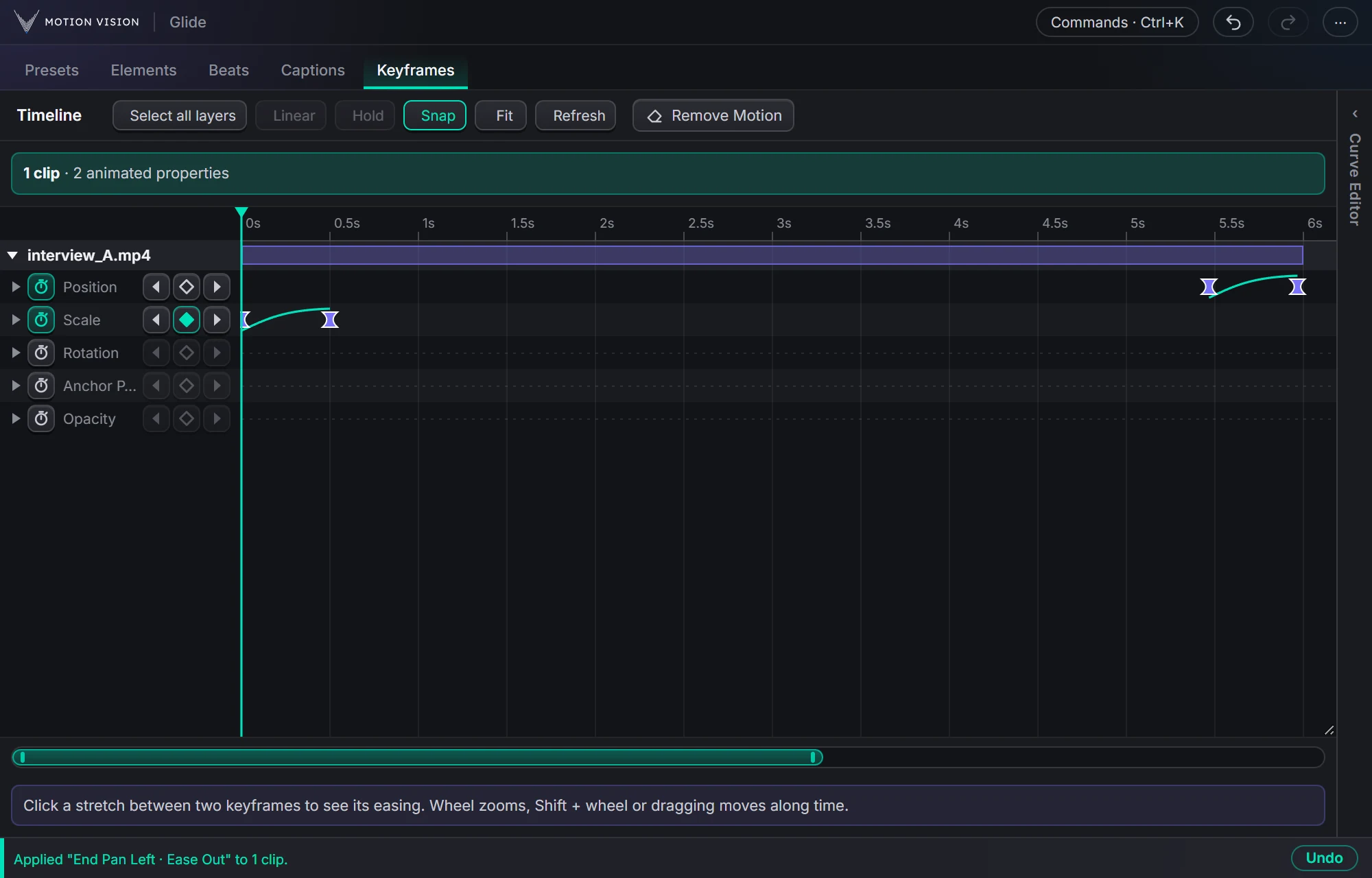 KeyframesTimelineEvery keyframe of the selected clips, in one view you can edit.Learn more →
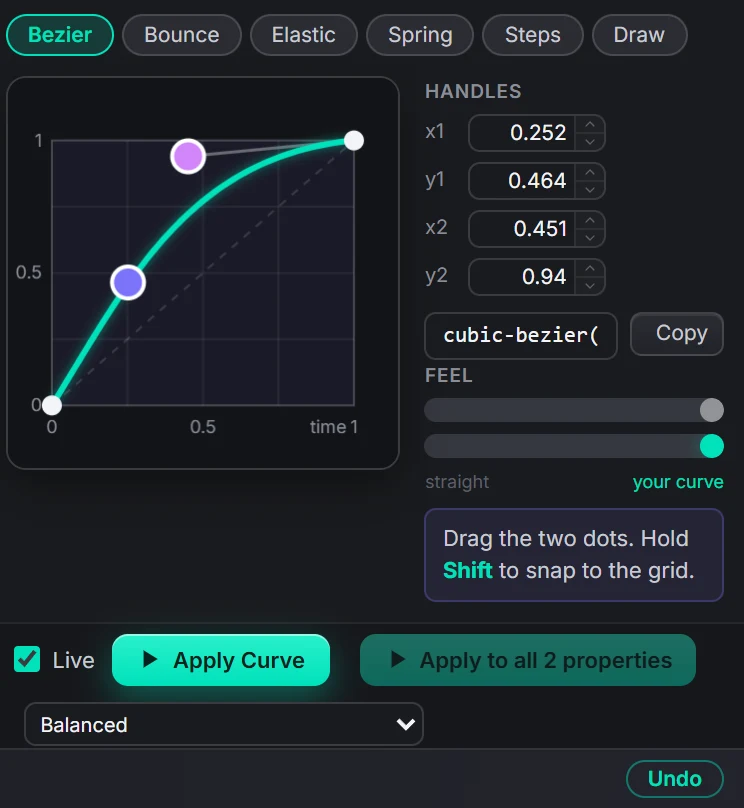 EasingCurve EditorBezier, bounce, elastic, spring, steps, or draw your own.Learn more →
Get Toolboxwith everything else.
One licence, all eleven tools, with a 7-day money-back guarantee.