
Rough CutA clean talk in one pass.
Glide listens to the voice, finds the pauses, the ums and the words said twice, and shows you the list. You keep what you want, then it cuts, on a copy if you like.
- Pauses
- Ums and uhs
- Stutters
- Your own words
- Keep my original
- Hide the jump cuts
- Works offline
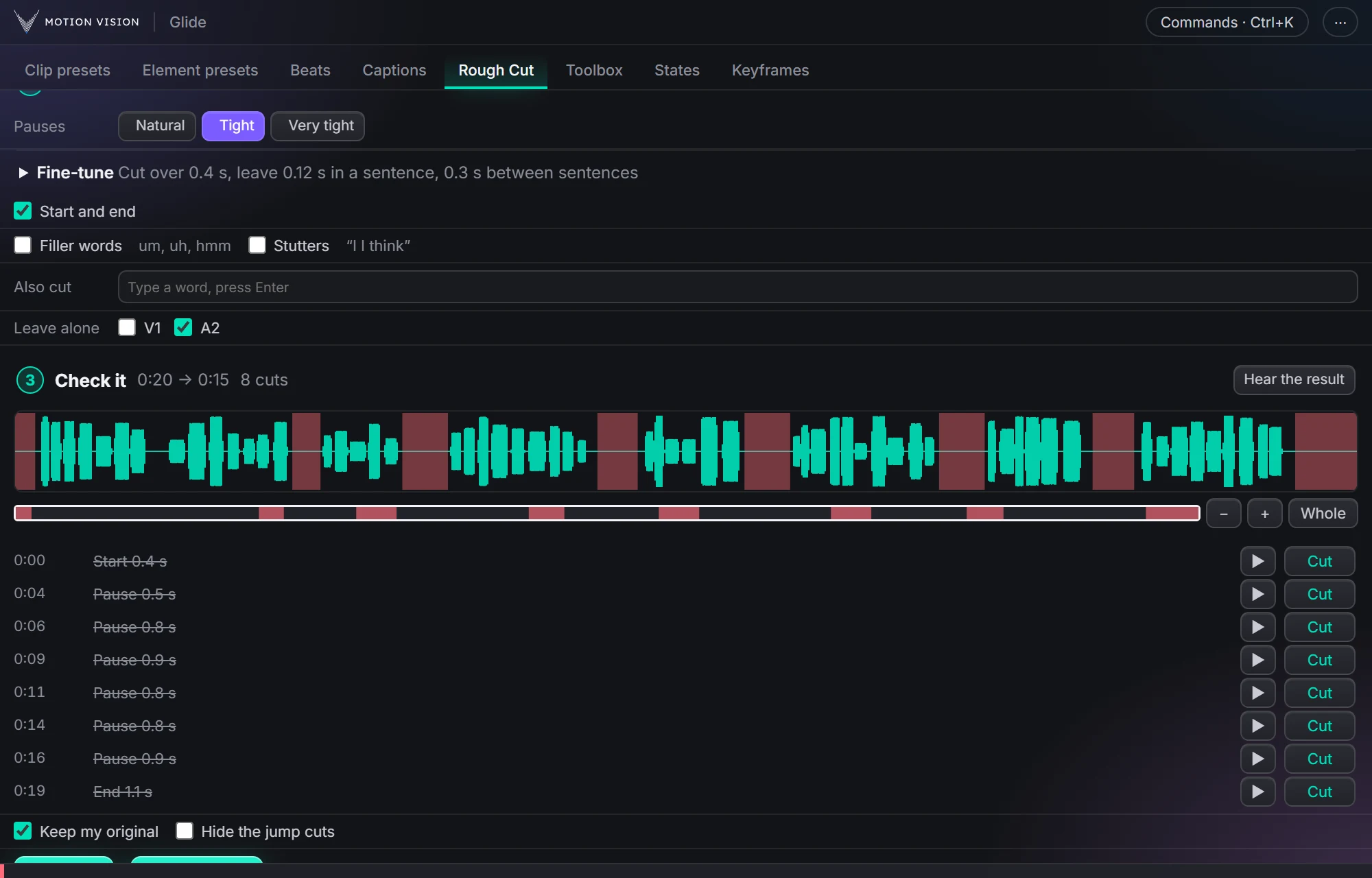
Cleaning a long talking clip by hand means scrubbing for every breath and every um. Rough Cut does the listening on your own computer: it writes down the words, finds the pauses and the filler sounds, and lists every cut with its time. You flip any of them to Keep and hear the result, and only then does it cut, on a copy of your sequence if you like, so the original stays as it was.
Cuts the pauses out of your talking, with a list to check first.
Get Glide Lite · FreeTry Rough Cut on a sample talk.
Glide's own cut rules, running here: change the pace, the ticks or the numbers and see exactly what it would cut.
What Rough Cut gives you.
Pauses, at your pace
Natural, Tight or Very tight, or set the three numbers yourself: how long a pause must be to go, and how much air stays inside a sentence and between sentences.
Ums and stutters
Filler sounds (um, uh, hmm) and a word said twice by mistake go too. Add your own words to Also cut, like "you know" or "basically".
You check the list
Every cut is listed with its time. Flip any to Keep, play the moment around it, or hear the whole result before anything changes.
Safe by default
Keep my original cuts a copy, so yours is never touched. Hide the jump cuts shows every other piece a little closer, so a cut looks like a new angle.
Captions follow the cut
After the cut, the Captions tab has the words at their new times, so your captions line up with the cut talk.
AI is optional
With your own ChatGPT or Claude, Rough Cut can also cut weaker takes, false starts and rambling by what is said. Everything above works without any AI.
Three steps.
Pick the voice track
The track with the talking. Music on other tracks is left alone.
Press Find cuts
Glide listens on your computer and lists every cut.
Check, then cut
Flip any cut to Keep, hear it, then Cut on a copy.
Questions about Rough Cut.
Does it upload my audio?
No. The listening and the speech to text run on your own computer. Only the optional AI, if you turn it on, sends the words (never the audio) to your own ChatGPT or Claude.
Can I undo it?
Yes. With Keep my original it works on a copy, so your sequence is never touched. Without it, one Undo puts the sequence back.
Do I need an AI subscription?
No. Rough Cut finds and cuts pauses, ums and stutters without any AI. The AI option is an extra, for cuts by meaning.
Does it work on a Mac?
Yes, on Windows and Mac, both tested, with the same features. Speech to text downloads its program by itself the first time on both: nothing to install by hand.
The rest of the panel.
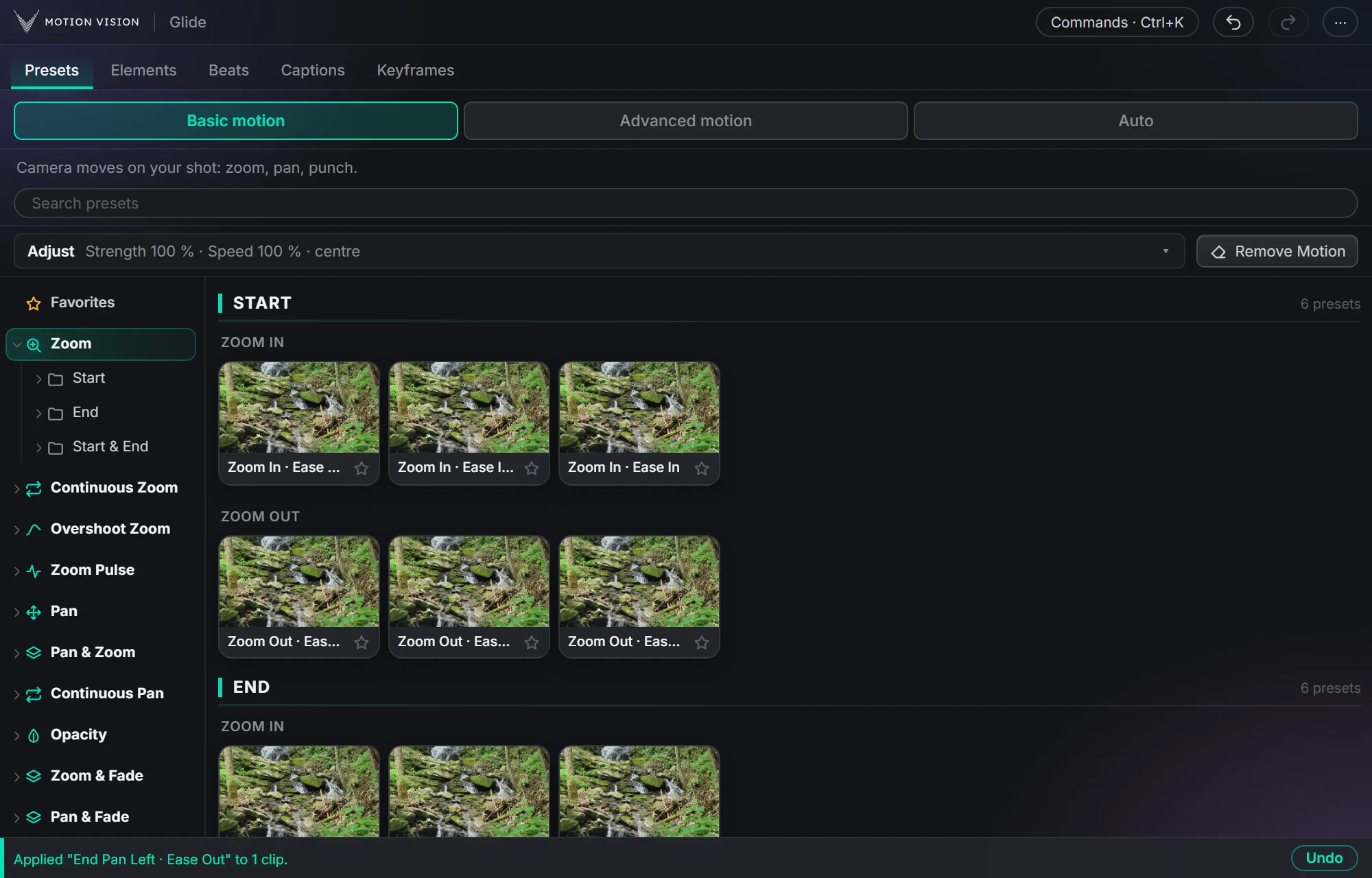 Camera movesClip presets321 zooms, pans, punches, drifts and fades, one click each.Learn more →
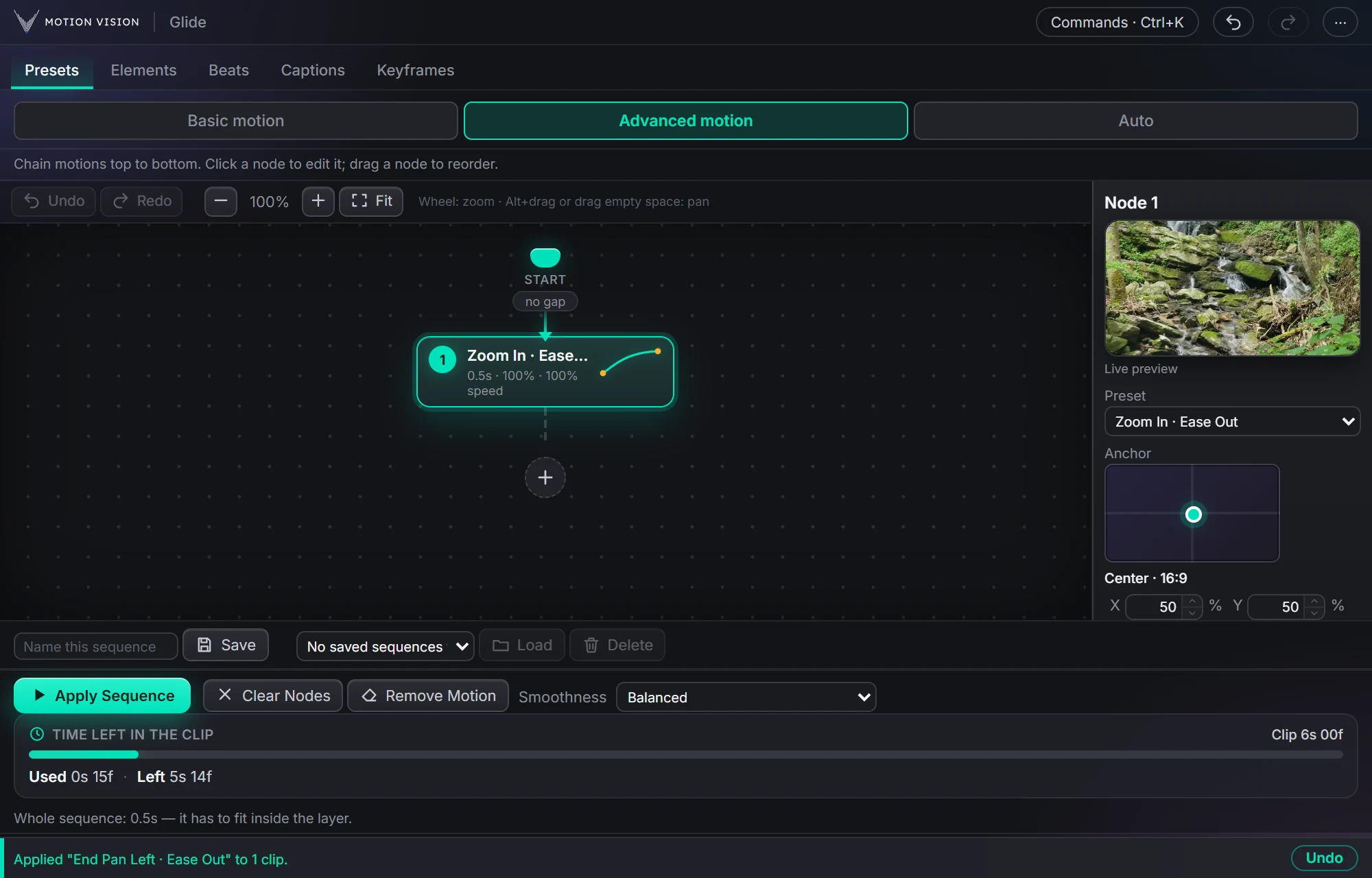 Chained movesAdvanced motionChain several moves on one clip and apply the whole sequence.Learn more →
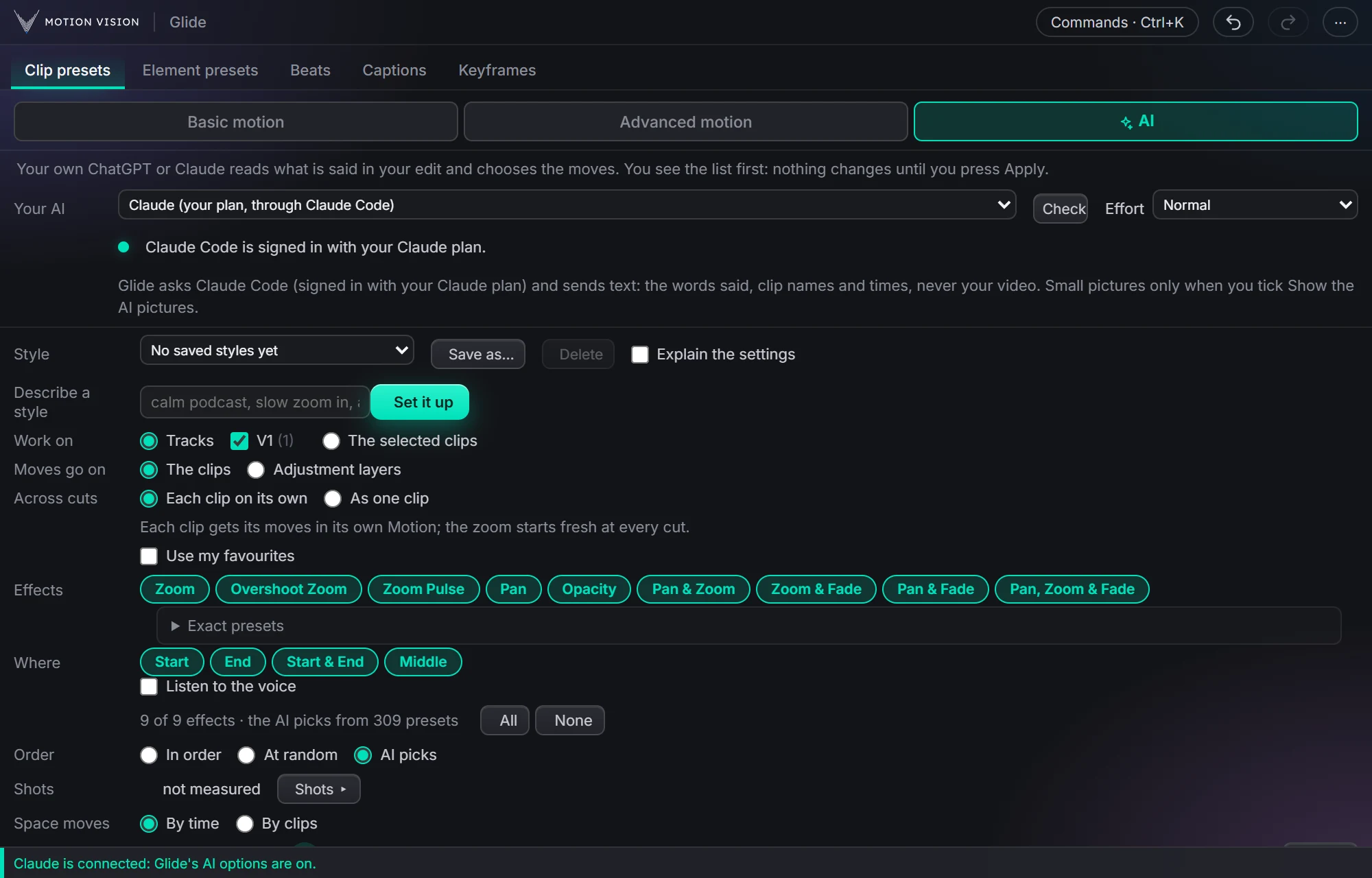 Whole editAuto-pilotMoves on a whole edit at once, with your own AI or without.Learn more →
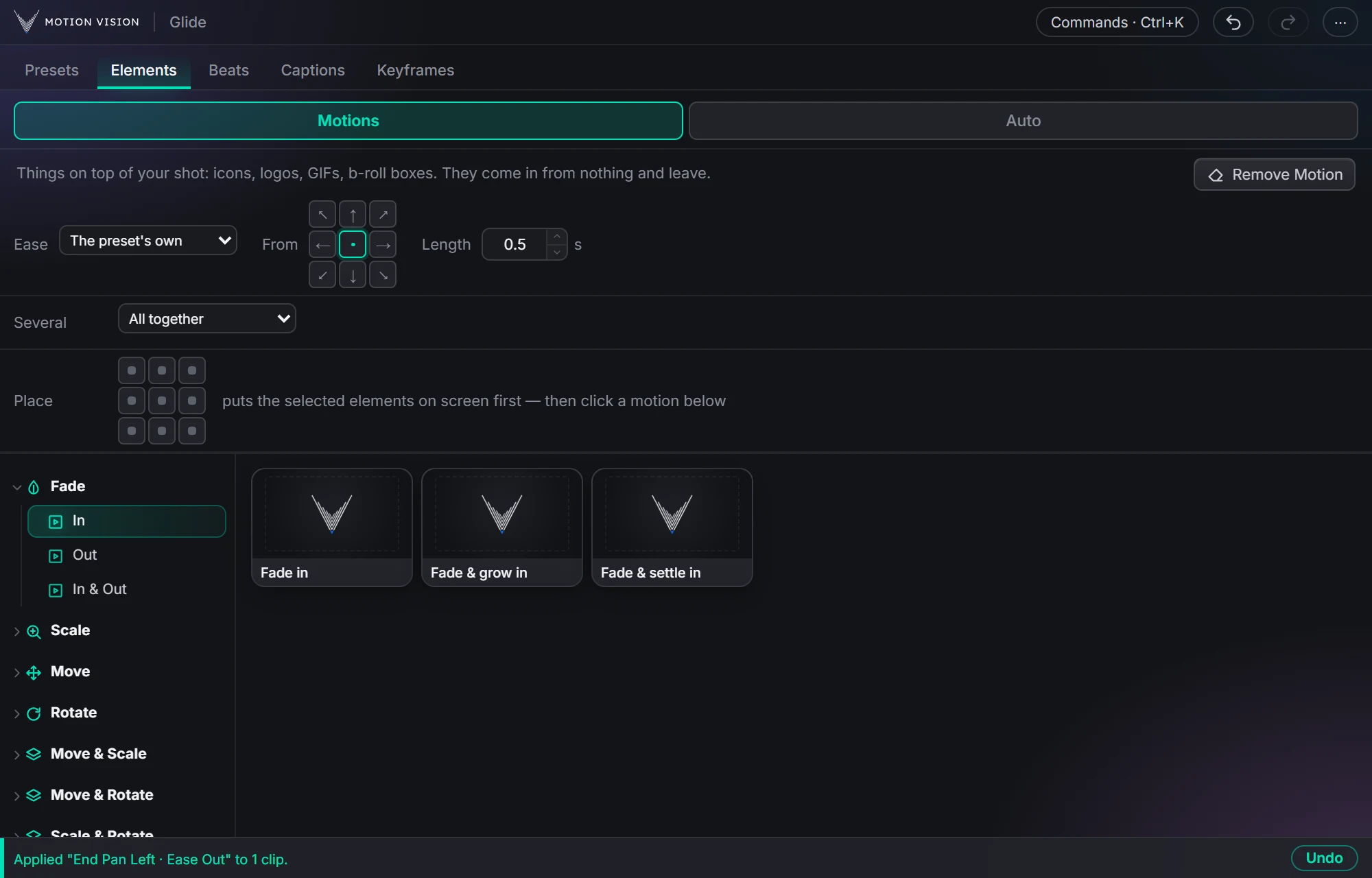 OverlaysElement presetsIcons, logos and b-roll that come in and leave.Learn more →
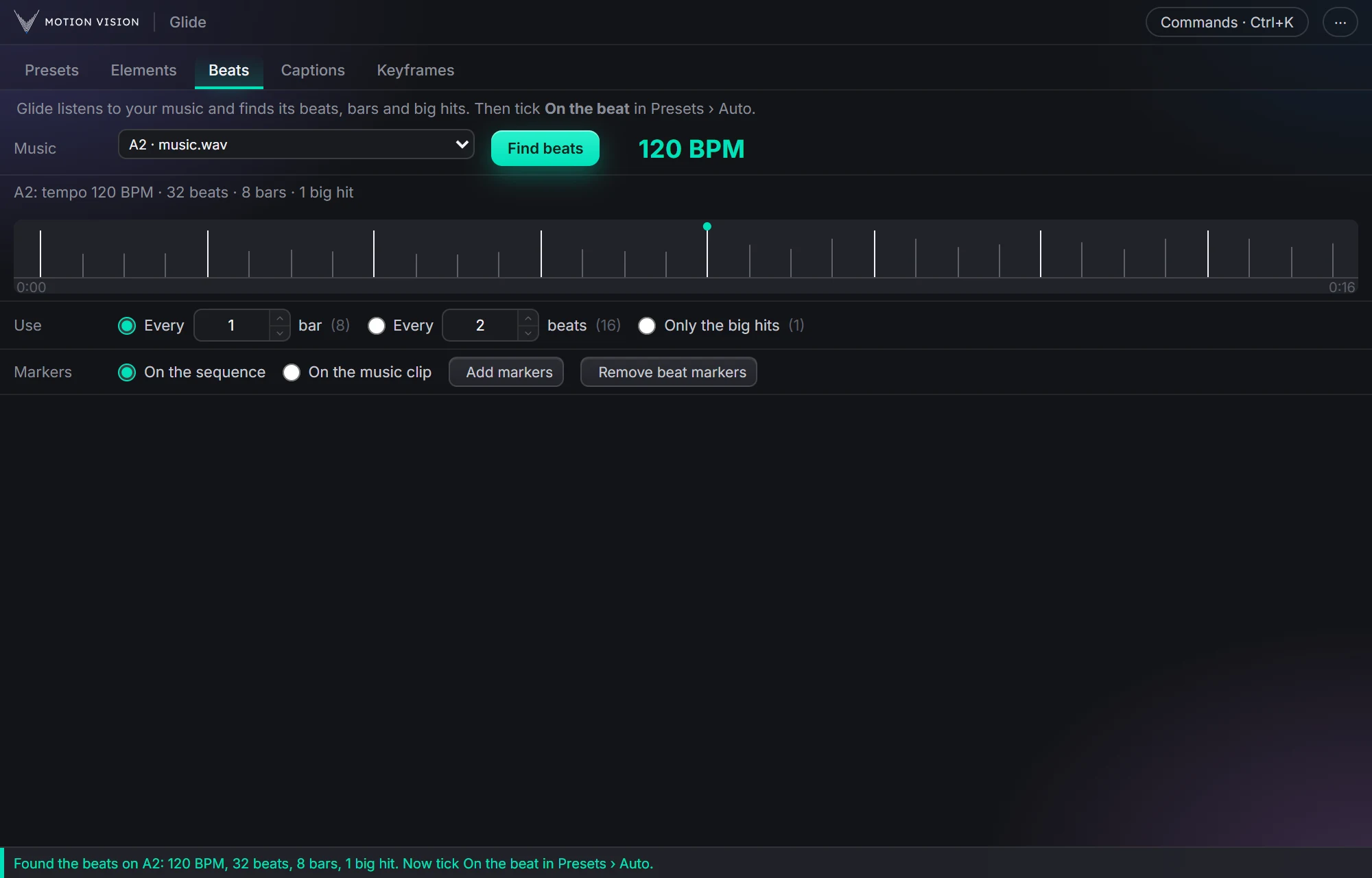 MusicBeatsReads the music and puts the motion on the beat.Learn more →
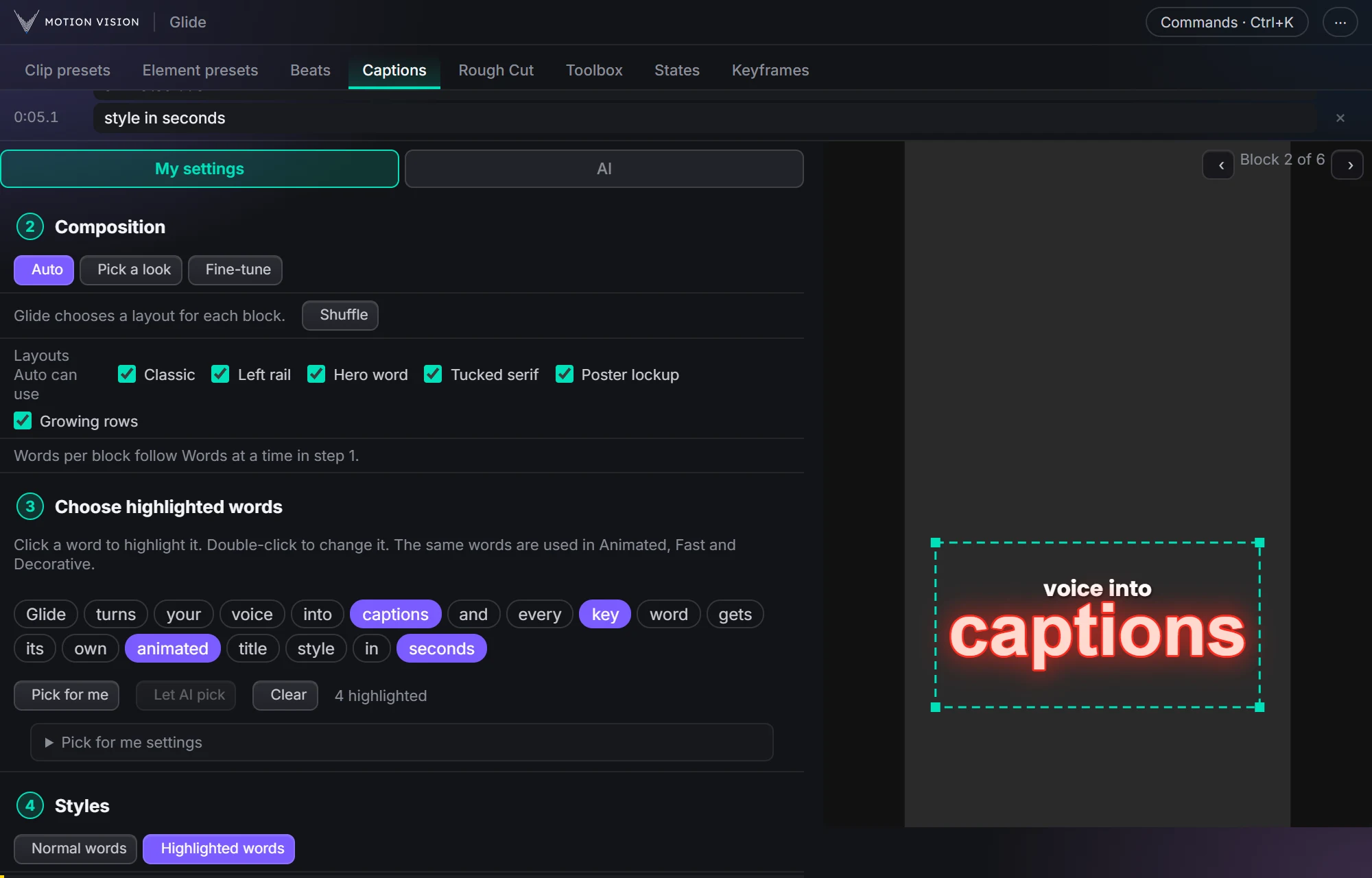 Speech to textCaptionsOffline transcription and translation; Decorative, Animated and Fast captions, 235 looks.Learn more →
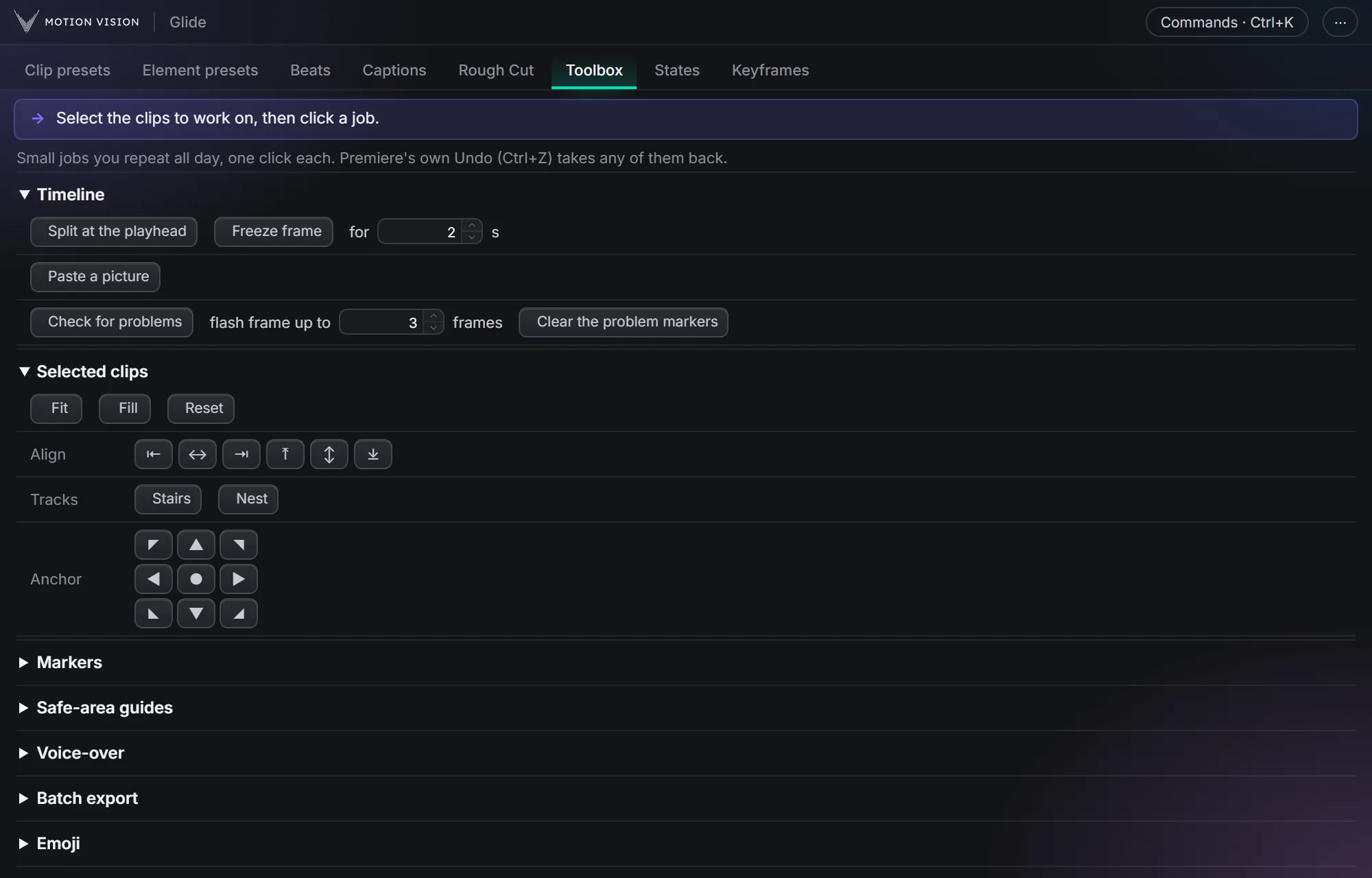 Everyday jobsToolboxThe small jobs you repeat all day, one click each.Learn more →
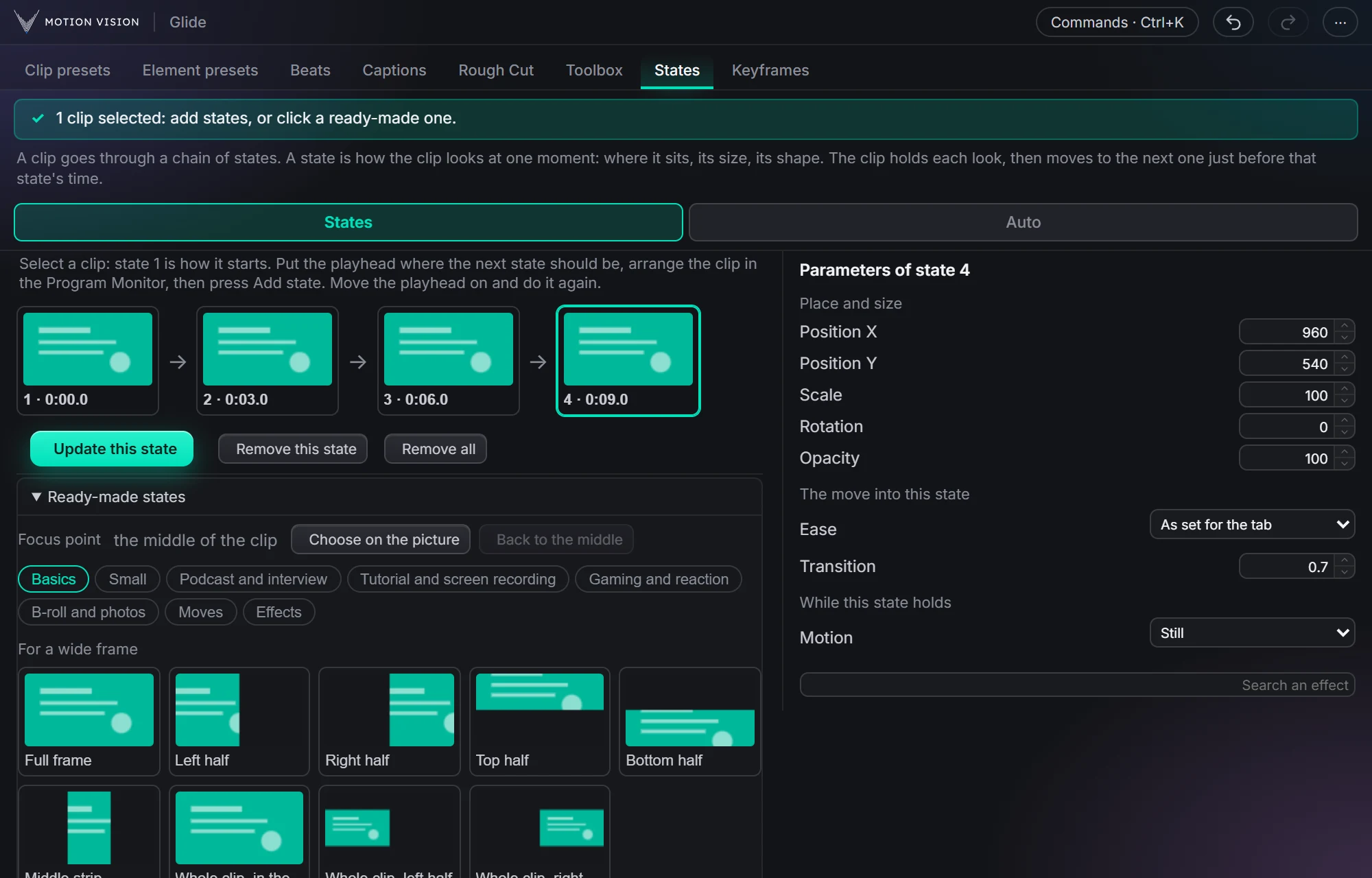 MotionStatesA clip moves from one look to the next, as you click them.Learn more →
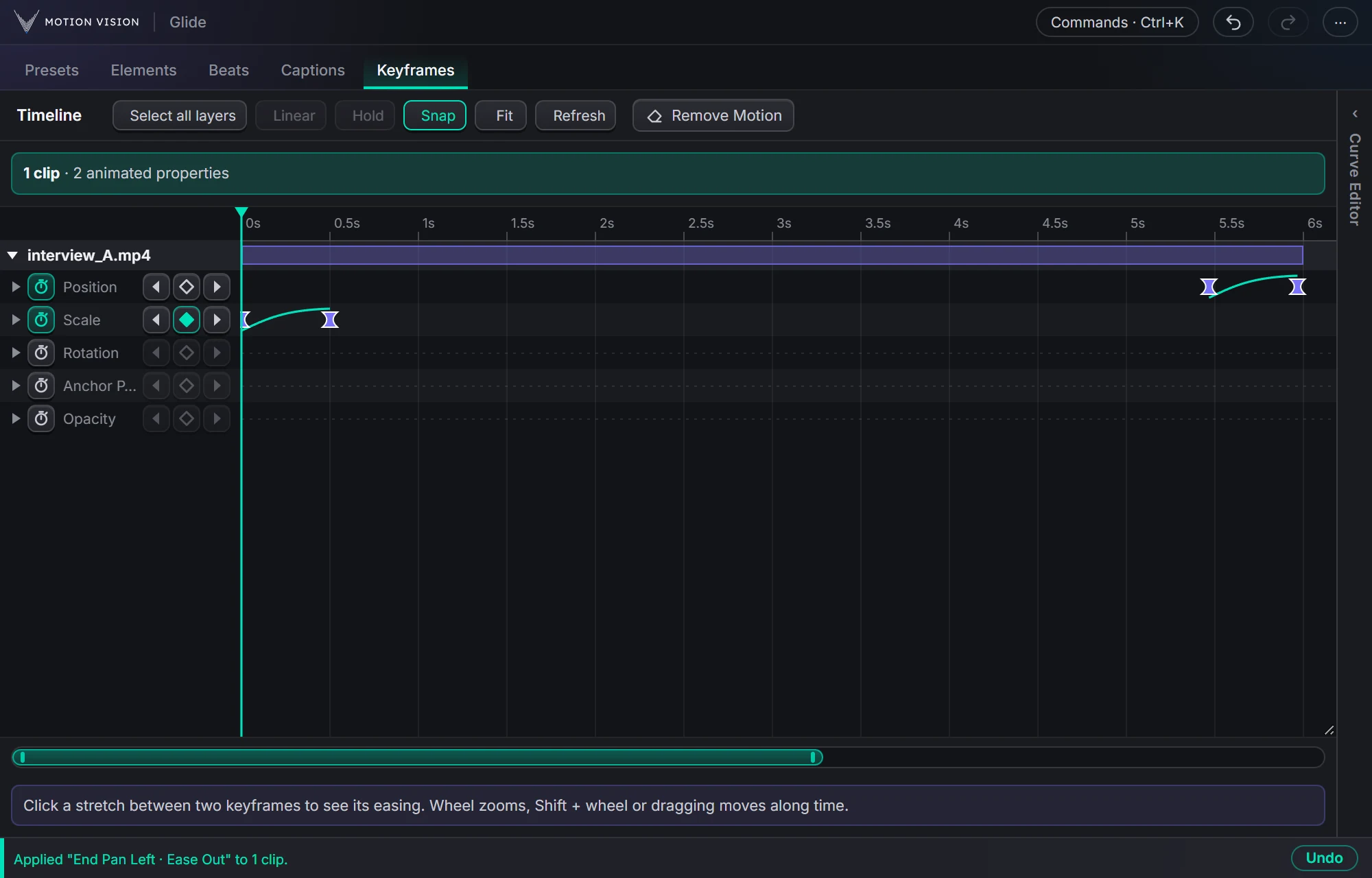 KeyframesTimelineEvery keyframe of the selected clips, in one view you can edit.Learn more →
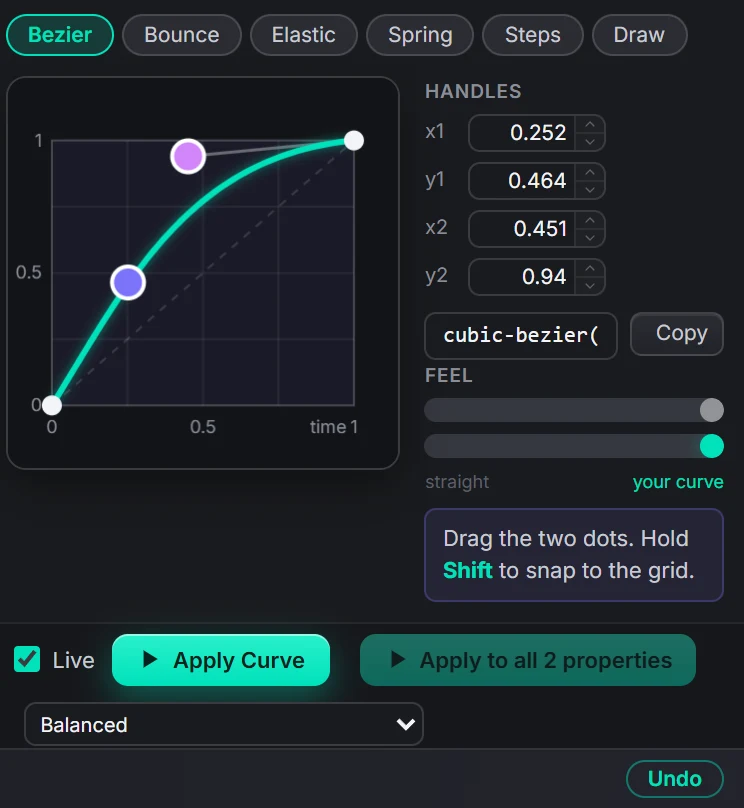 EasingCurve EditorBezier, bounce, elastic, spring, steps, or draw your own.Learn more →
Get Rough Cutwith everything else.
One licence, all eleven tools, with a 7-day money-back guarantee.