
StatesClick the looks. Glide moves between them.
A state is how the clip looks at one moment: where it sits, its size, its shape. Add states along the clip and it holds each one, then moves to the next with the ease you choose.
- Picture in picture
- Facecam corner
- Close-up
- Halves
- Tilted cards
- Push-in
- Soft blur
- 8 eases
- Focus point
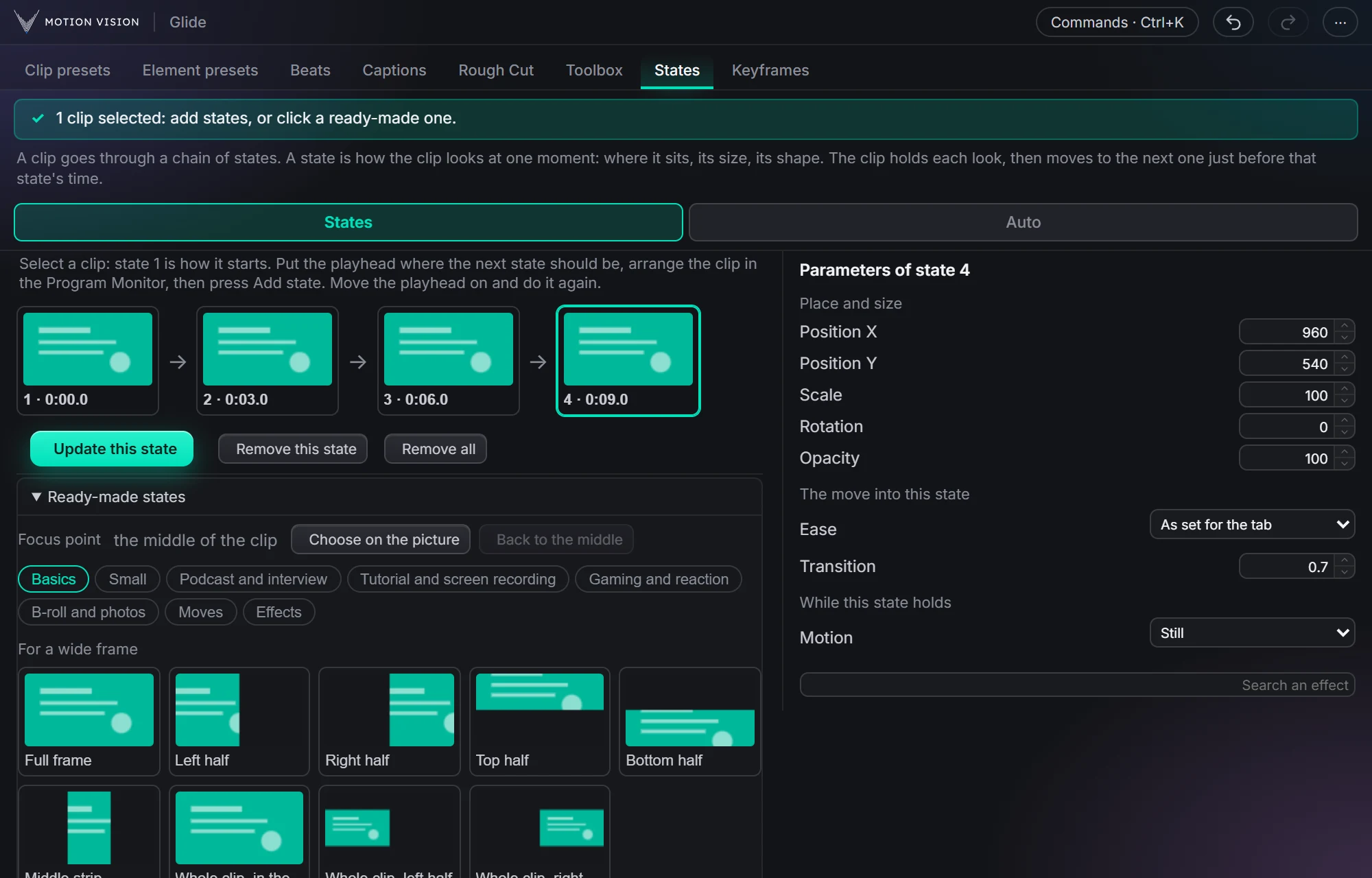
Picture in picture, a facecam in the corner, a push-in on the punchline: normally a pile of keyframes. In States you click a look at a moment, then another, and Glide writes the keyframes between them, with the ease and timing you choose.
Try States on a talking clip.
Click the states, pick an ease, play the chain.
What States gives you.
Ready-made looks
Small and medium in any corner, close-ups, left and right halves, a facecam corner, tilted cards for b-roll and photos, push-ins and pull-outs, soft blur and fades.
A chain of states
Add a state at the playhead, change it, remove it, or clear them all. The clip holds each look, then moves just before the next state's time.
Ease for each move
Smooth, Strong, Soft, Fast then settle, Overshoot, Spring, Bounce, Even, or your own curve from the Easing tab, with its own length.
Focus point
Choose on the picture where the zooms go, or keep the middle.
Effects too
Blur and opacity move with the states when you want them to.
Across your cuts
After a cut the states can carry on, carry on only on the same recording, or stop.
Three steps.
Select the clip
Any clip on your timeline.
Click a look at a time
Move the playhead, click a state, again and again.
Play it
Glide writes the keyframes between them.
Questions about States.
Are these real keyframes?
Yes: Motion and effect keyframes on your clip, which you can still change by hand.
Does it work on a Mac?
Yes, on Windows and Mac, both tested.
The rest of the panel.
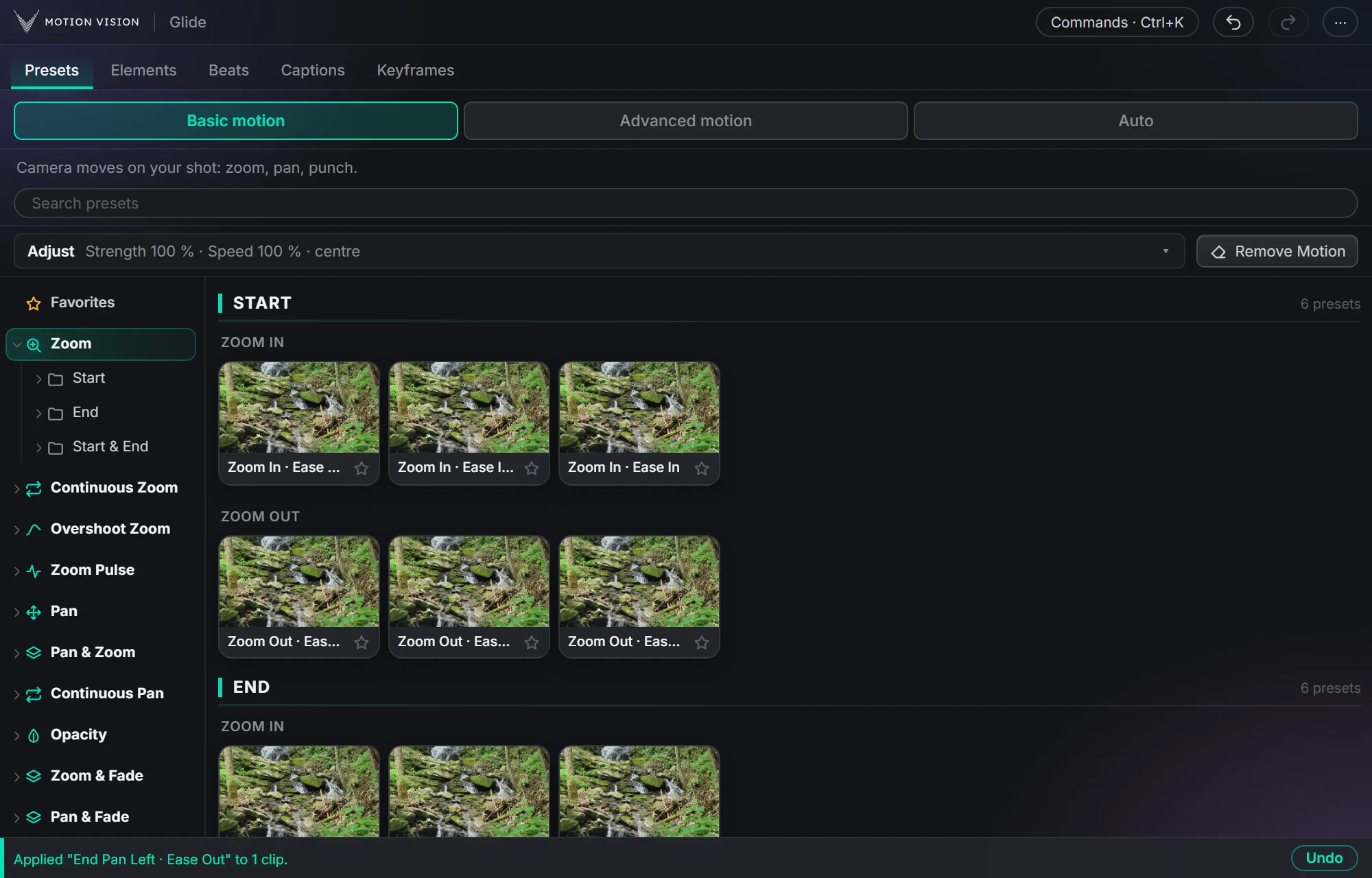 Camera movesClip presets321 zooms, pans, punches, drifts and fades, one click each.Learn more →
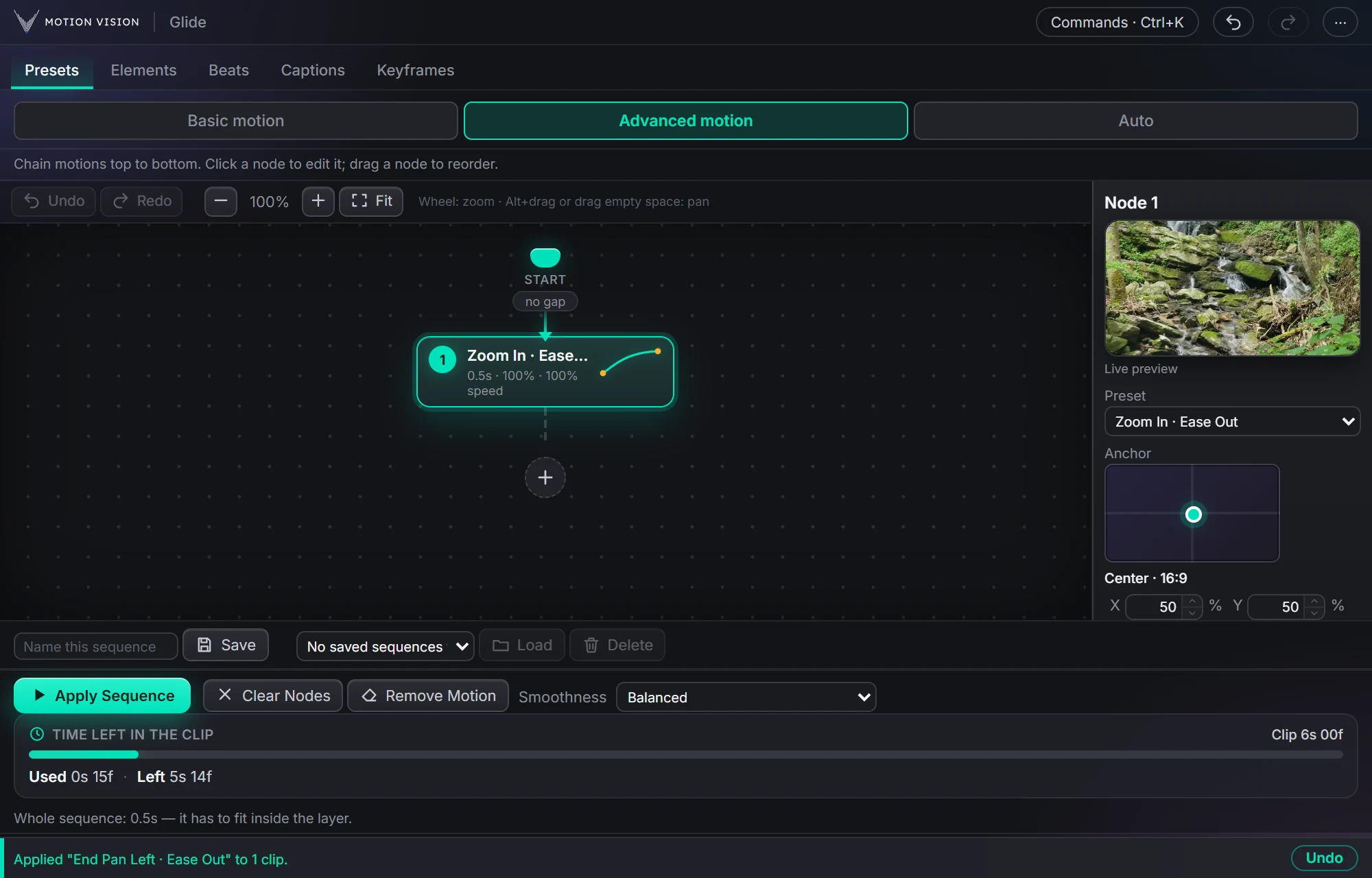 Chained movesAdvanced motionChain several moves on one clip and apply the whole sequence.Learn more →
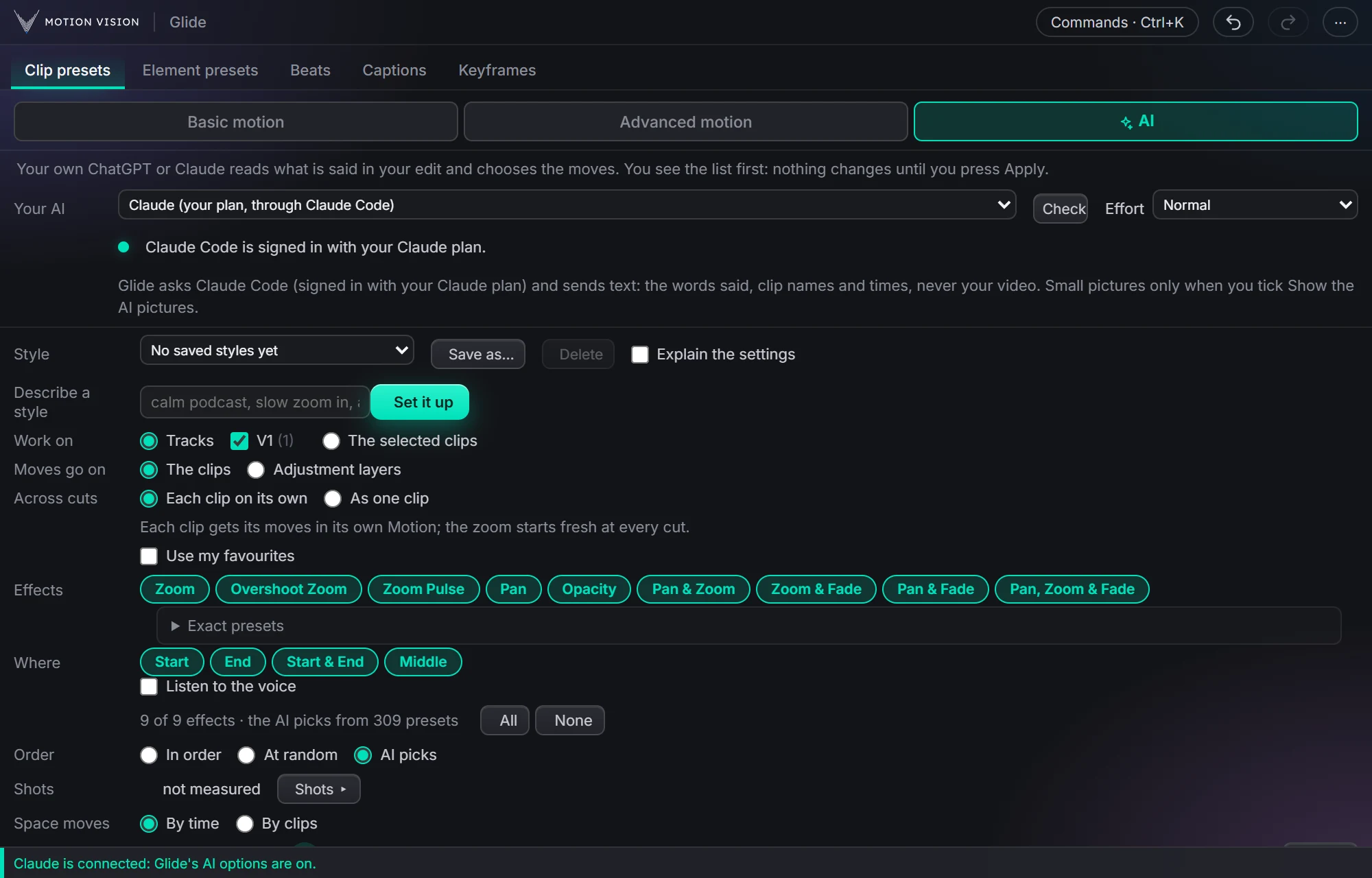 Whole editAuto-pilotMoves on a whole edit at once, with your own AI or without.Learn more →
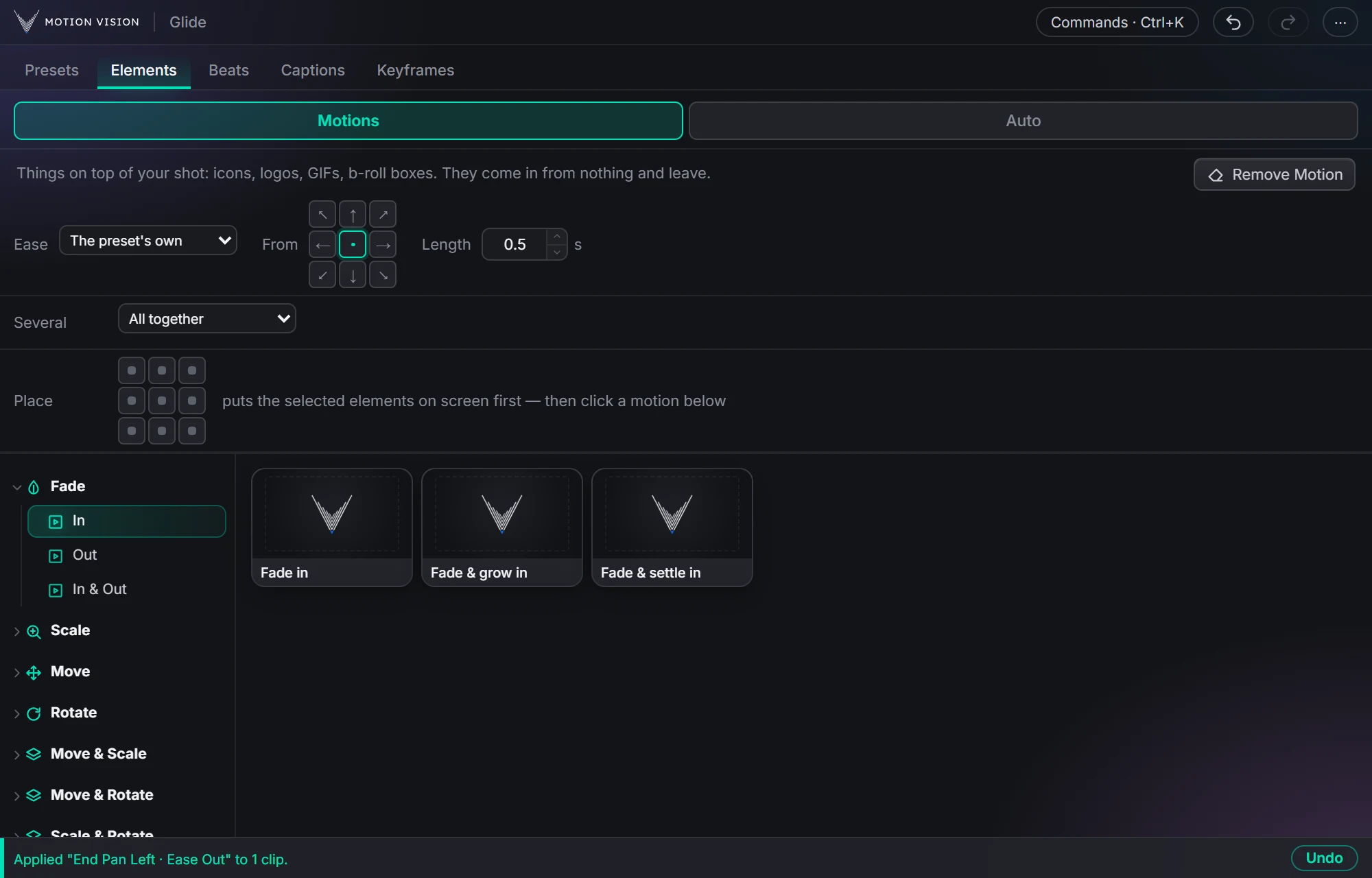 OverlaysElement presetsIcons, logos and b-roll that come in and leave.Learn more →
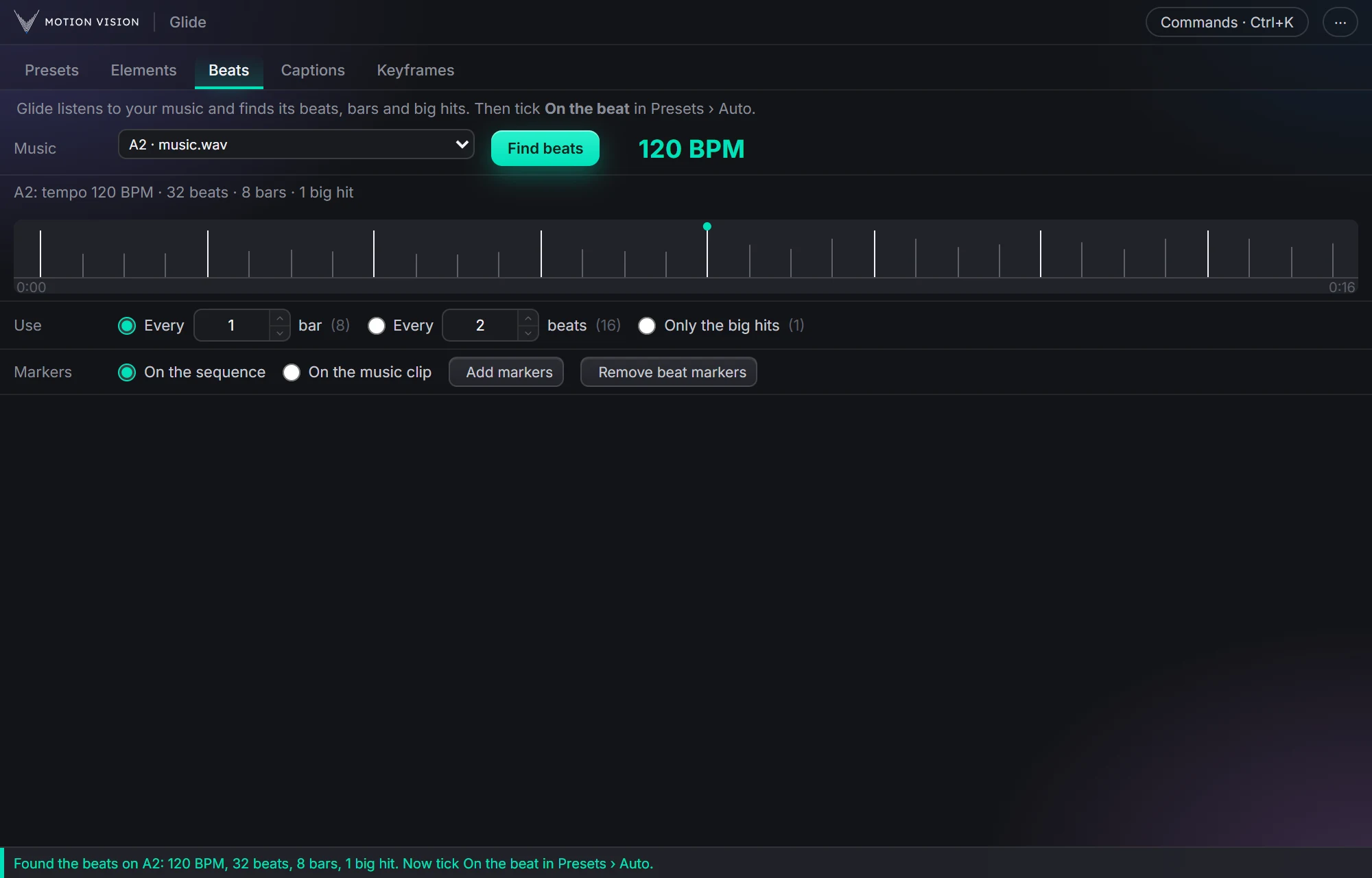 MusicBeatsReads the music and puts the motion on the beat.Learn more →
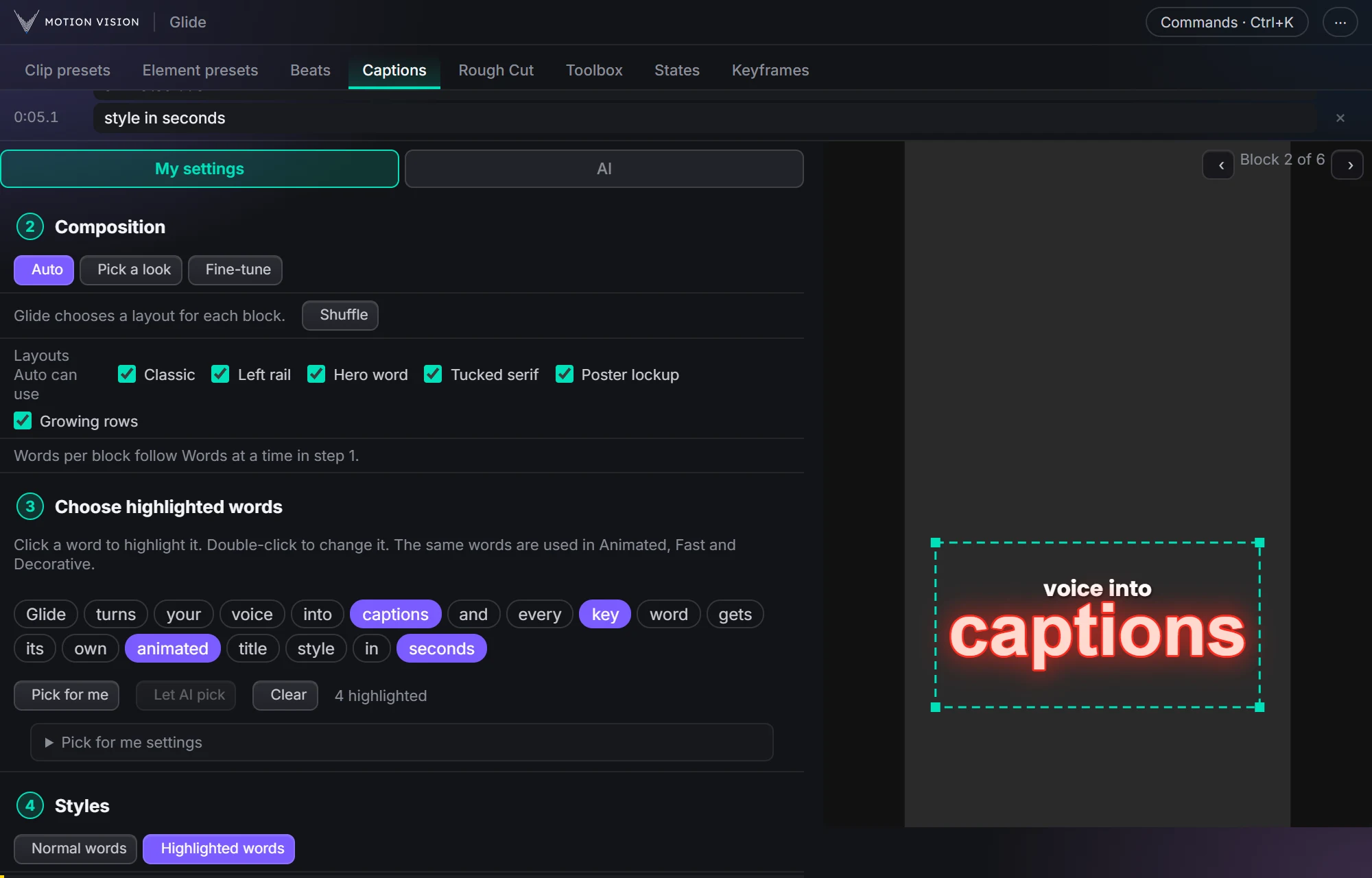 Speech to textCaptionsOffline transcription and translation; Decorative, Animated and Fast captions, 235 looks.Learn more →
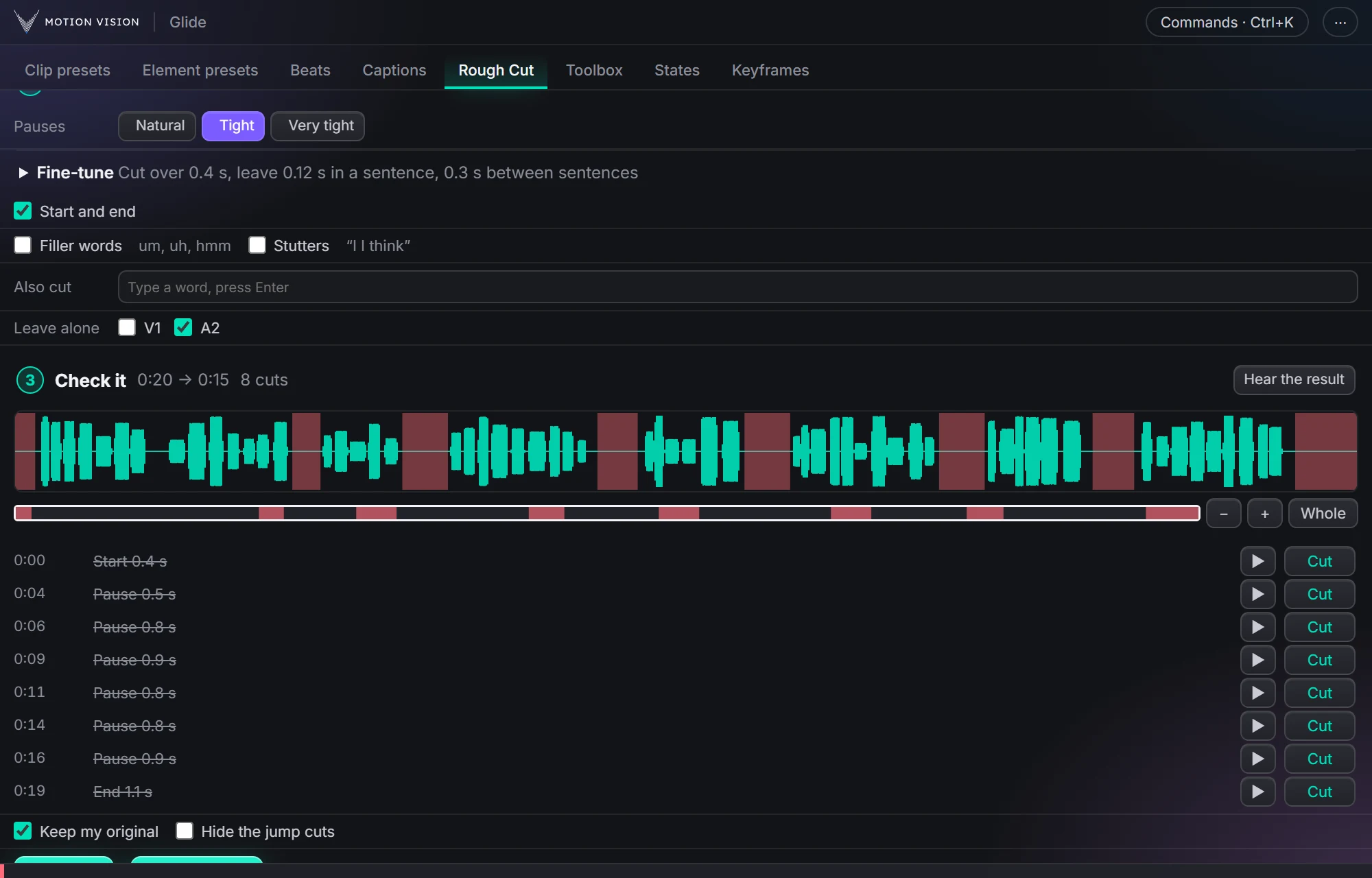 EditingRough CutCuts the pauses, ums and repeats out of a talking clip.Learn more →
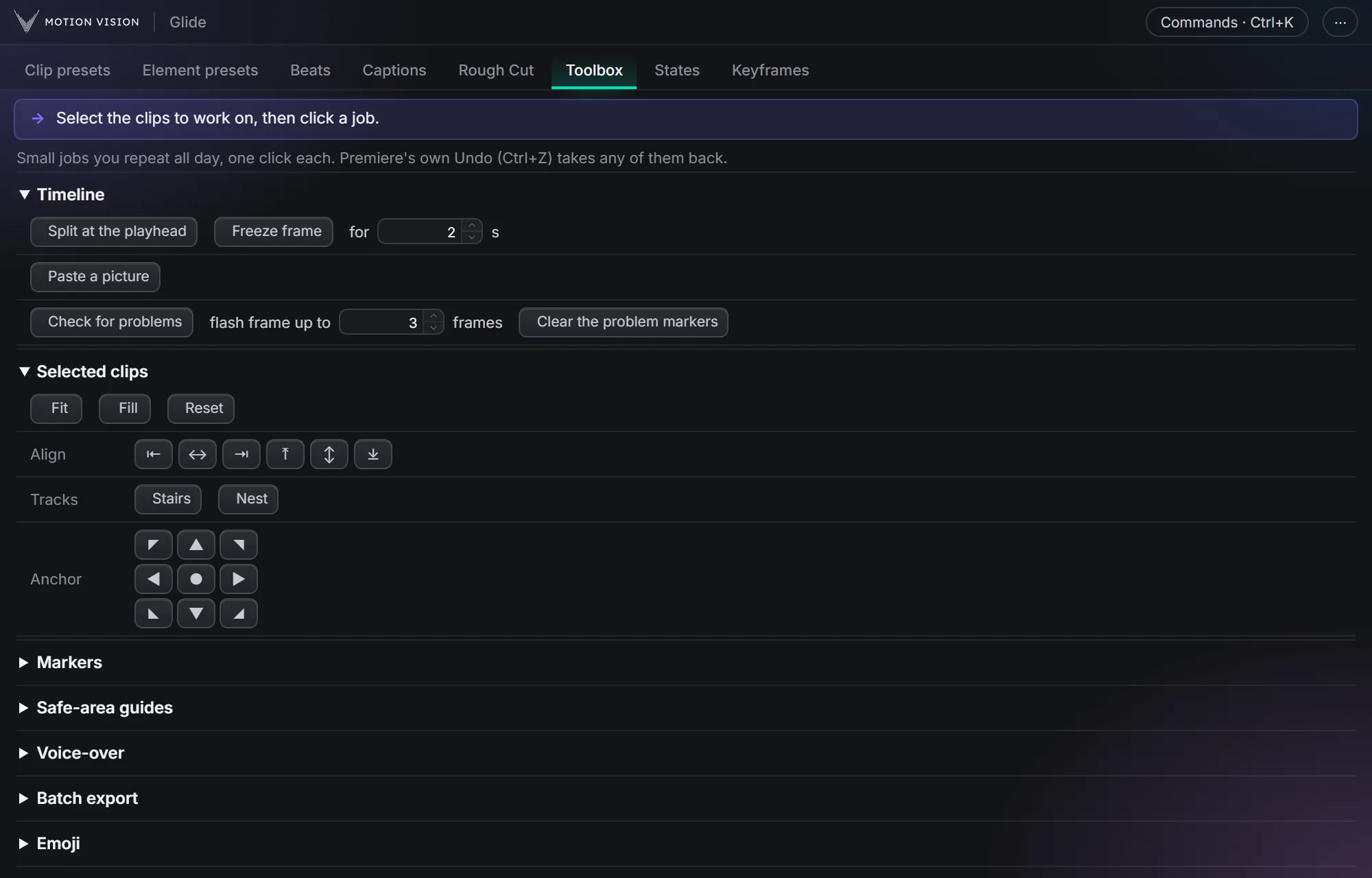 Everyday jobsToolboxThe small jobs you repeat all day, one click each.Learn more →
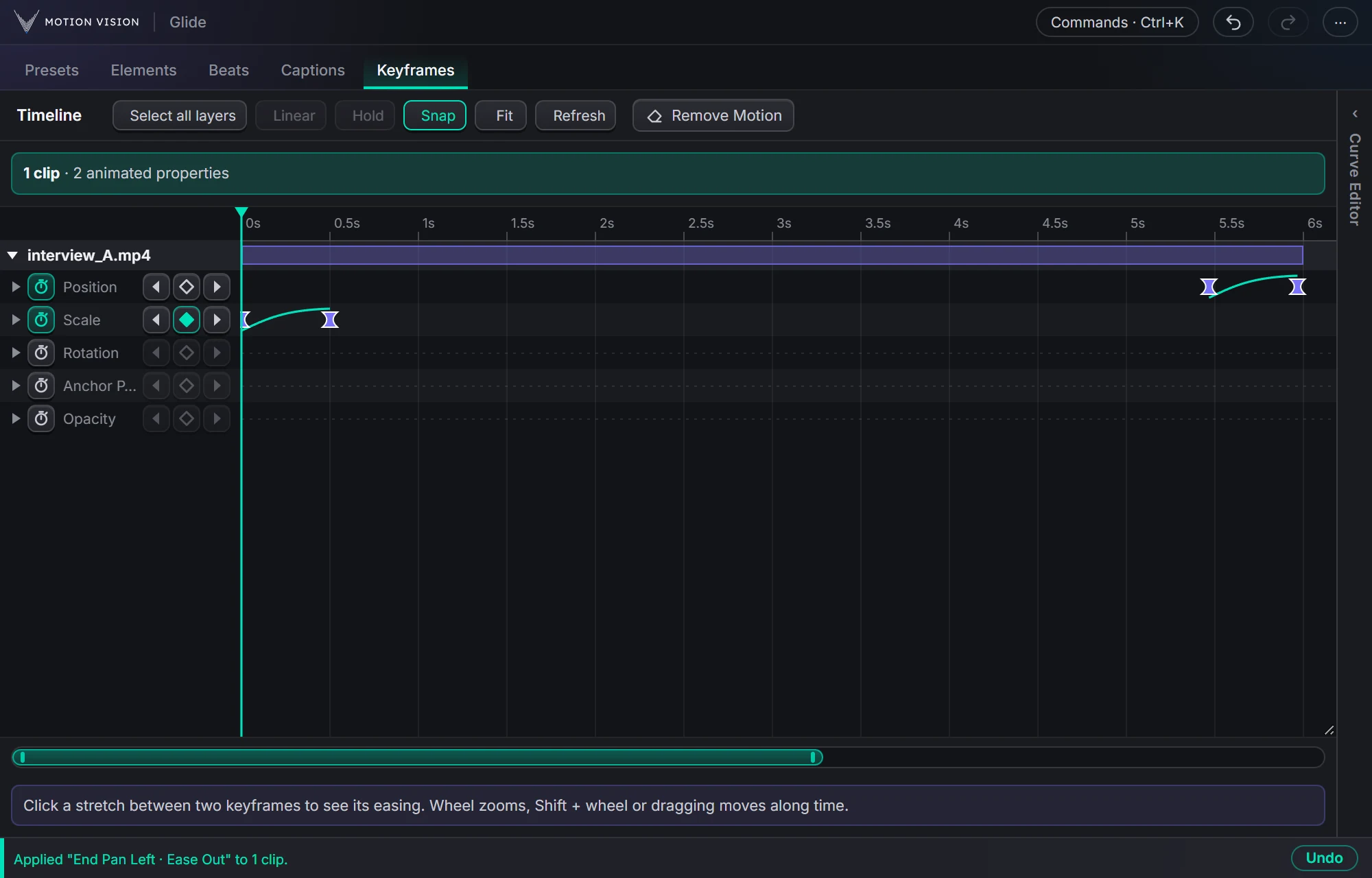 KeyframesTimelineEvery keyframe of the selected clips, in one view you can edit.Learn more →
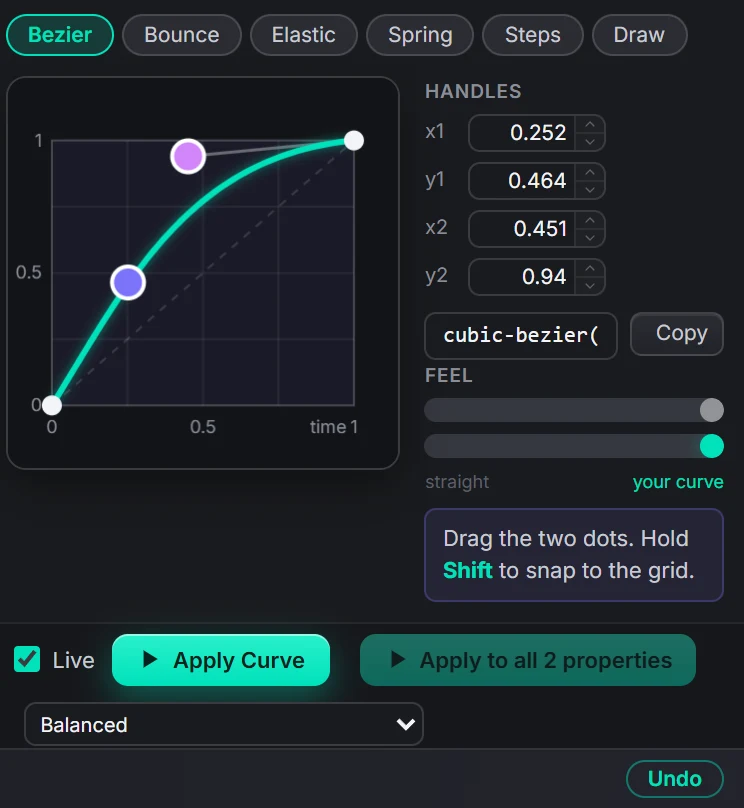 EasingCurve EditorBezier, bounce, elastic, spring, steps, or draw your own.Learn more →
Get Stateswith everything else.
One licence, all eleven tools, with a 7-day money-back guarantee.